Scroll through any social feed and you will see it. Some AI images stop you dead. Others vanish without a second glance. The difference is rarely technical perfection. It is emotional connection. Here is exactly how to create AI art that people cannot help but engage with.
1. Lead With Emotion, Not Objects
Most beginners describe what they see. Viral creators describe what they feel. Your prompt should trigger an emotional response before it describes visual details.
- Basic: "A forest"
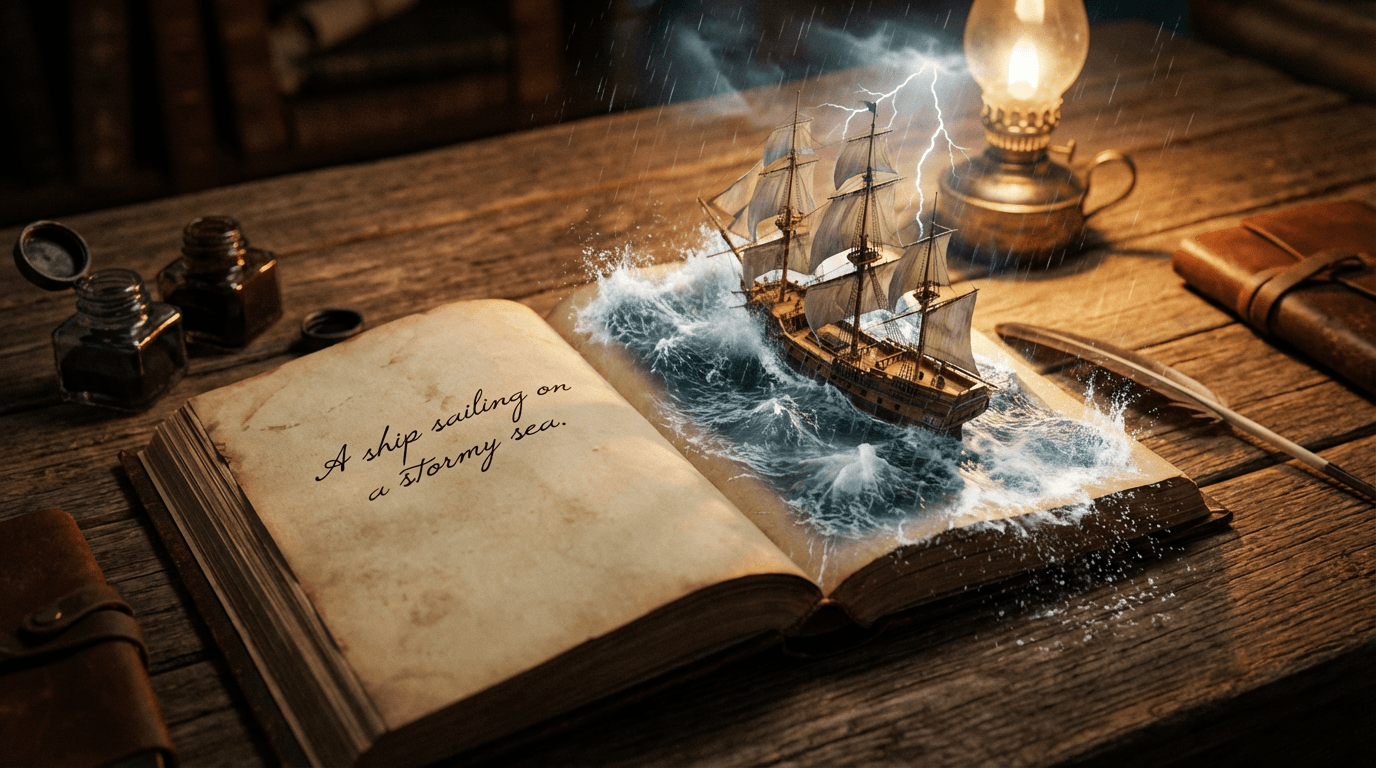
- Viral: "A haunting, mist-covered forest at twilight with beams of golden light breaking through ancient trees"
Emotional keywords work because they activate the viewer's imagination. Words like "haunting," "serene," "chaotic," or "nostalgic" create instant mood. The AI translates these feelings into lighting, color, and composition choices that resonate.
"The difference between a scroll-past and a double-tap is often just one emotional word in the right place."
2. Match Your Tool to Your Goal
Using the wrong AI model is like using a hammer to screw in a lightbulb. Each tool excels at specific tasks. Choose wisely:
- Photorealistic portraits: Use Imagen4 for lifelike human features and natural lighting
- Typography and logos: Ideogram specializes in clean text integration and brand elements
- Abstract art: Midjourney and Stable Diffusion offer more artistic interpretation
Forcing a photorealistic model to create stylized text leads to frustration. Start with the right tool, and your results improve dramatically from the first generation.
3. Generate Multiple Variations
Viral images are almost never the first attempt. Professional AI artists generate 10-20 variations of the same prompt, then curate the best ones. This is not optional. It is the workflow.
Your refinement toolkit:
- Re-roll the same prompt: Small random variations can produce dramatically different results
- Fix specific flaws: Use targeted editing tools to correct hands, faces, or composition issues
- Negative prompts: Explicitly exclude unwanted elements like "blurry," "distorted," or "poor lighting"
Think of generation as sketching. You would not expect a perfect drawing on the first try. AI works the same way.
4. Optimize for the Platform
An image that thrives on Instagram may flop on TikTok. Each platform has unique visual preferences:
- Instagram: High contrast, bold colors, vertical composition (4:5 or 9:16)
- TikTok: Dynamic movement, text overlays, trending aesthetics
- Twitter/X: Clean, readable at small sizes, minimal text
- Pinterest: Inspirational, aspirational, lifestyle-focused
Design with the destination in mind. An image optimized for its platform performs better algorithmically and emotionally.
5. Add a Human Touch
The most viral AI art does not look purely AI generated. It looks like a human had a hand in it. This is not about hiding the AI. It is about adding intention.
Simple humanizing techniques:
- Crop strategically: Remove dead space, focus on the emotional core
- Adjust brightness/contrast: Make colors pop or soften for mood
- Add subtle texture: Grain, film noise, or brush strokes break the "too perfect" AI look
- Write compelling captions: Tell the story behind the image, ask questions, invite engagement
These small touches signal authenticity. Audiences connect with intention, not automation.
6. Avoid These Common Mistakes
Even experienced creators fall into these traps. Stay clear of:
- Over-polishing: Perfectly clean AI images can feel sterile. Some imperfection adds character
- Ignoring trends: Study what is working now. Adapt techniques, not just copy
- Skipping the hook: If your image does not grab attention in the first half second, it fails
- Forgetting the audience: Create for a specific person or community, not "everyone"
The Real Secret
There is no magic algorithm for virality. The images that spread fastest share one trait: they make people feel something specific and shareable. Joy, awe, curiosity, nostalgia. Your job is not to master AI. It is to master communication.
The tools will keep evolving. Your ability to connect emotionally will always be the differentiator. Start creating your viral AI art today.