Wanoza.ai LogoWanoza.ai Logo
Wanoza
ModelsFeaturesPricingBlogLogin
Models
Features
Pricing
Blog
Login
Login
Wanoza AI Logo - Light ModeWanoza AI Logo - Dark Mode
Wanoza AI

Generate stunning, professional-quality images and videos in seconds.

[email protected]

Smart Editing

  • Edit Background
  • Increase Resolution
  • Erase Elements
  • Magic Edit

AI Generation

  • Image Generator
  • Video Generator
  • Photo Product
  • Photo Character

Company

  • About Us
  • Blog
  • Payment Methods

Legal

  • Terms & Conditions
  • Privacy Policy
  • Refund Policy

© 2026 Wanoza AI. All rights reserved.

AI Powered Tool

Erase Elements

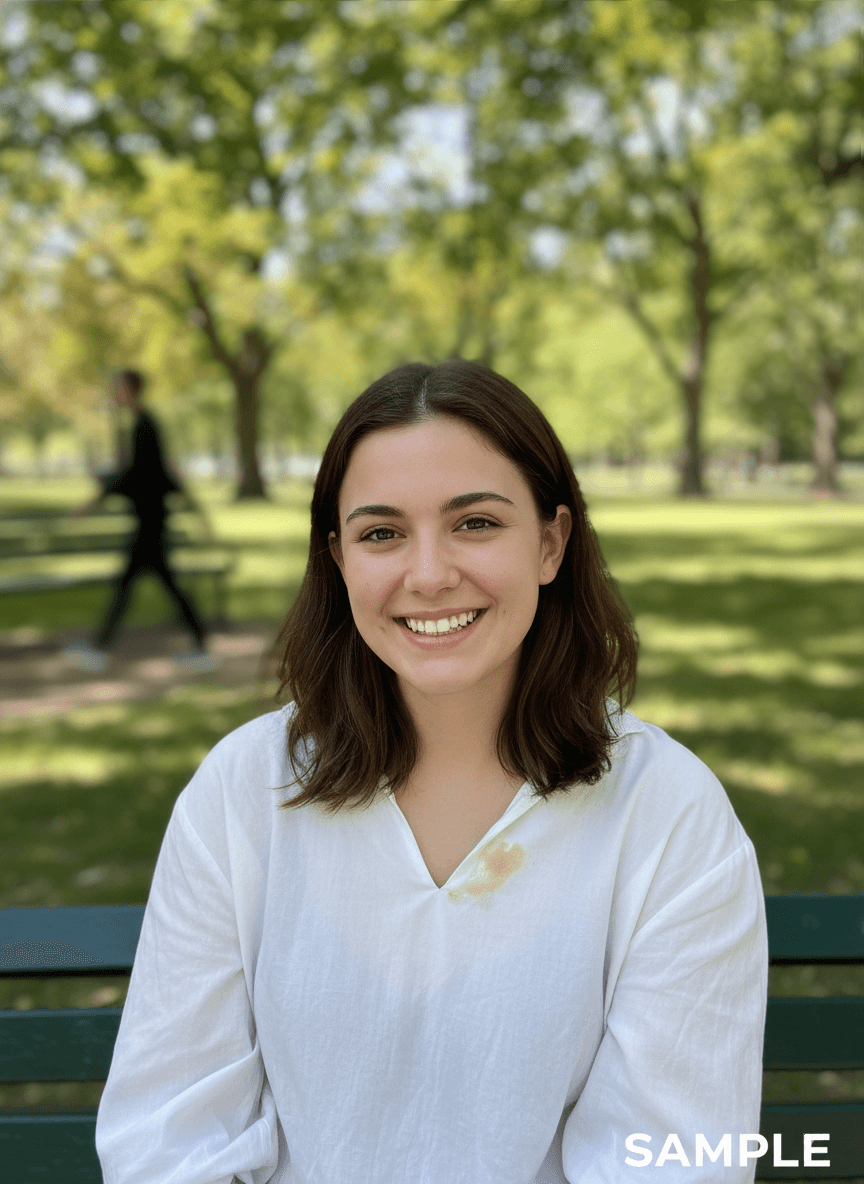
Clean up your photos instantly. Remove photobombers, text, watermarks, or blemishes. The AI intelligently fills in the gap, matching the surrounding texture and lighting perfectly.

On Platform:Found under IMAGE EDITING > Erase Elements.
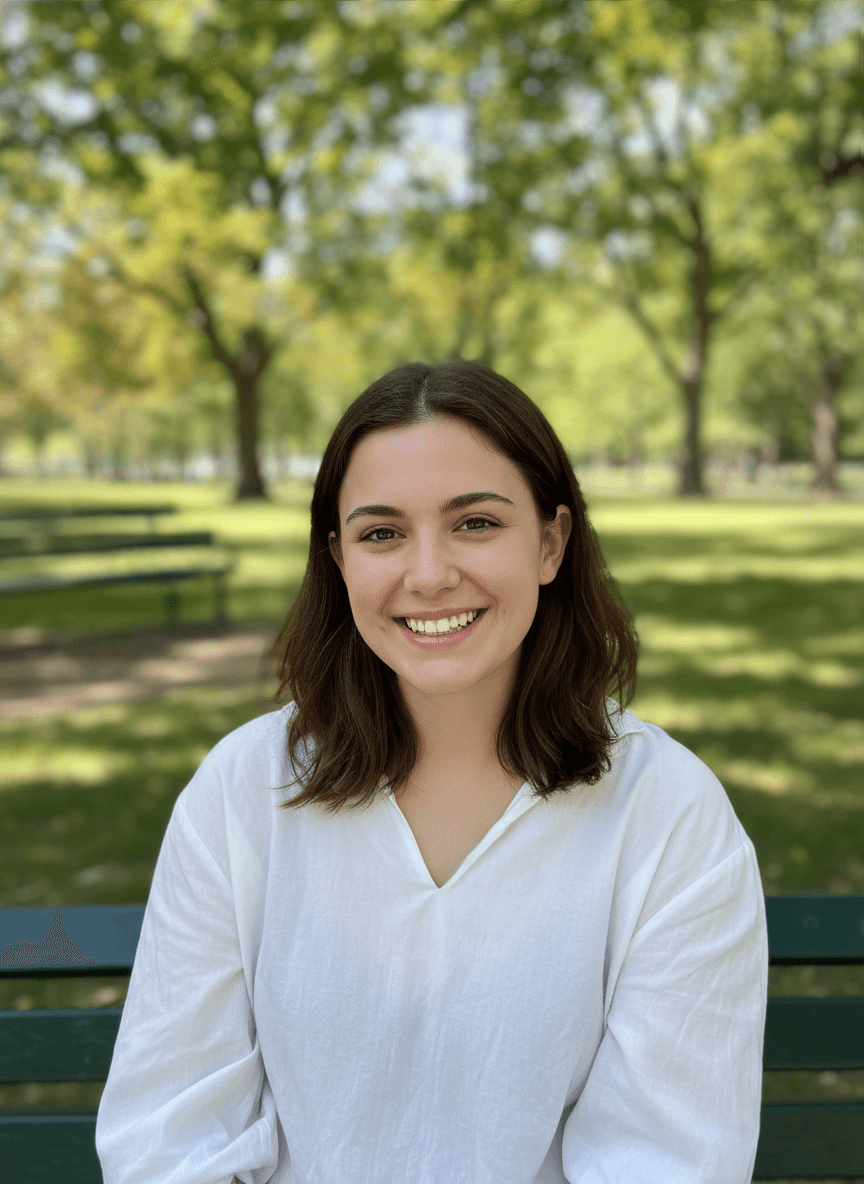
Processed Result: Erased
Original Image: Original
Original
Erased

How It Works

Three simple steps to professional results.

01

Upload

Upload the photo you want to clean.

02

Brush

Highlight the unwanted object.

03

Erase

The AI fills the space magically.

Inspiration

The Magic of Disappearing Objects

Clean up distractions, remove watermarks, and perfect your composition instantly.
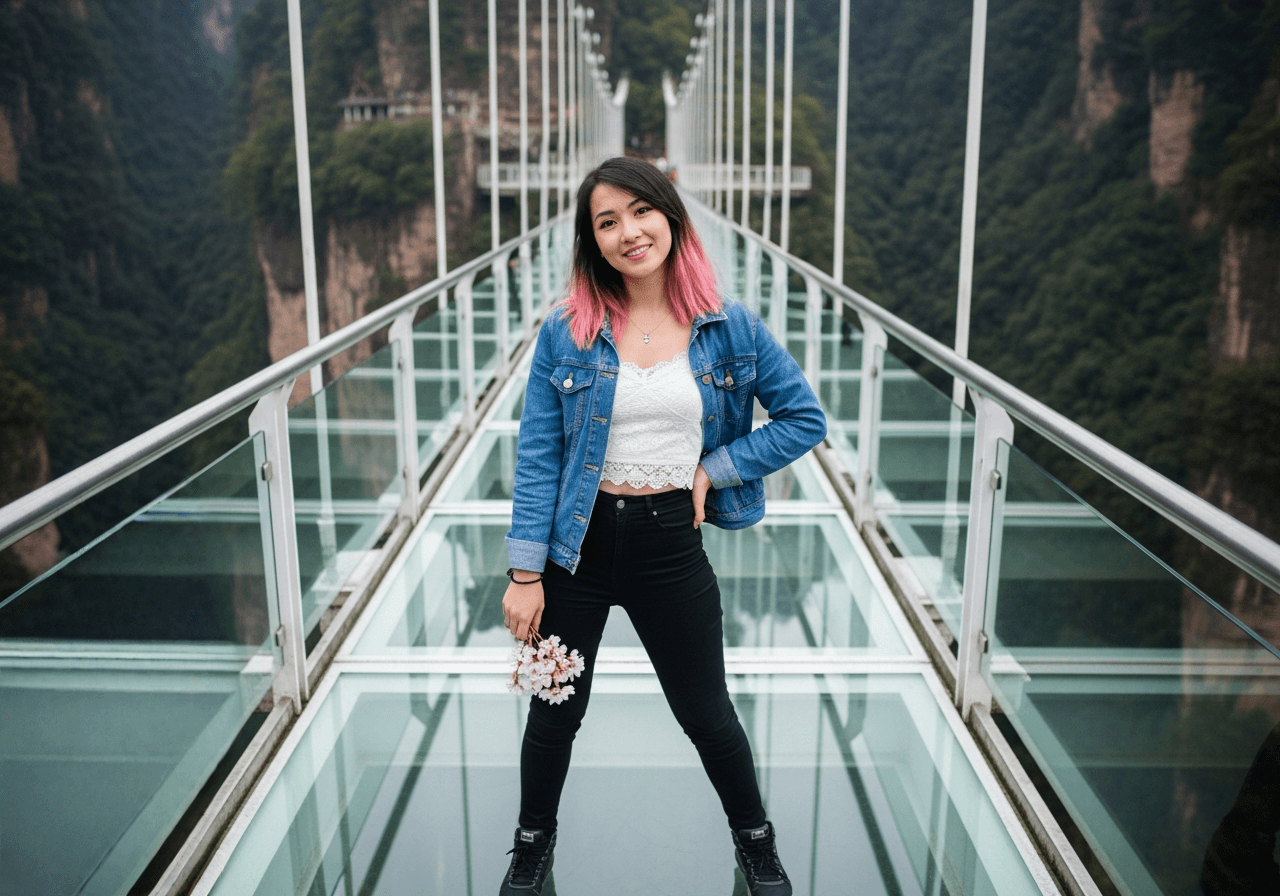
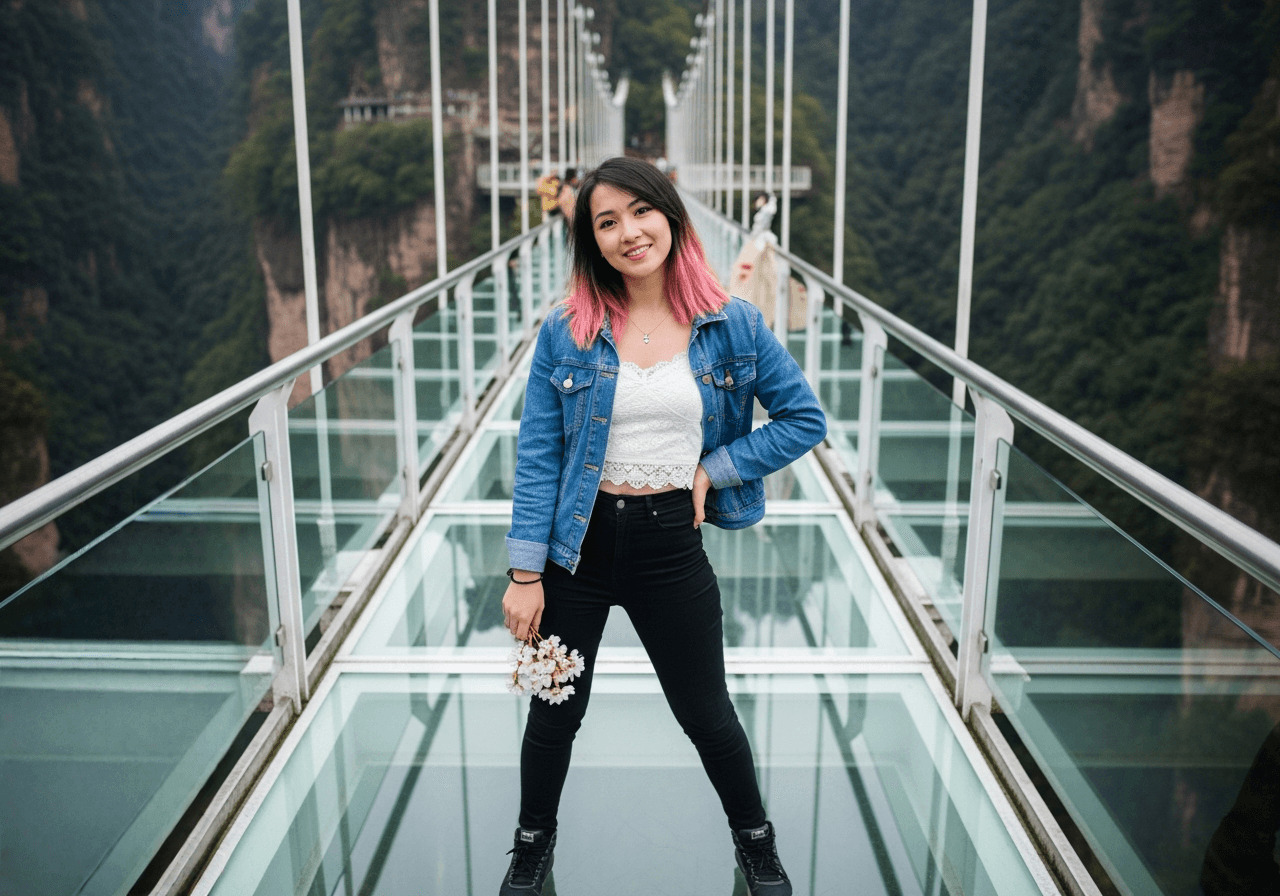
Result
Original
Original
Result
01

Perfecting Travel Photos

Remove tourists, trash bins, and strangers from your landmark shots. Keep the memory, lose the crowd.
Result
Original
Original
Result
02

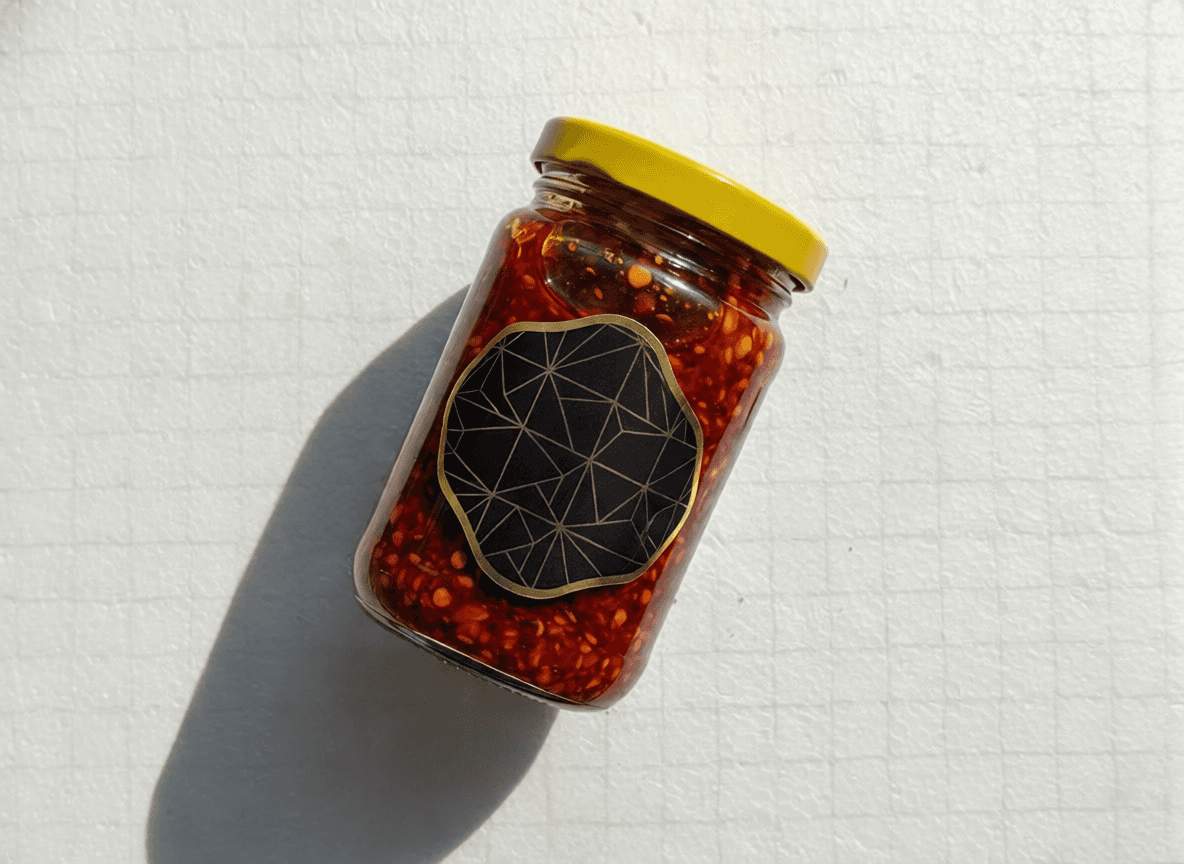
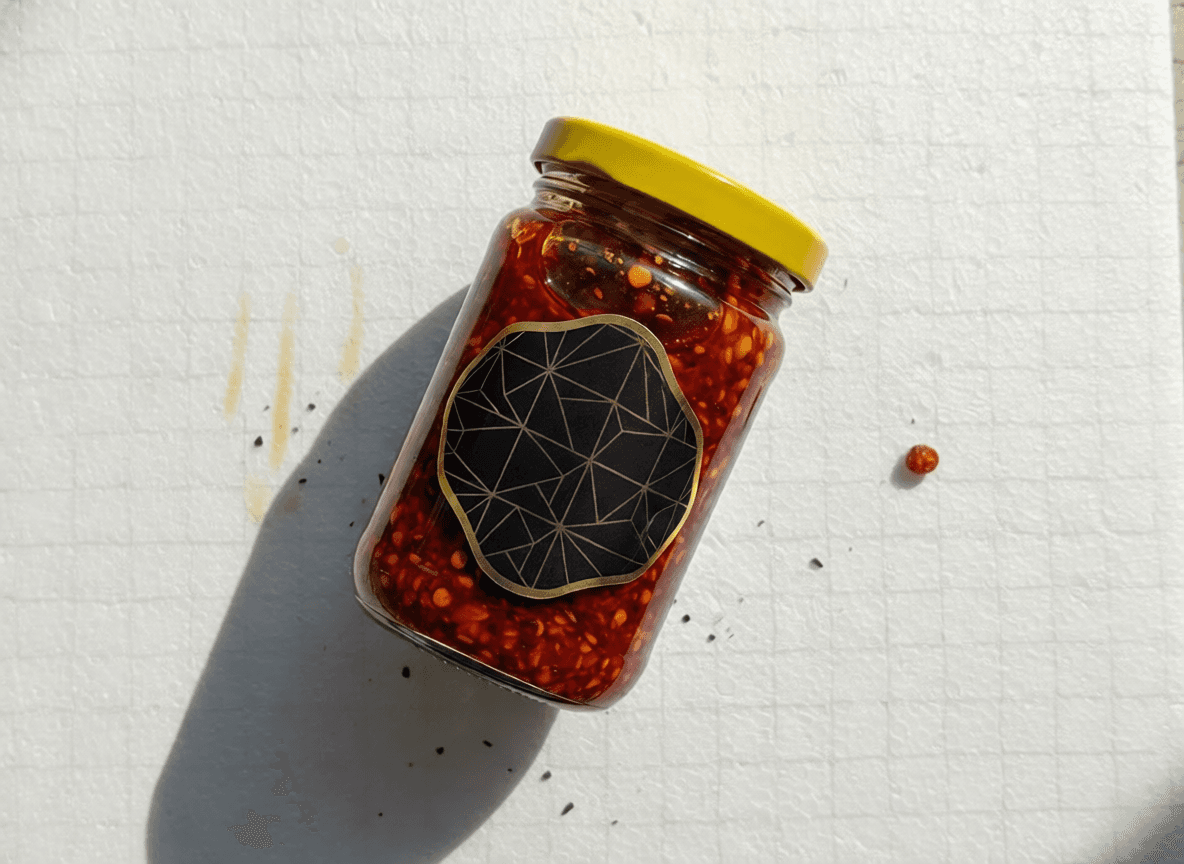
Product Photo Cleanup

Remove dust, scratches, or support stands from product images. Ensure your product looks pristine for the catalog.


Result
Original
Original
Result
03

Removing Text & Watermarks

Clean up stock photos or images with unwanted text overlays to repurpose them for your own designs.
Result
Original
Original
Result
04

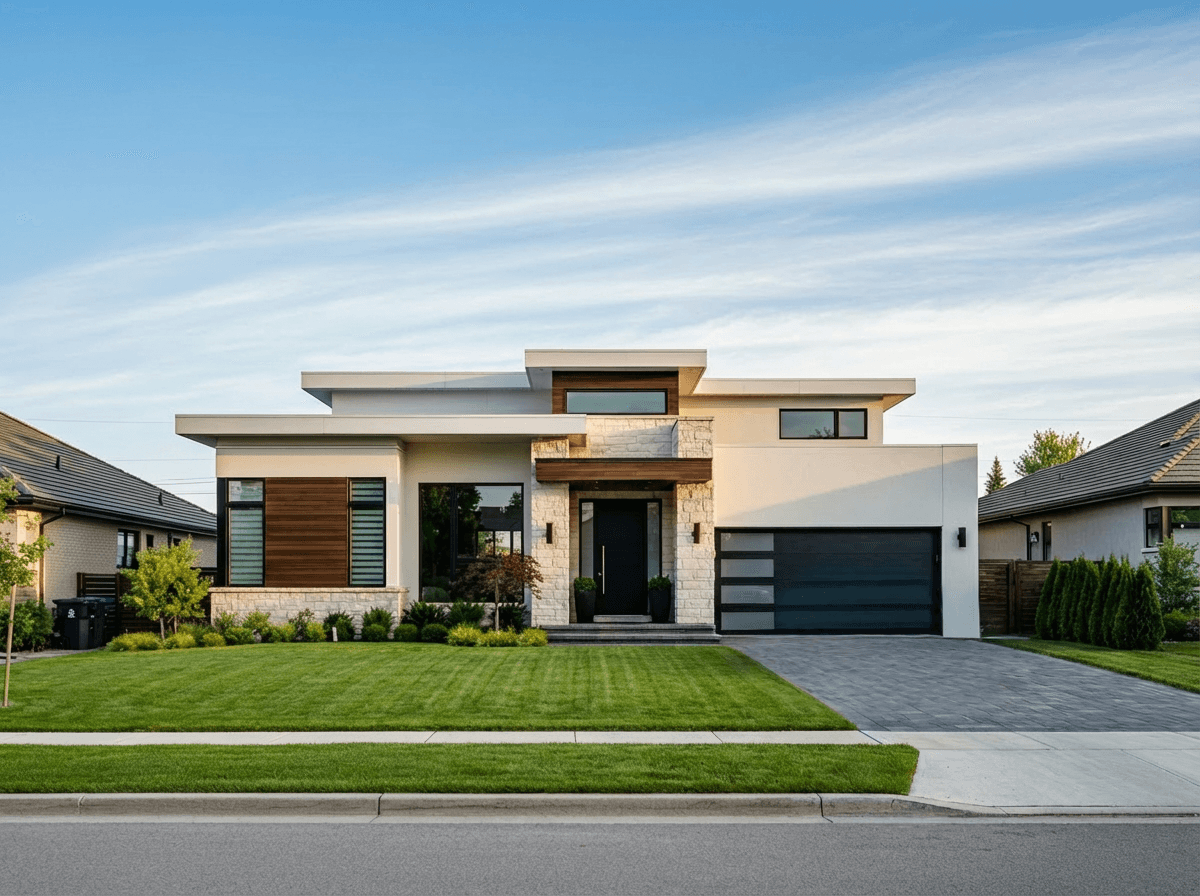
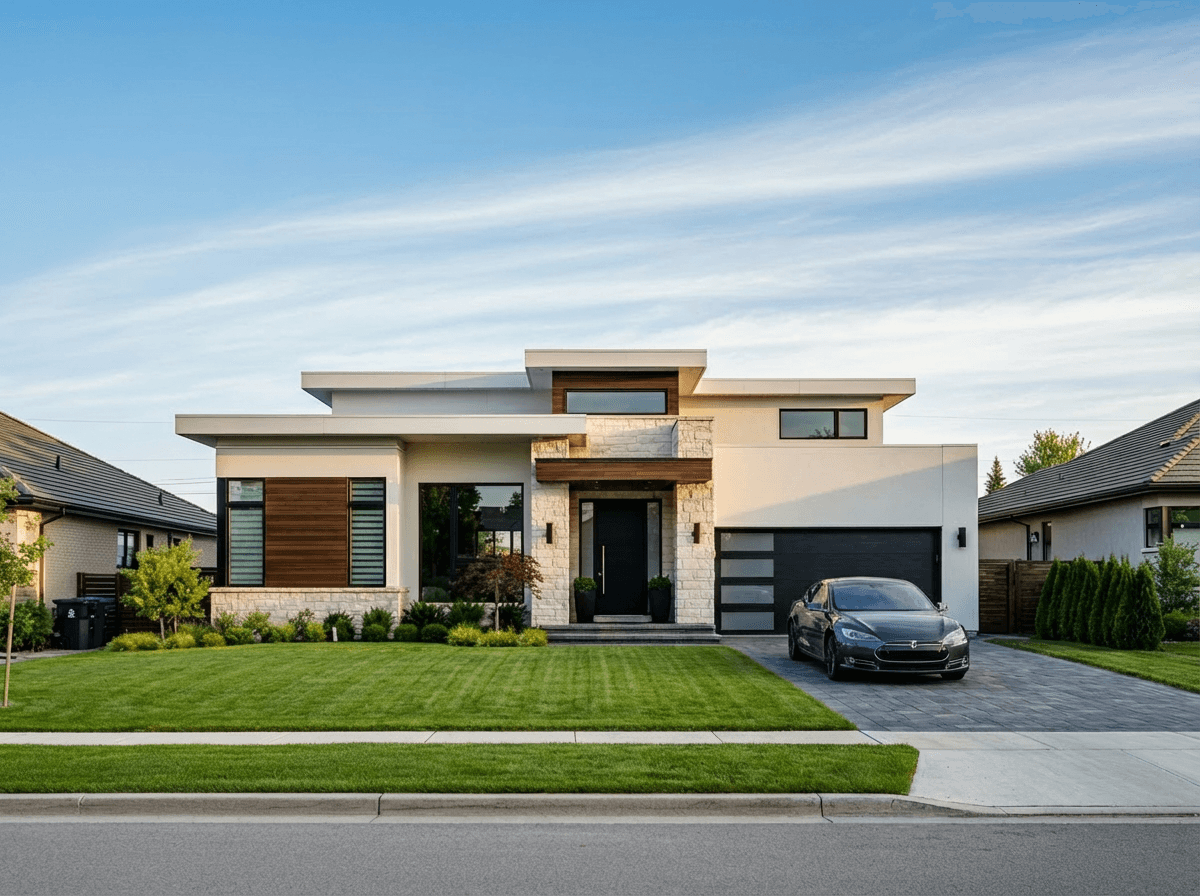
Real Estate Staging

Clean up clutter, garden hoses, or parked cars from property listing photos to improve curb appeal.

The Smartest 'Delete' Button

Erase Elements (also known as Magic Eraser) uses advanced inpainting algorithms to analyze what's behind the object you want to remove. It doesn't just smudge pixels; it understands the scene.

Seamless Reconstruction

Whether it's a power line crossing a blue sky or a tourist standing on a patterned floor, the AI reconstructs the background pattern, texture, and lighting continuity. This ensures that the edited area blends invisibly with the rest of the photo.


Frequently Asked Questions

How precise do I need to be?
You don't need to be pixel-perfect. Just brush roughly over the object, covering it completely. The AI detects the object boundaries.
Can it remove large objects?
Yes, but for very large areas, the results may vary depending on the complexity of the background.

Have a Photo That Needs Fixing?

Explore All Tools