Social media algorithms prioritize video content because it keeps users engaged longer. But filming high-quality video consistently is challenging for most creators. You need equipment, lighting, editing skills, and time. AI video generation removes these barriers, letting you create engaging video content from your computer in minutes.
Wanoza's Video Generator transforms static images into dynamic video clips, generates original video from text prompts, and gives you director-level control over camera movement and composition. This guide shows you exactly how to create scroll-stopping video content for TikTok, Instagram Reels, and other social platforms without ever picking up a camera.
Why Video Dominates Social Media
The numbers are clear: video content consistently outperforms static images across all major platforms. TikTok's entire algorithm is built around short-form video. Instagram prioritizes Reels in the feed. YouTube Shorts compete directly with TikTok for user attention. Even LinkedIn now pushes video content to the top of feeds.
But creating video content at the volume and quality required by these platforms is unsustainable for most creators. AI video generation solves this by making professional-quality video creation accessible to everyone, regardless of equipment or editing skills.
Transform Static Images into Dynamic Video
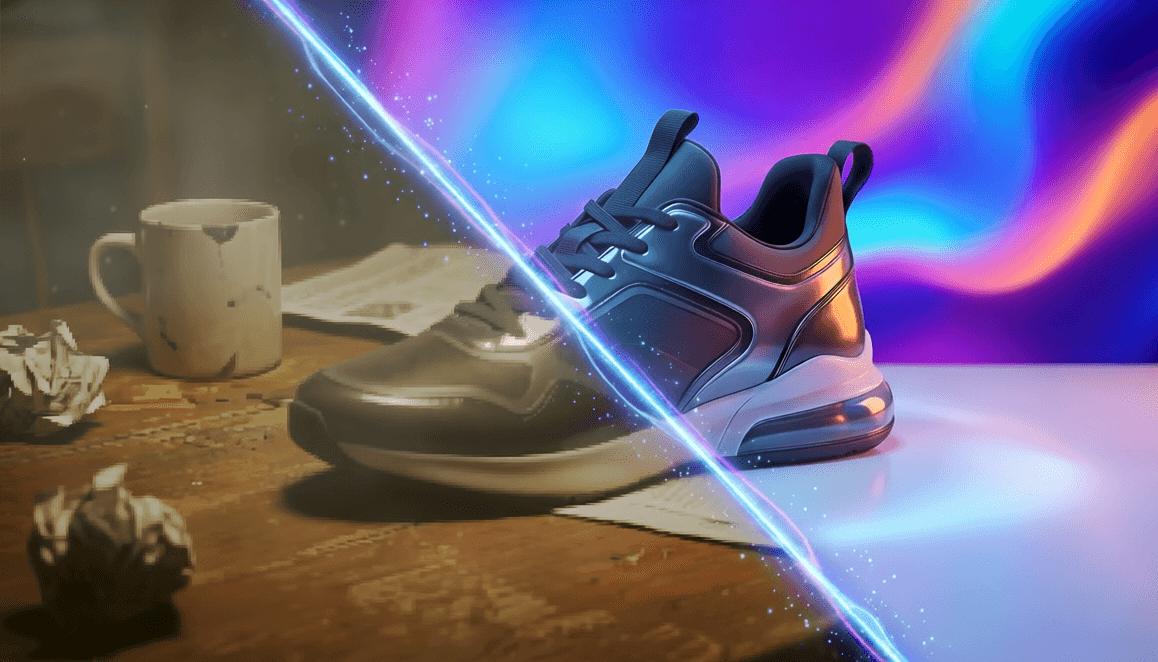
The easiest way to start with AI video is by animating images you already have. This technique, called image-to-video, adds subtle motion to static photos, transforming them into engaging video clips perfect for social media.
Why image animation works:
- Low barrier to entry: Start with photos you already have
- Consistent branding: Maintain visual identity across static and video content
- Fast production: Create video clips in seconds, not hours
- Algorithm friendly: Platforms prioritize video, even short loops
How to animate images for social media:
- Select your best static image: Choose high-resolution photos with clear subjects
- Upload to Video Generator: Find the image-to-video or animation option
- Describe the motion: Be specific about camera movement and effects
- Set duration: 3-5 seconds for TikTok/Reels, 5-10 seconds for YouTube Shorts
- Generate and review: Check for smooth, natural motion
Effective motion prompts for image animation:
- "Slow camera zoom toward subject, subtle parallax effect"
- "Gentle camera pan from left to right, revealing full scene"
- "Dust particles floating in sunbeams, subtle atmospheric movement"
- "Clouds drifting slowly across sky, time-lapse effect"
- "Water rippling gently, reflective surface movement"
- "Leaves rustling in breeze, natural environmental motion"
Pro tip: Subtle motion works better than dramatic movement for most social media content. The goal is to catch the eye, not create a Hollywood action sequence. Gentle zooms, slow pans, and atmospheric effects create professional results without looking artificial.
Speak Like a Director: Camera Terminology That Works
AI video models understand professional camera terminology because they are trained on millions of film and video examples. Using director language gives you precise control over composition, perspective, and mood.
Essential camera terms for AI video prompts:
Camera Movement
- Pan: Horizontal camera movement (left to right or right to left)
- Tilt: Vertical camera movement (up or down)
- Zoom: Camera moving closer to or farther from subject
- Dolly: Camera physically moving through space toward/away from subject
- Tracking shot: Camera following subject as they move
- Crane shot: Camera moving vertically up or down
Camera Angles
- Eye level: Standard perspective, neutral feeling
- Low angle: Camera below subject, makes them look powerful or imposing
- High angle: Camera above subject, makes them look vulnerable or small
- Bird's eye view: Directly overhead perspective
- Dutch angle: Tilted camera, creates tension or unease
- Over-the-shoulder: Camera behind one subject looking at another
Shot Types
- Wide shot: Shows full scene and context
- Medium shot: Subject from waist up
- Close-up: Subject's face fills frame
- Extreme close-up: Focus on specific detail (eyes, hands, object)
- Establishing shot: Wide shot that sets location and context
Example prompts using director terminology:
- "Low angle shot of city skyline at sunset, slow camera pan right"
- "Close-up of coffee cup on table, gentle dolly zoom toward steam rising"
- "Wide establishing shot of mountain landscape, crane shot rising upward"
- "Over-the-shoulder shot of person typing on laptop, subtle camera movement"
- "Dutch angle shot of abstract art, slow zoom revealing details"
"Movement catches the eye. Even subtle motion—a gentle zoom, drifting clouds, floating particles—makes static content feel alive and stops scrolling thumbs."
Mastering the Seamless Loop
Social media videos loop automatically. When the end of a video matches the beginning perfectly, viewers watch multiple loops without realizing it. This increases watch time and engagement metrics that algorithms reward.
Why seamless loops work:
- Increased watch time: Viewers watch 2-3 loops instead of just one pass
- Algorithm boost: Higher completion rates signal quality content
- Hypnotic effect: Smooth loops feel satisfying and calming
- Brand recall: More exposure to your message in same time frame
How to create seamless loops with AI:
- Add "seamless loop" to your prompt: This signals the AI to match start and end frames
- Use cyclical motion: Camera movements that return to starting position
- Avoid linear progression: Don't use movements that go from point A to point B
- Test the loop: Watch the full video 3-4 times to ensure smooth transition
Effective seamless loop prompts:
- "Clouds drifting across sky in seamless loop, 5 second duration"
- "Gentle camera orbit around subject, seamless loop, smooth motion"
- "Water flowing in river, continuous motion loop, natural movement"
- "Particles floating upward, seamless loop, ethereal atmosphere"
- "Slow zoom in and out on subject, seamless loop, breathing effect"
Platform-Specific Video Optimization
Each social platform has unique requirements and best practices. Optimize your AI-generated videos for maximum impact:
TikTok
- Aspect ratio: 9:16 vertical
- Duration: 3-15 seconds for best engagement
- Hook timing: Capture attention in first 0.5 seconds
- Sound: Use trending audio or create with integrated audio tools
- Captions: Add on-screen text for silent viewing
Instagram Reels
- Aspect ratio: 9:16 vertical
- Duration: 7-15 seconds optimal
- First frame: Make it compelling as static preview image
- Branding: Subtle logo or handle in corner
- Call-to-action: Direct viewers to comment or save
YouTube Shorts
- Aspect ratio: 9:16 vertical
- Duration: 15-60 seconds
- Hook: Strong opening to reduce drop-off
- End screen: Prompt to subscribe or watch next video
- Description: Include keywords for search
LinkedIn Video
- Aspect ratio: 1:1 square or 9:16 vertical
- Duration: 15-30 seconds for professional content
- Tone: Educational, informative, business-focused
- Subtitles: Essential for professional viewing
- Branding: Professional, polished aesthetic
Building a Video Content Pipeline
Consistency beats perfection in social media. Build a sustainable workflow for creating AI video content:
Weekly video creation session:
- Batch create: Generate 10-15 video clips in one sitting
- Organize by platform: Sort clips for TikTok, Reels, Shorts, etc.
- Add finishing touches: Captions, music, branding elements
- Schedule posts: Use social media management tools
- Track performance: Monitor engagement and adjust strategy
Content repurposing strategy:
- Create one hero video: High-quality piece with strong concept
- Generate variations: Different crops, durations, aspect ratios
- Extract clips: Pull 3-second highlights for Stories/Shorts
- Create static versions: Use best frames as images for other platforms
- Repurpose audio: Use voiceover or music across multiple pieces
Common Mistakes to Avoid
- Overusing dramatic effects: Subtle motion looks more professional than flashy transitions
- Ignoring aspect ratios: Always match platform specifications
- Skipping the hook: First second determines whether viewers keep watching
- Forgetting silent viewing: Most social video is watched without sound
- Neglecting captions: On-screen text increases accessibility and engagement
Getting Started Today
You already have everything you need to begin:
- Access to AI video generation tools
- Existing photos or simple text prompts
- 15 minutes to create your first video clip
Start with one platform where your audience is most active. Create 3-5 video clips using the techniques above. Post them consistently for one week. Measure engagement compared to your static content. The data will show you whether AI video generation is worth scaling for your specific audience and goals.
The goal is not to replace authentic content. It is to expand your creative toolkit so you can meet the demands of modern social media algorithms without burning out. When video creation stops being a bottleneck, you can focus on what matters: creating content that resonates with your audience.
Ready to become the director of your social media content? Start creating AI video content today.