Direct your own movie with AI. Turn text scripts into high-definition video clips or breathe life into static images. From cinematic drone shots to character animations, create professional motion content in minutes.
On Platform:Combines "Text to Video" and "Image to Video" features found under the VIDEO GENERATOR section.
Generate entirely new footage from a text description. Models like Google Veo and Sora understand physics and motion.
Take a static photo (Start Frame) and breathe life into it. Make water flow, clouds move, or characters blink.
Define the exact trajectory of your video by uploading both a Start Frame and an End Frame. The AI generates the transition between them.
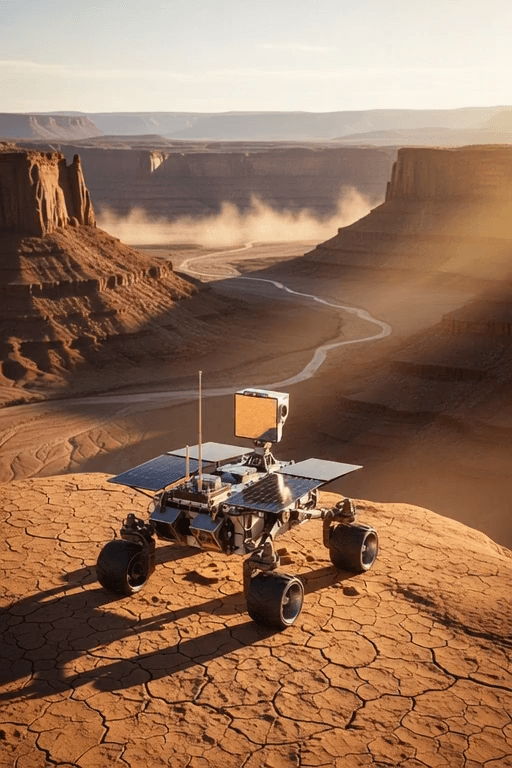
Three simple steps to professional results.
Imagining
Enter a text prompt OR upload a starting image.
Describe the motion: "Pan right", "Zoom in", "Explosion".
The AI renders your video clip.
See how static ideas become dynamic stories. From social media hooks to cinematic transitions.
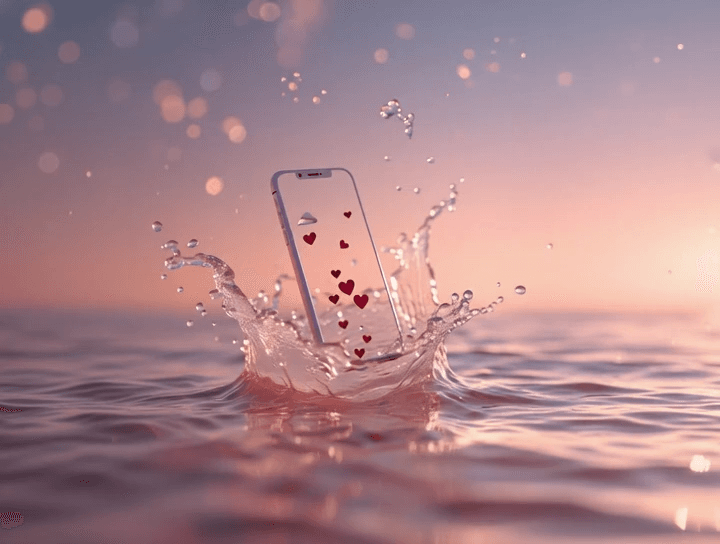
Create scroll-stopping short-form videos for TikTok and Instagram without a camera crew. Turn a simple concept into a high-quality video instantly.
>Cinematic slow motion Smartphone emerging from water splash, heart-shaped droplets floating on it, no text, no logos, no UI elements, no people, static camera
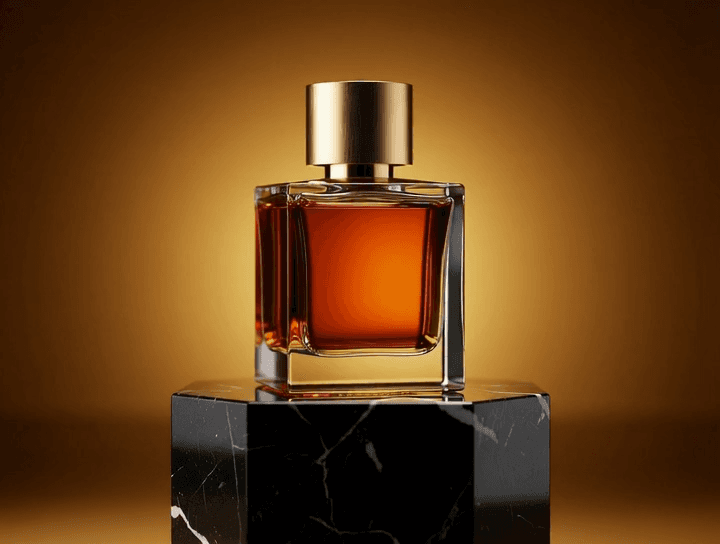
Bring static product shots to life. Add subtle motion like steam rising, lights panning, or liquid splashing to make your product impossible to ignore.
>Animate slow 360-degree rotation of bottle and podium, no camera movement, no zoom
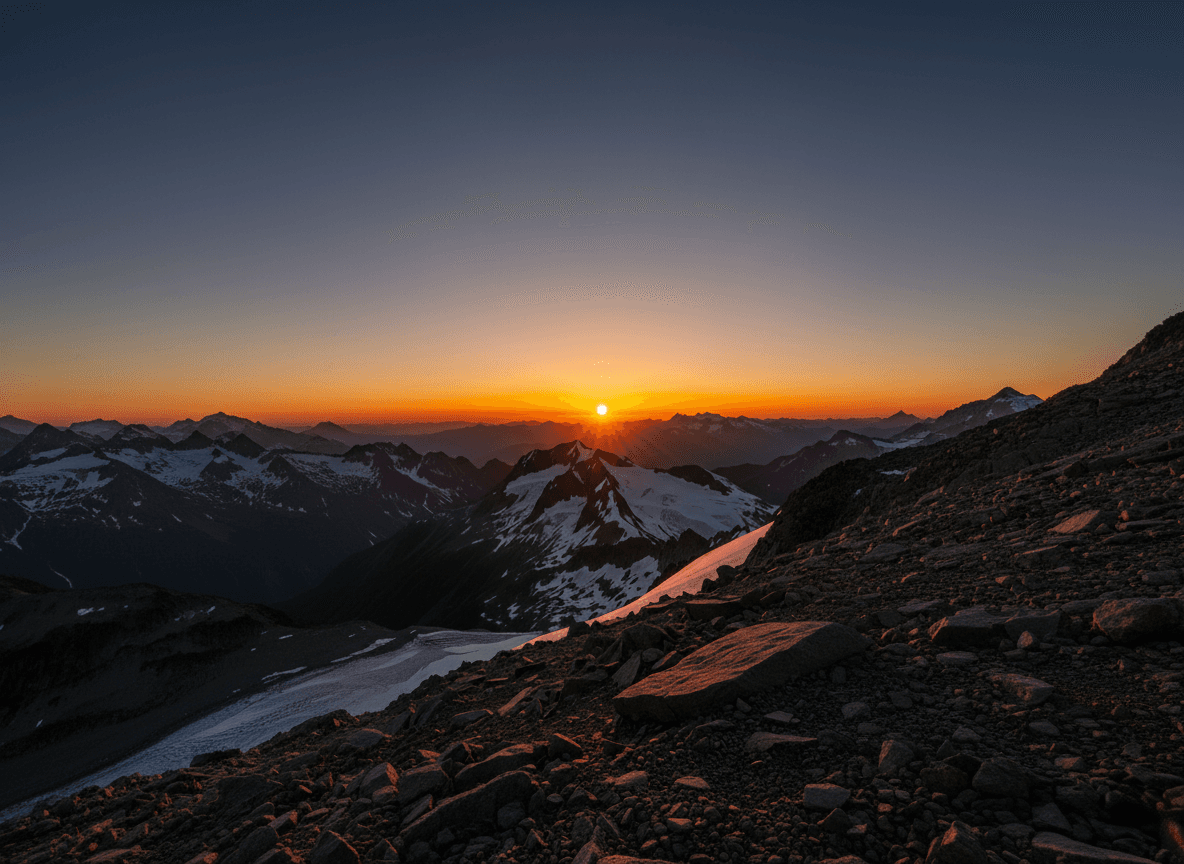
Use Start & End Frame control to morph one scene into another. Perfect for "before and after" reveals or creative transitions in music videos.
>Animate sky from blue to orange sunset, sun moves to horizon, terrain locked
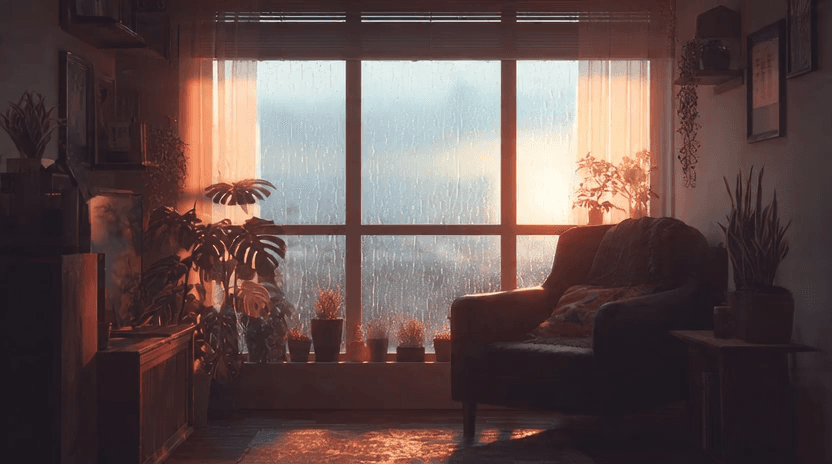
Generate high-quality, seamless loops for website headers, stream overlays, or digital signage that add life without distraction.
>Warm Lo-fi cozy room with rain on window, Animate seamless loop of the background at the windows, static camera, no camera movement, no zoom, the last frame is same as the first frame
Guides and tutorials to help you get professional results.
Text-to-Video is the frontier of generative AI. Models like Google Veo, Sora 2, and Kling understand physics, motion, and light. They don't just paste images together; they simulate a world.
With Image-to-Video (formerly 'Photo to Video'), you can turn any static asset into a dynamic experience. This is perfect for marketers looking to repurpose existing image assets into engaging video ads. Add subtle motion like a breeze through trees or dramatic camera pans to make your content stop the scroll.
For ultimate control, use both a Start Frame and an End Frame. The AI will interpolate the frames between them, allowing you to create specific transformations, morphs, or guided camera movements that land exactly where you want it.

