Take full control of your image's environment. Instantly remove distracting backgrounds, replace them with AI-generated scenes, create professional bokeh, or set solid colors for official documents.
On Platform:Found under IMAGE EDITING. Includes Remove, Replace, Blur, and Background Color tools.
Remove the background & focus the image only on the product.
This feature simply changes the background based on description and will fit to the image size.
Wanoza AI is ready to create automatic bokeh backgrounds, just upload product images.
Change your image background to solid colors. Suitable for making portrait photos of ID cards or other legal documents.
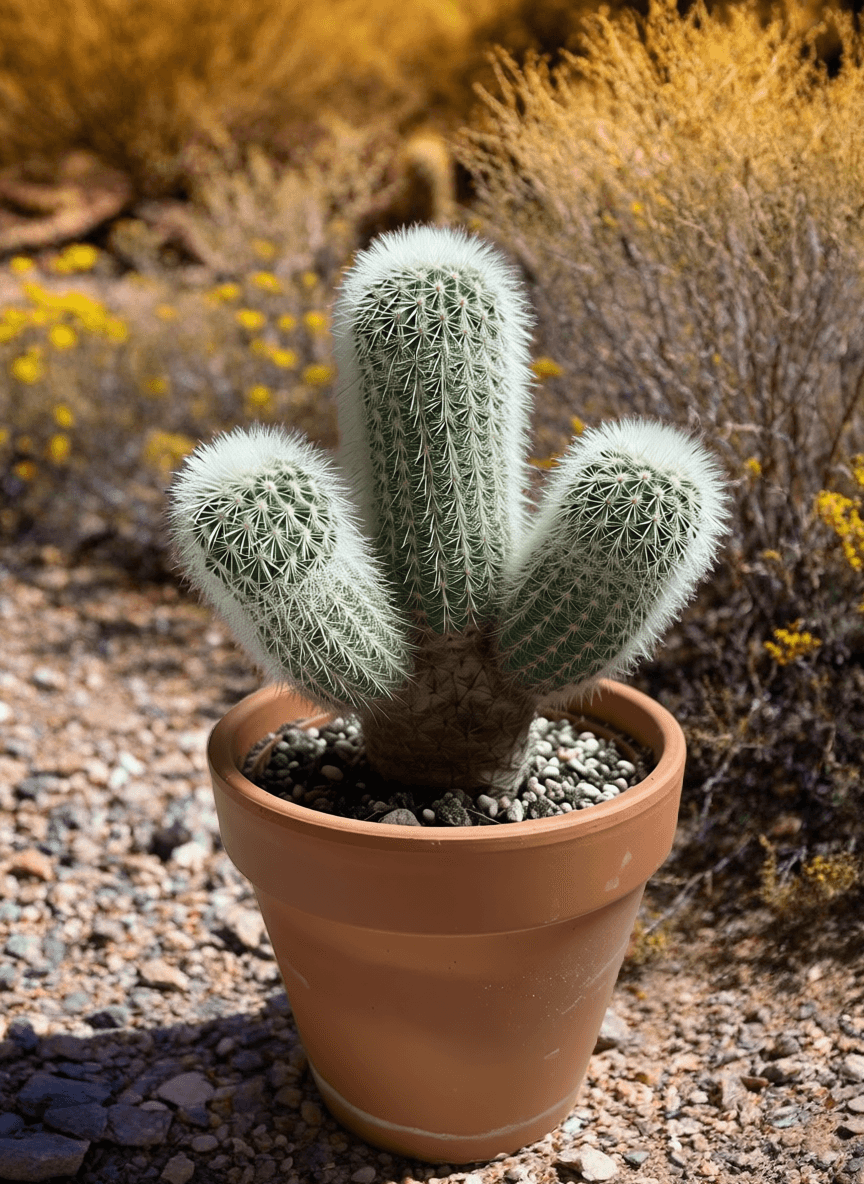
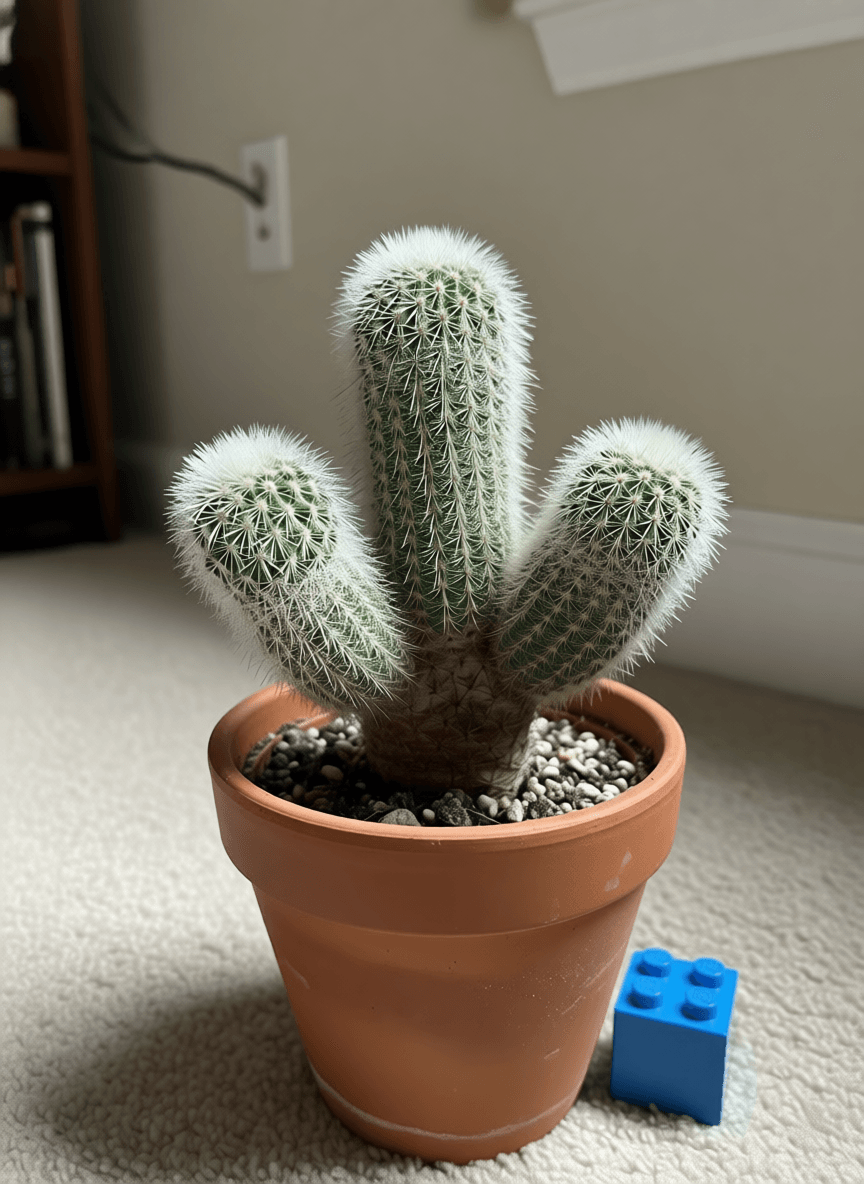
Three simple steps to professional results.
Select Mode
Choose Remove, Replace, Blur, or Color.
Upload your product or portrait photo.
Save your professionally edited image.
From clean e-commerce cutouts to AI-generated scenic backdrops.
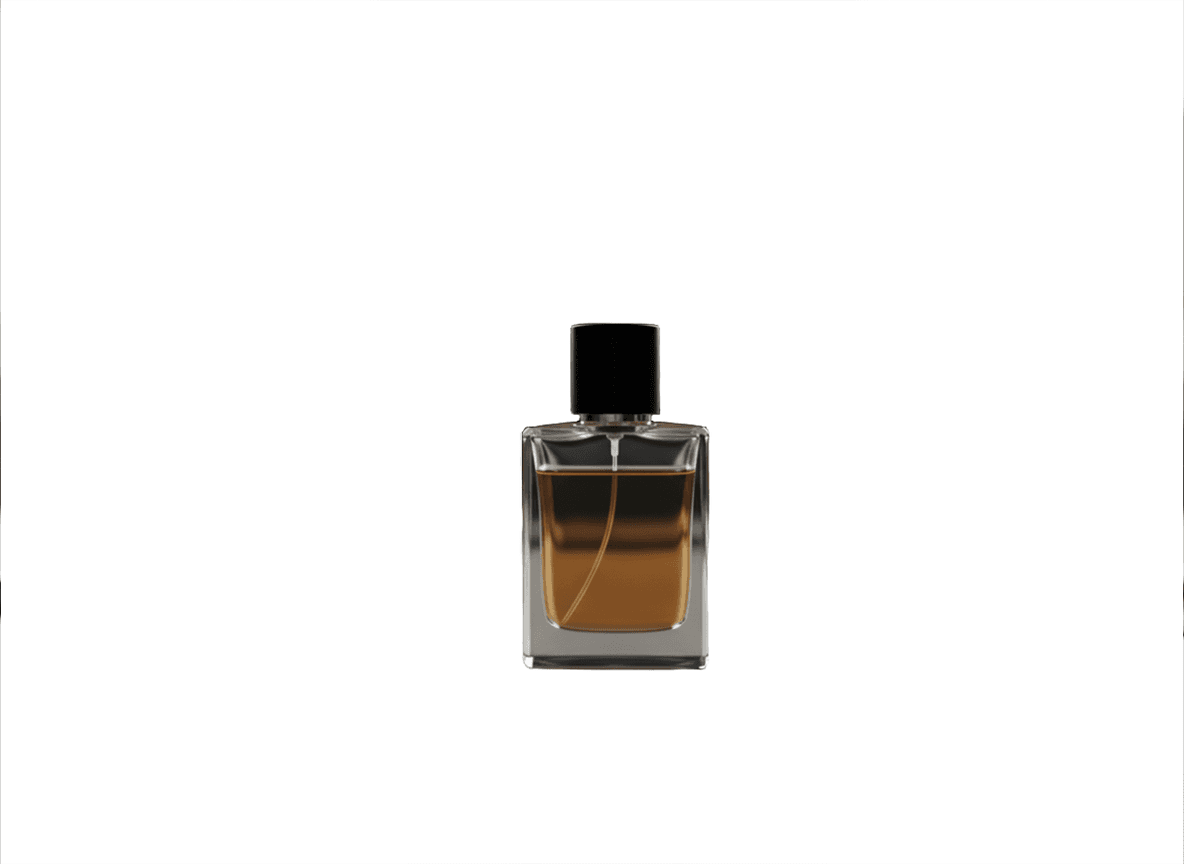
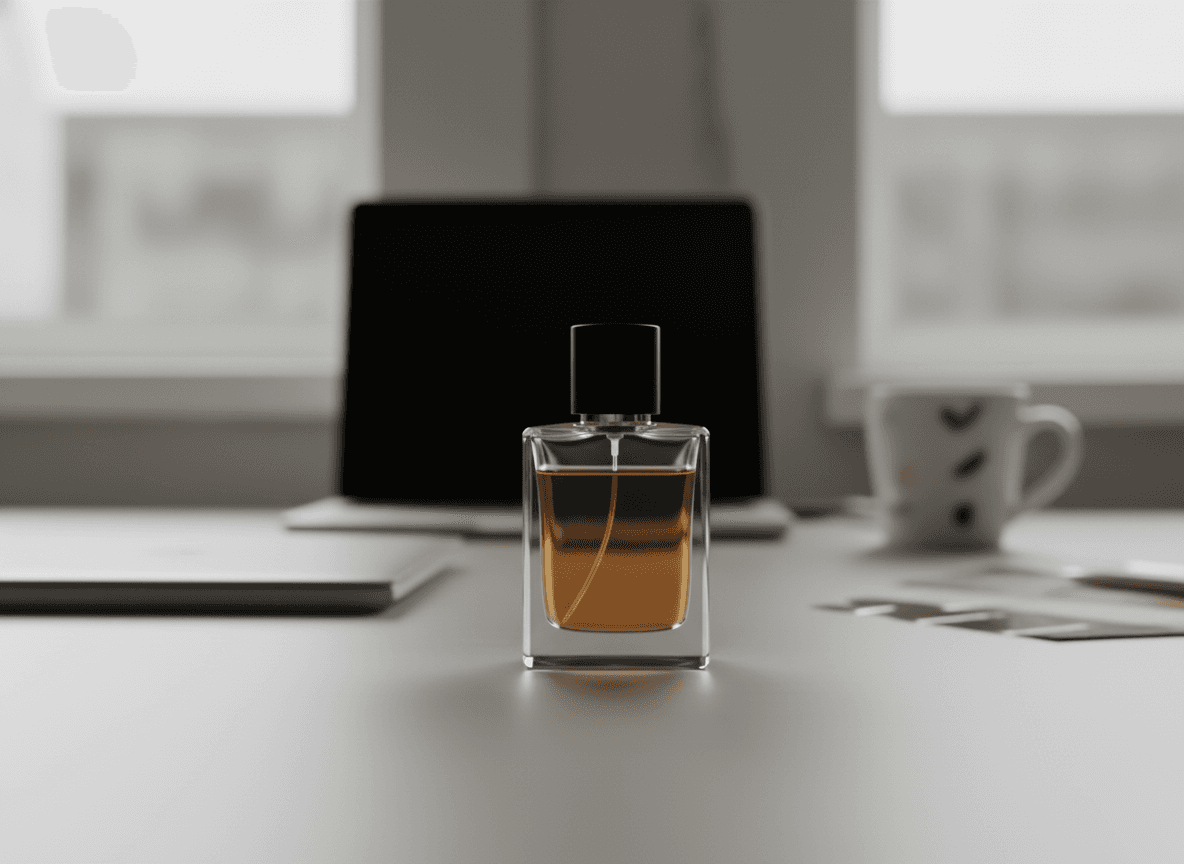
Prepare product photos for Amazon, Shopify, or eBay by instantly creating pure white backgrounds. Ensure your products meet marketplace standards.
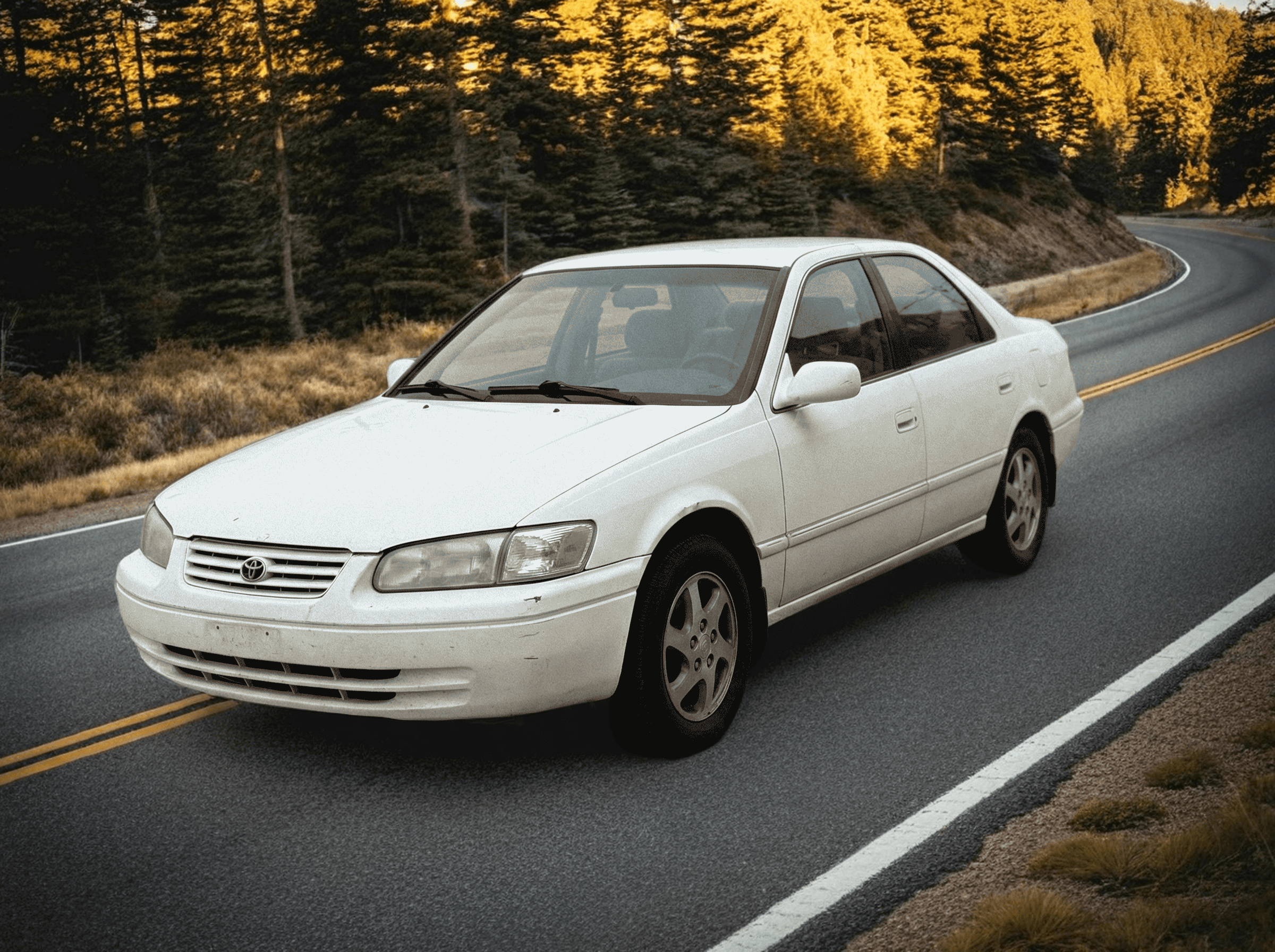
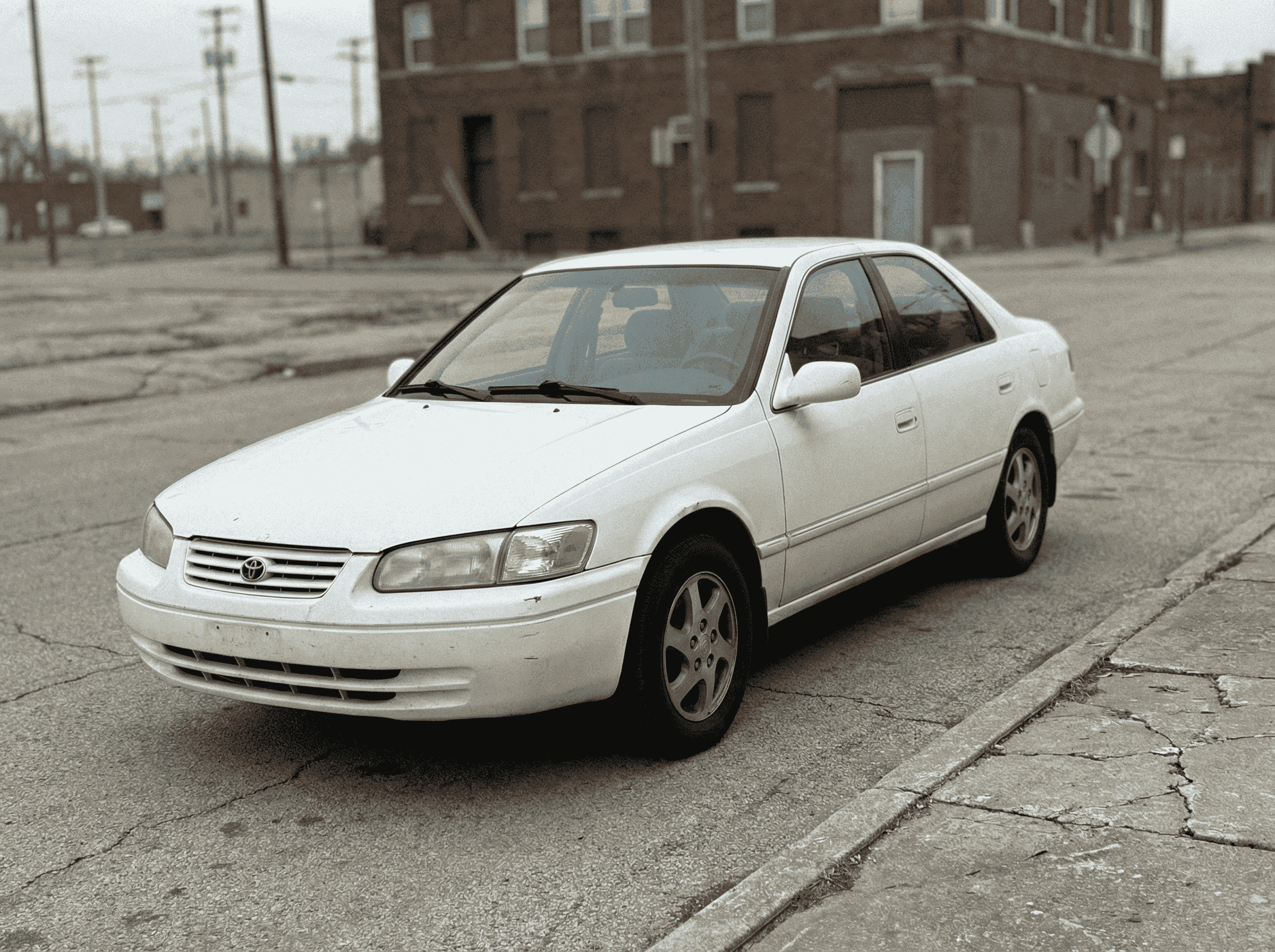
Replace any background with AI-generated environments described in text. Place products in lifestyle settings, transport portraits to dream destinations, or create impossible scenes—all while maintaining realistic lighting and shadows.
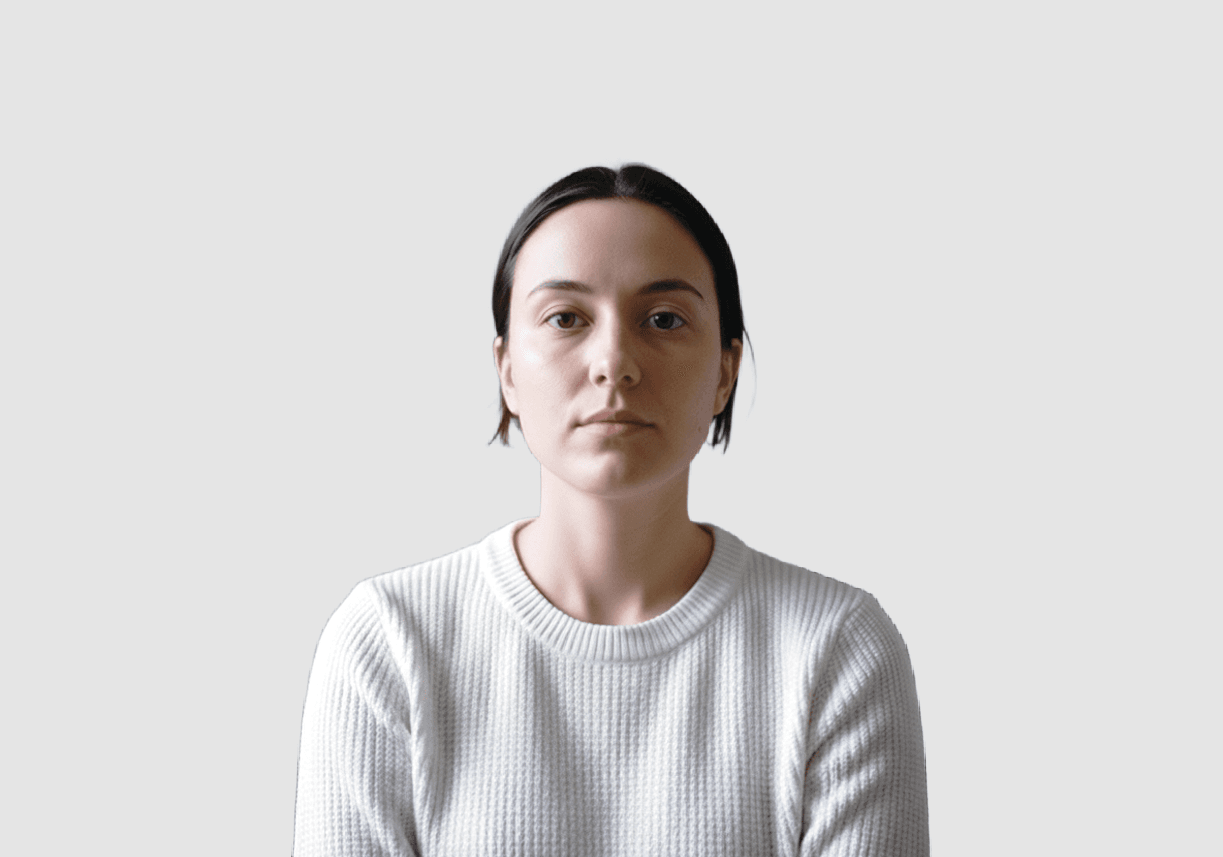

Quickly swap a busy home background for a compliant solid blue, red, white color. Perfect for employee badges, visa applications, and profile pictures.

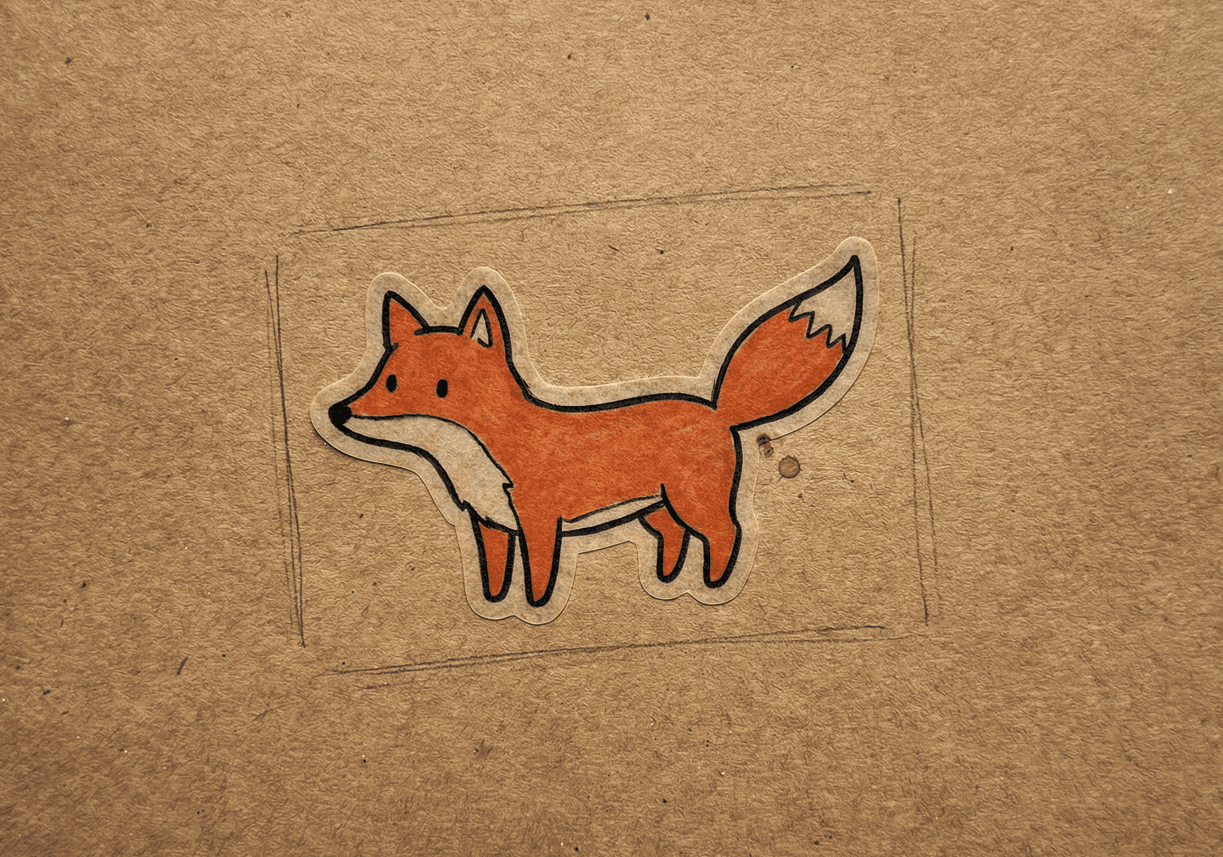
Remove backgrounds to create transparent assets for graphic design, YouTube thumbnails, or custom stickers for social media apps.
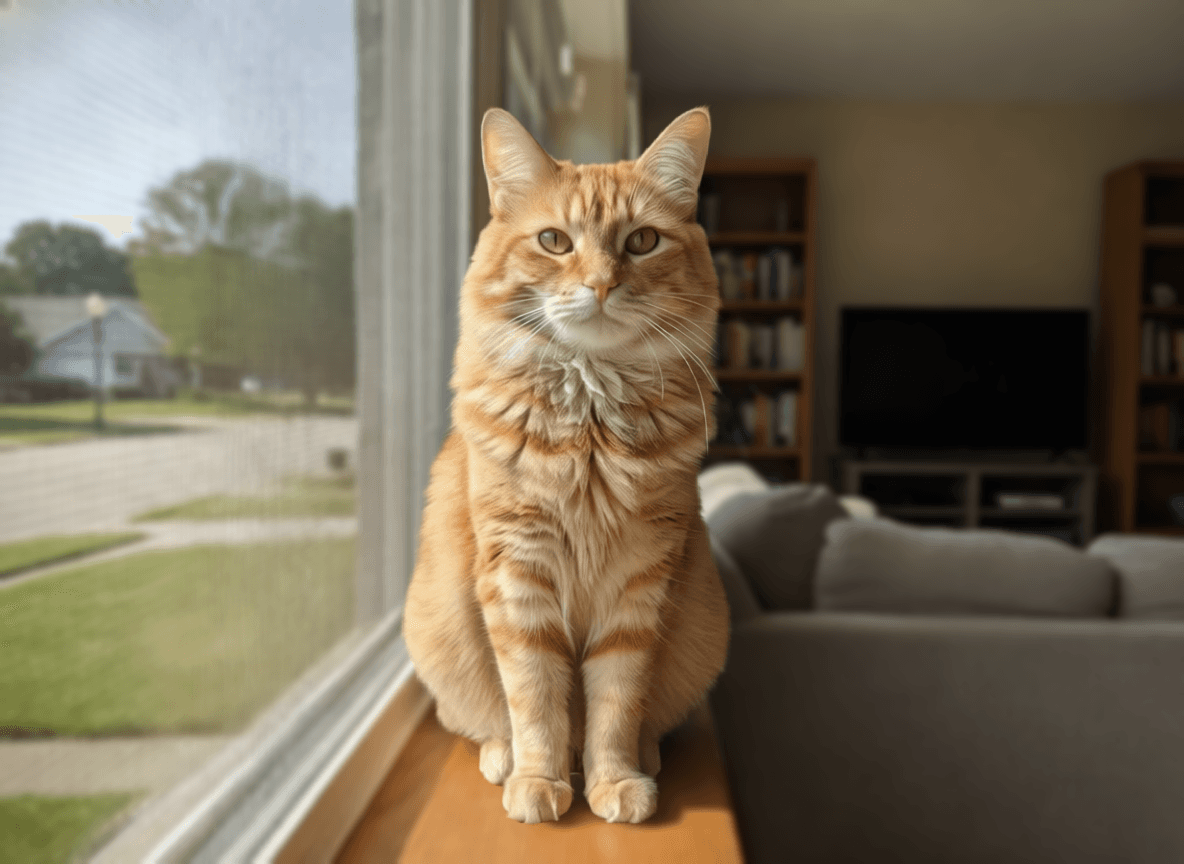
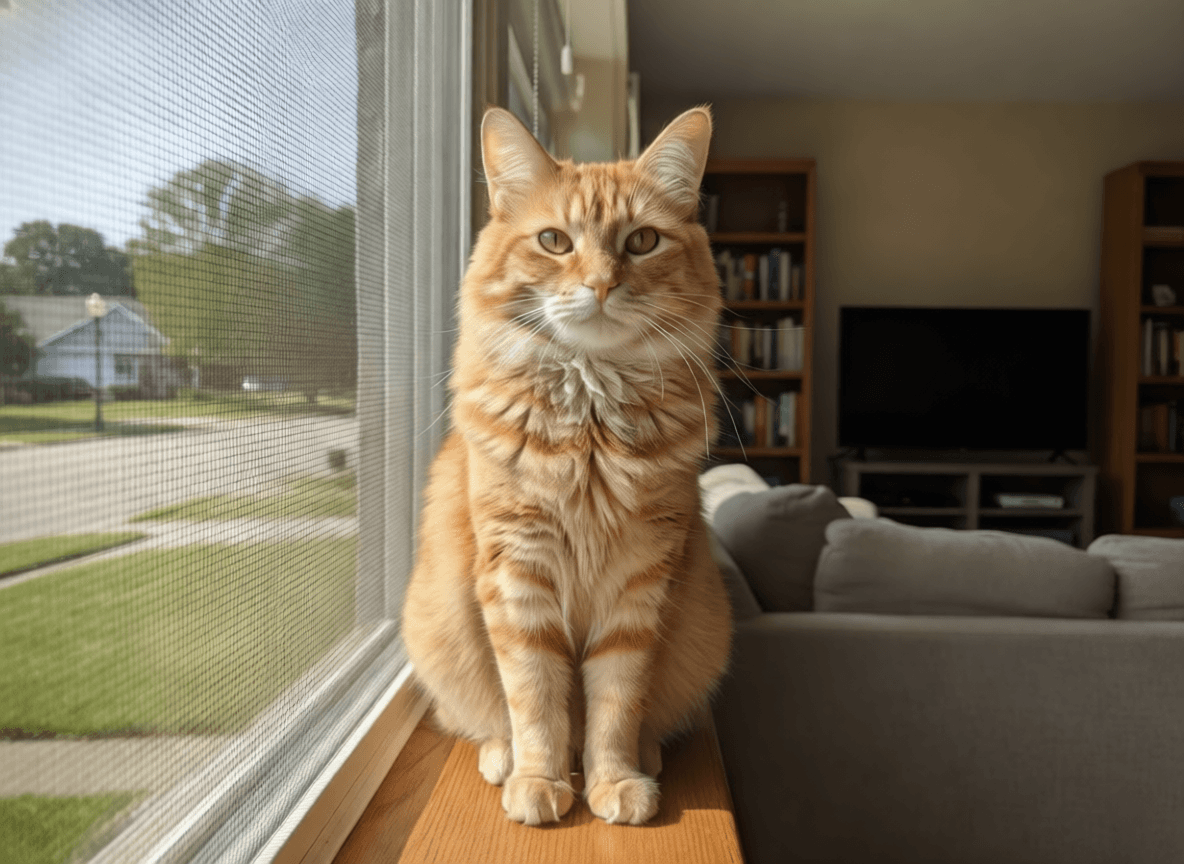
Add blur to any photo. To make subjects pop while keeping environmental context subtly visible. Perfect for portraits, products, and social content.
The background can make or break an image. AI Background Manipulation gives you the tools to fix any environmental issue.

