Wanoza.ai LogoWanoza.ai Logo
Wanoza.ai
ModelsFeaturesPricingBlogLogin
Models
Features
Pricing
Blog
Login
Login
Wanoza AI Logo - Light ModeWanoza AI Logo - Dark Mode
Wanoza AI

Generate stunning, professional-quality images and videos in seconds.

[email protected]

Smart Editing

  • Edit Background
  • Increase Resolution
  • Erase Elements
  • Magic Edit

AI Generation

  • Image Generator
  • Video Generator
  • Photo Product
  • Photo Character

Company

  • About Us
  • Blog
  • Payment Methods

Legal

  • Terms & Conditions
  • Privacy Policy
  • Refund Policy

© 2025 Wanoza AI. All rights reserved.

Our Features

Explore our suite of powerful AI tools designed to streamline your creative workflow.
Image

Image Generation

Unleash your creativity with a complete generative studio. Transform text into stunning art, edit images with simple commands, or blend multiple visual inputs for complex, controllable compositions.

  • Text-to-Image: Turn your words into high-resolution, professional visuals.
  • Generative Edit: Seamlessly modify any part of an image using natural language.
  • Multi-Image Input: Combine references for style, structure, and content in one shot.
  • Advanced Control: Fine-tune aspect ratios, negative prompts, and guidance scales.
  • Diverse Models: Choose from industry-leading models like Imagen4, Flux, and more.
Image GeneratorMagic Edit

Text to Image

Describe It

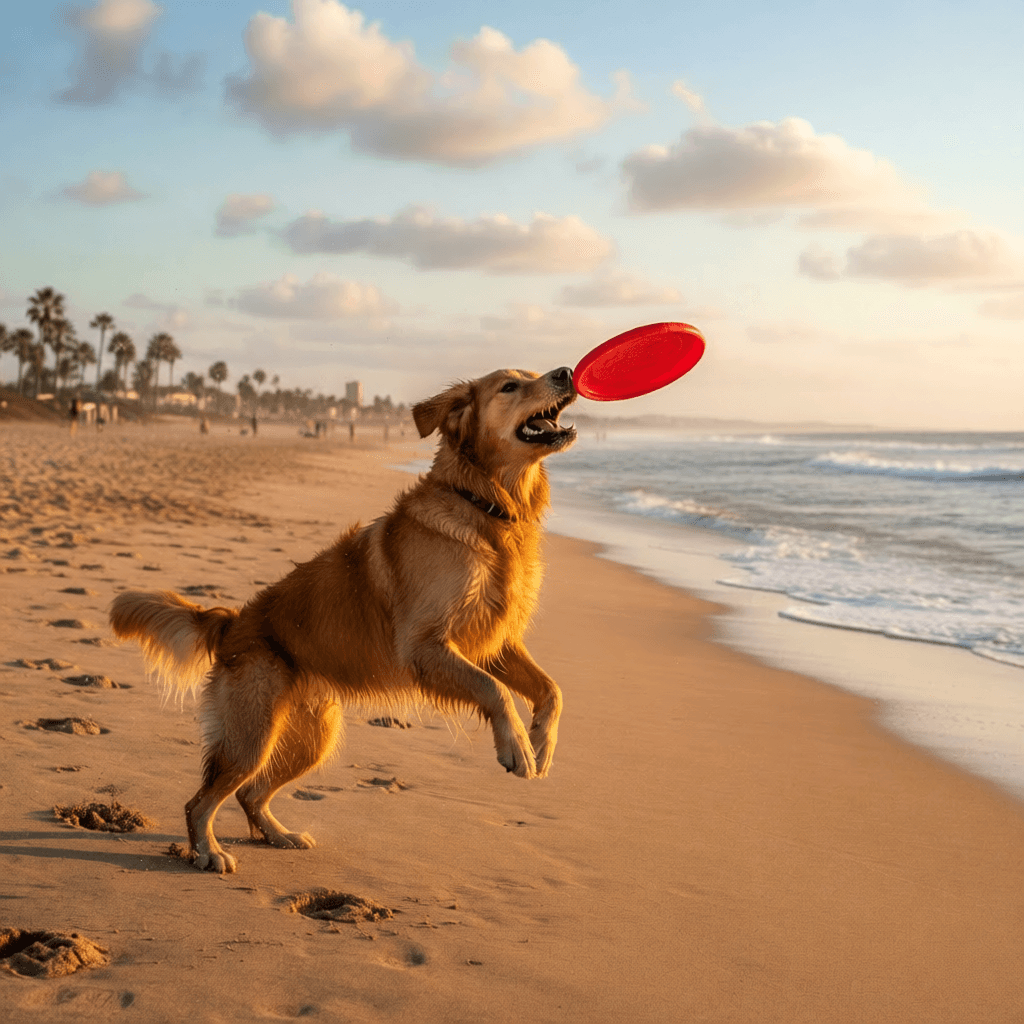
"A photorealistic golden retriever playing fetch on a sunny beach"
""
Generated Result
Generated Image

"A photorealistic golden retriever playing fetch on a sunny beach"
""

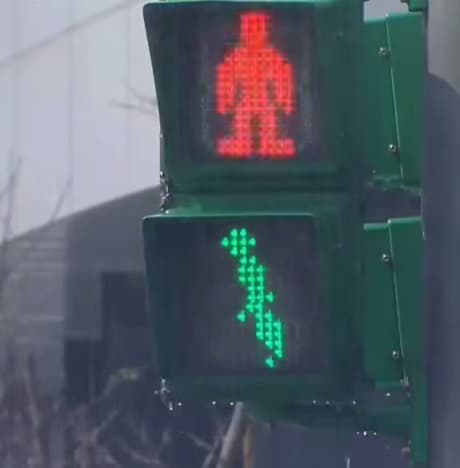
Generative Edit

Original
Original Image

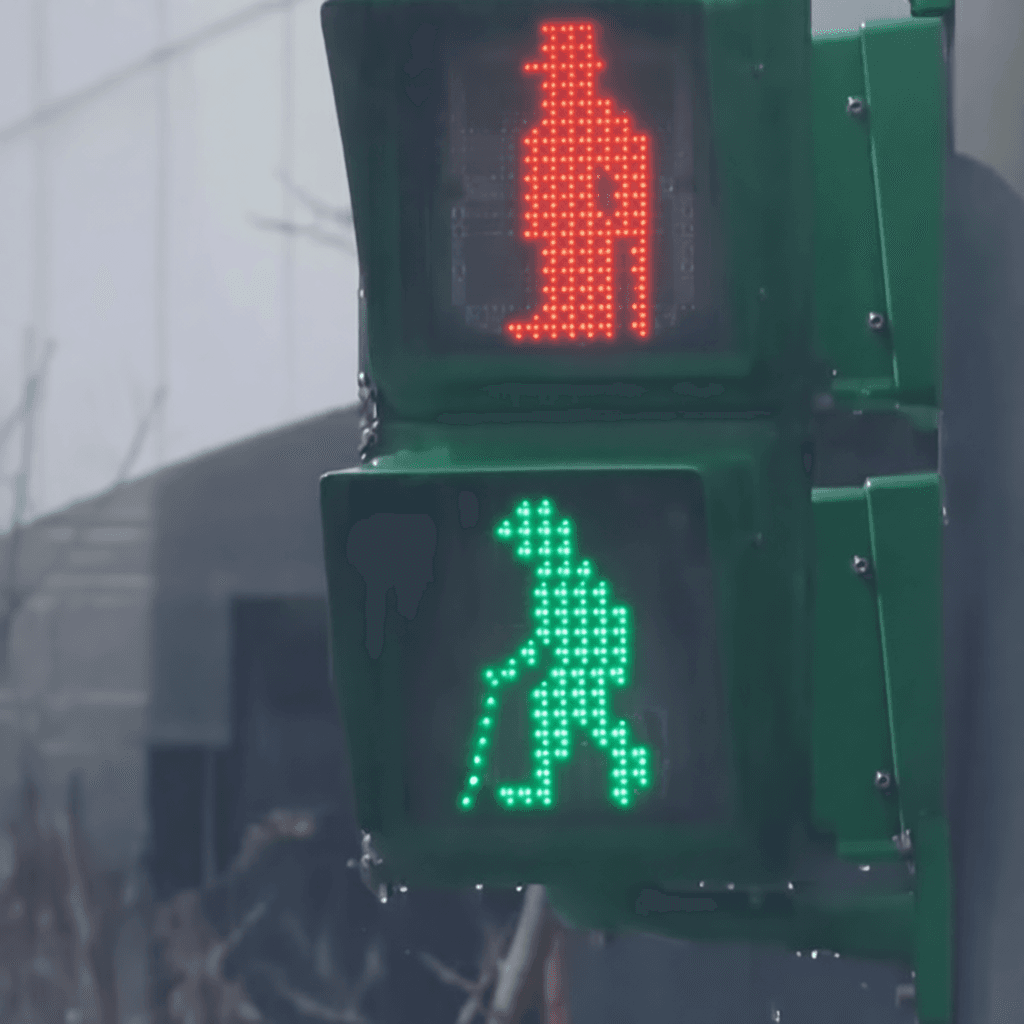
"Change signals to Charlie Chaplin shilhouette figures"
""
Original
Input
Edited
Edited Result

"Change signals to Charlie Chaplin shilhouette figures"
""

Visual Composition

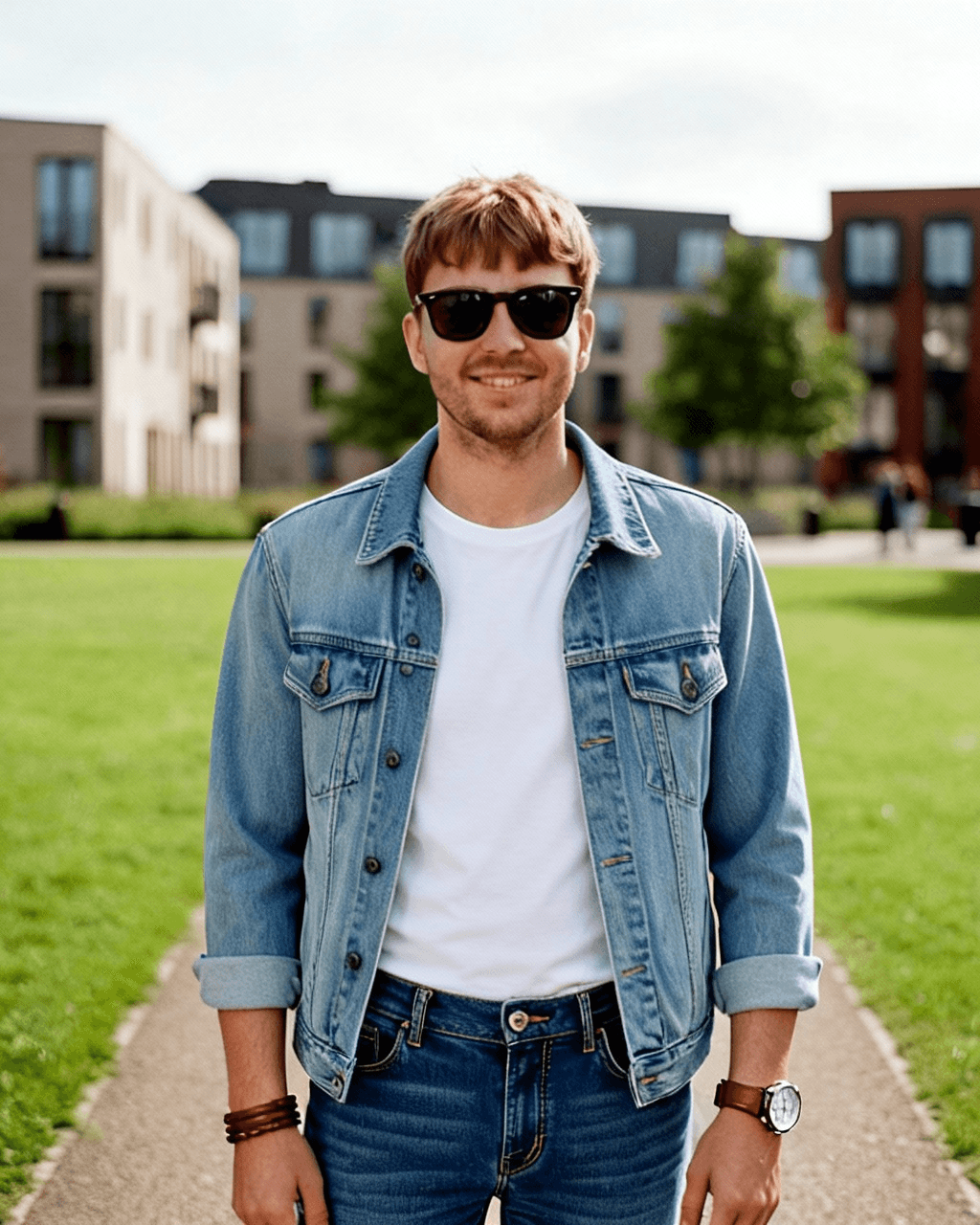
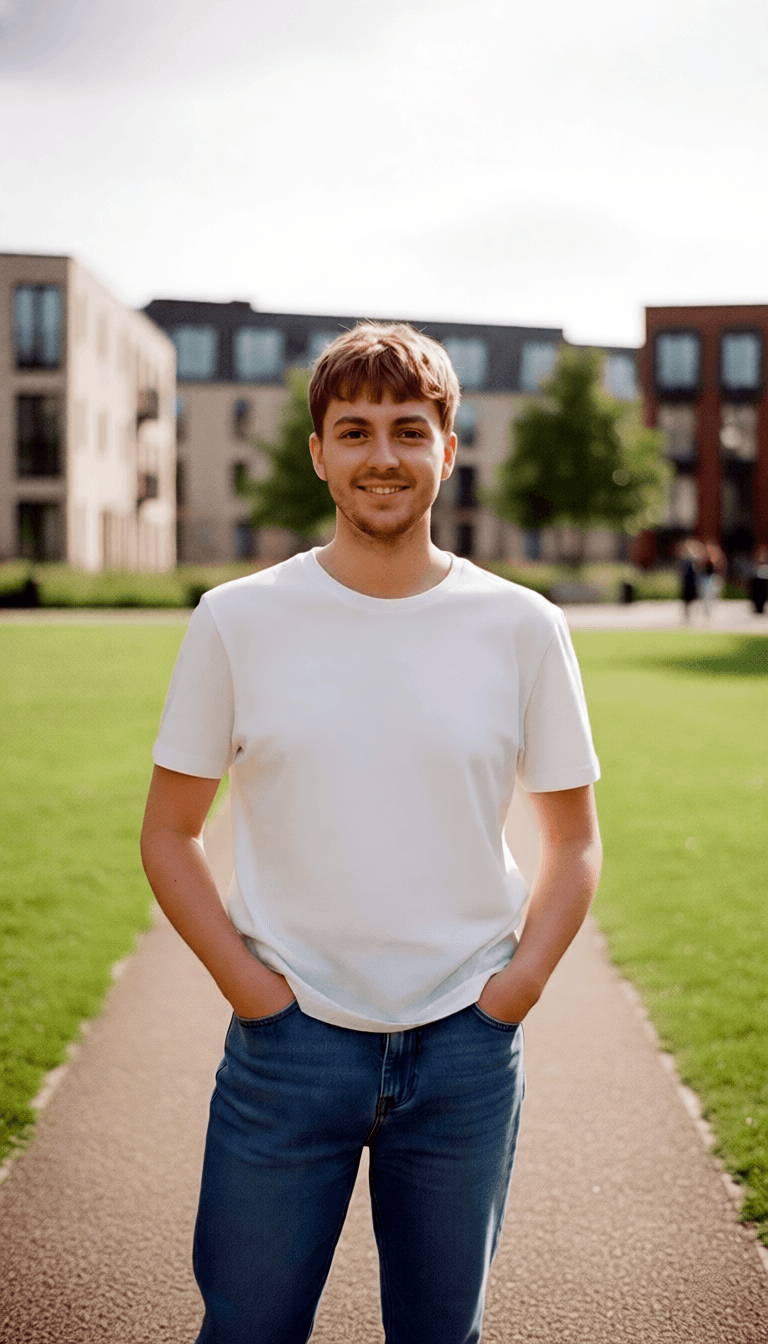
PersonPerson
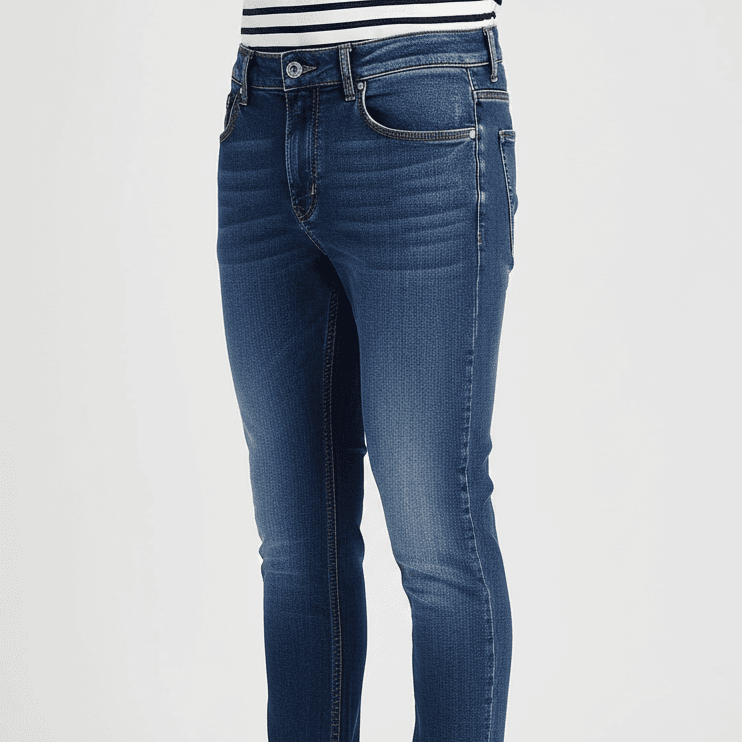
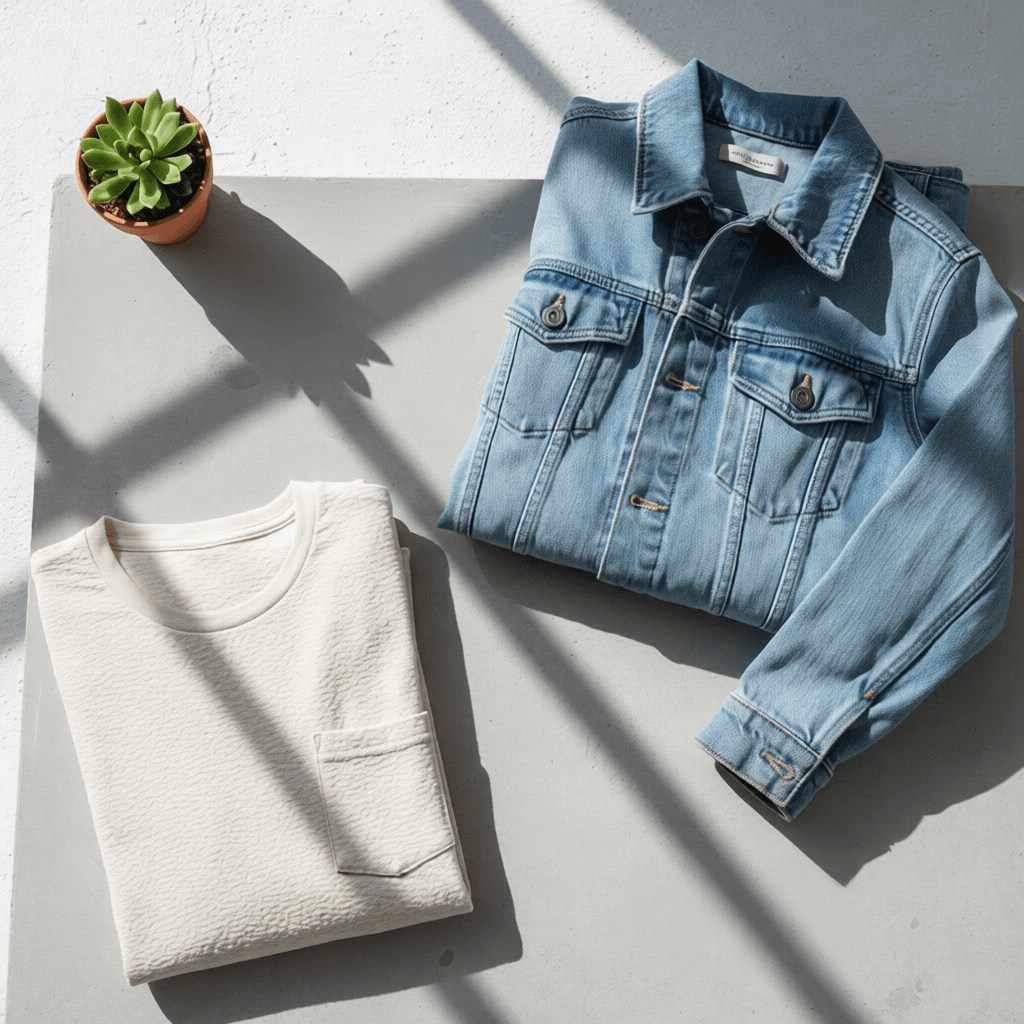
TopwearTopwear
PantsPants
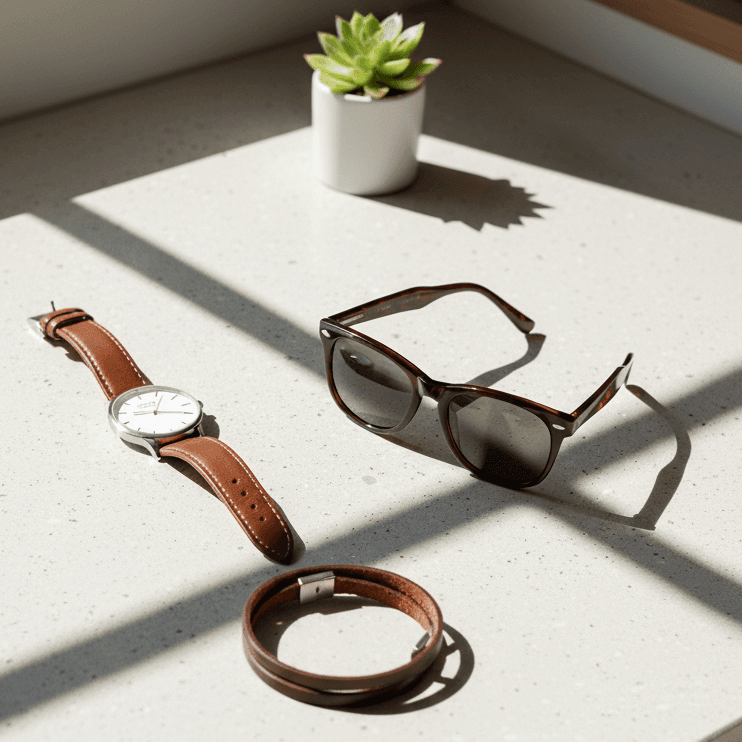
AccessoryAccessory

"Combine these fashion elements into a cohesive portrait"
""
Person
Topwear
Pants
Accessory
Input
Composition
Composite Result

"Combine these fashion elements into a cohesive portrait"

""
Video

Video Generation

Transform ideas into dynamic videos. Generate from a text prompt, animate a starting image, or create seamless transitions between a start and end frame.

  • Generate from text, a starting image, or both a start and end image.
  • Use detailed prompts to guide the animation, style, and camera movement.
  • Create videos up to 15 seconds long with high temporal consistency.
  • Ensure character and style consistency across scenes.
  • Multiple video quality options (HD, Full HD) and aspect ratios (16:9, 9:16, 1:1).
Video Generator

Generate from Text

Video Prompt

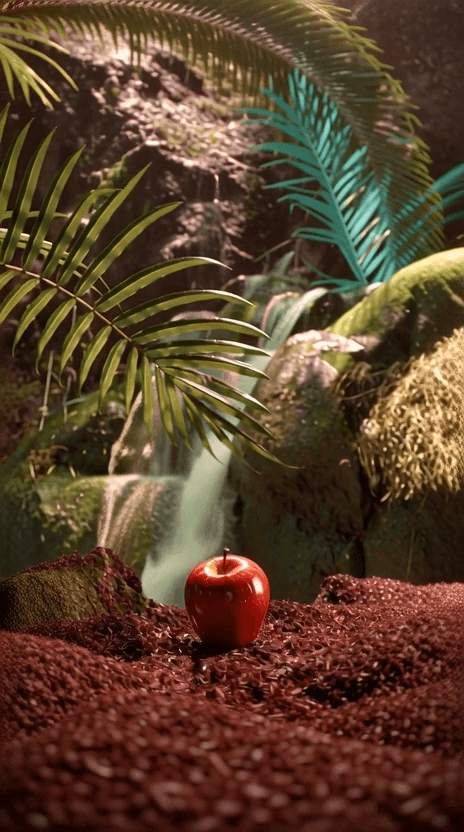
"Animate glossy Red Apple, resting on a bed of dark Belgian chocolate..."
""
Video thumbnail
Generated Video

"Animate glossy Red Apple, resting on a bed of dark Belgian chocolate..."
""

Generate from an Image

Source
Source Image

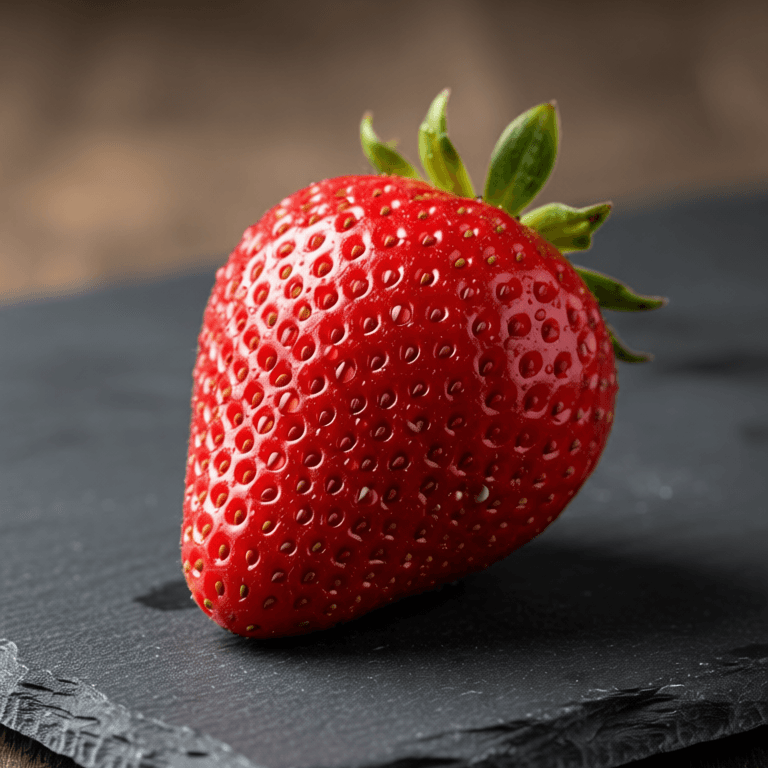
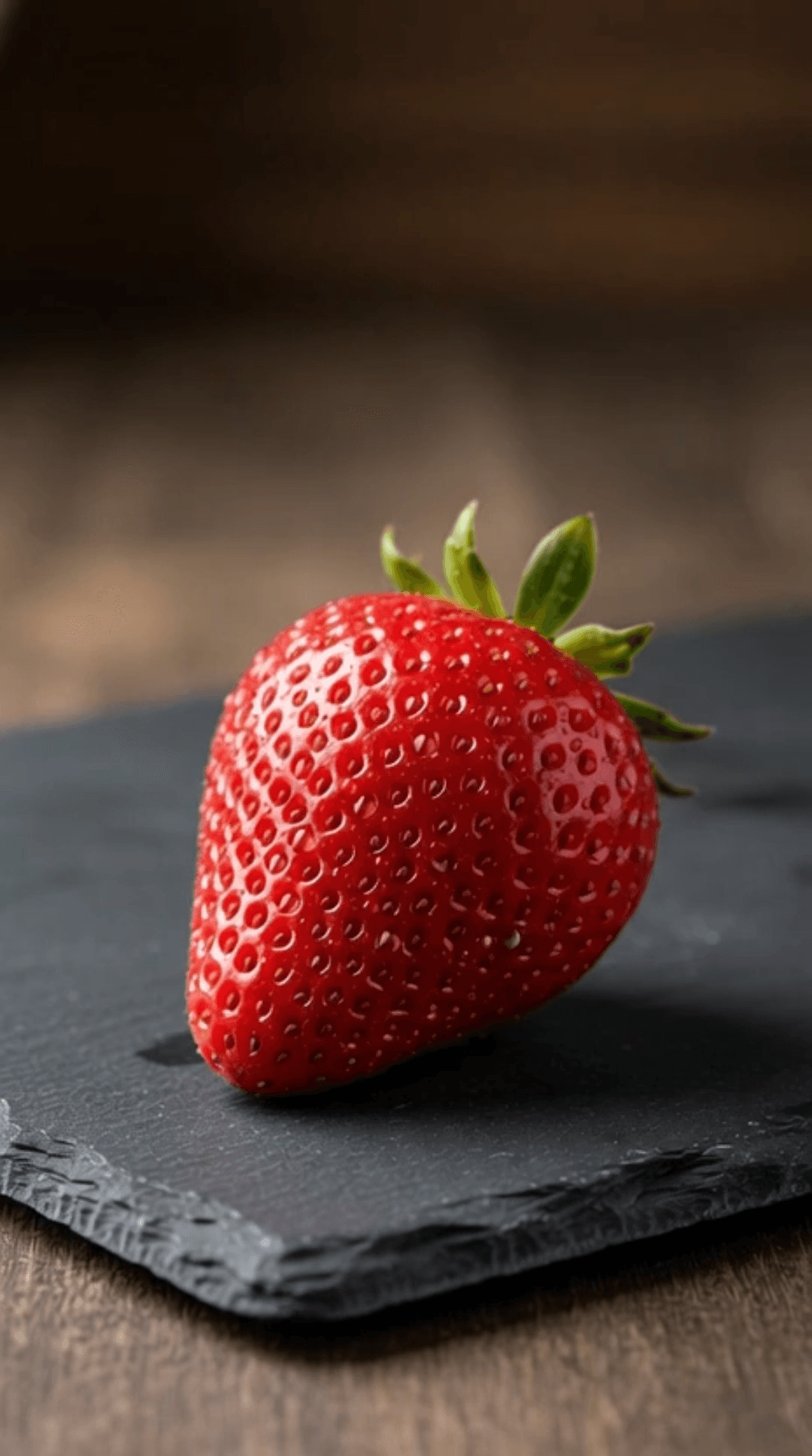
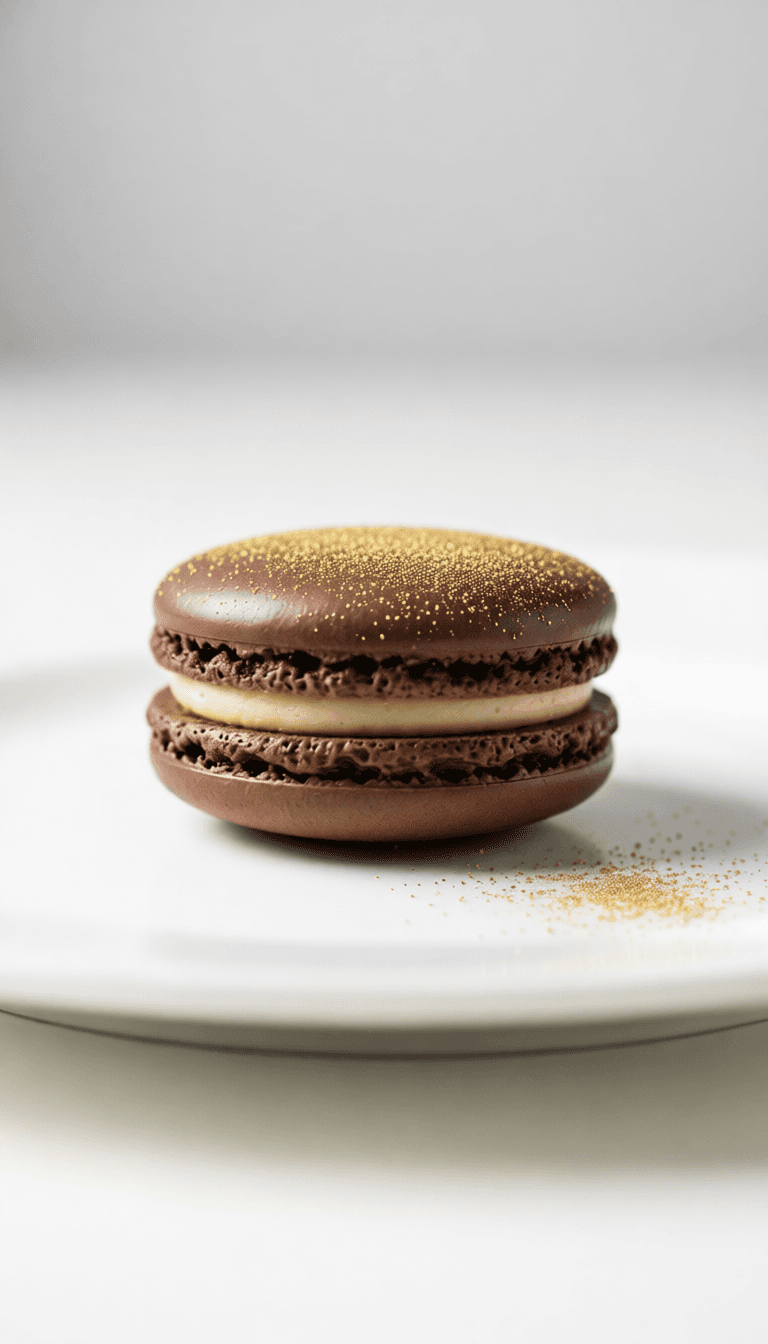
"Drop water and cut with glass knife"
""
Source
Input
Video thumbnail
Generated Video

"Drop water and cut with glass knife"
""

Generate between two Images

Start FrameStart
End FrameEnd

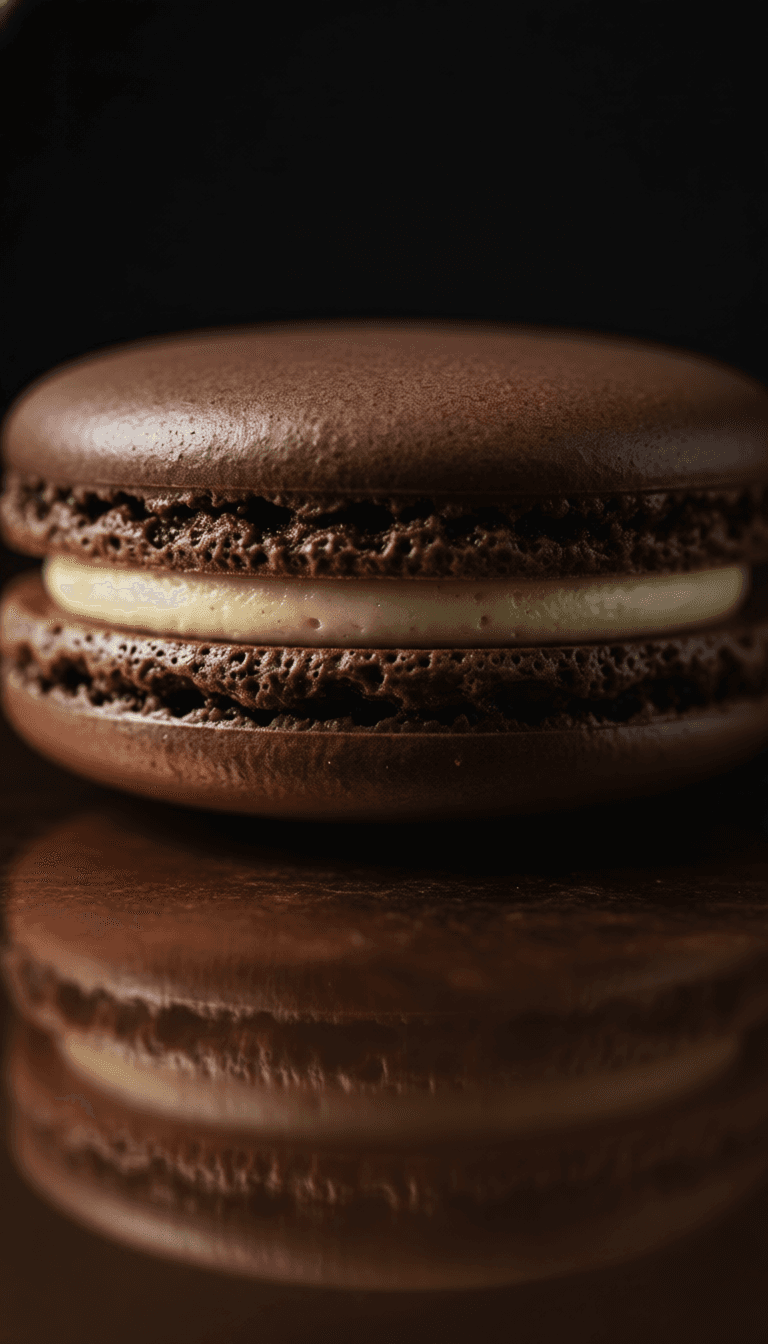
"Transition dark to light environment..."
""
Start Frame
End Frame
Start/End Frames
Video thumbnail
Generated Video

"Transition dark to light environment..."
""
Character

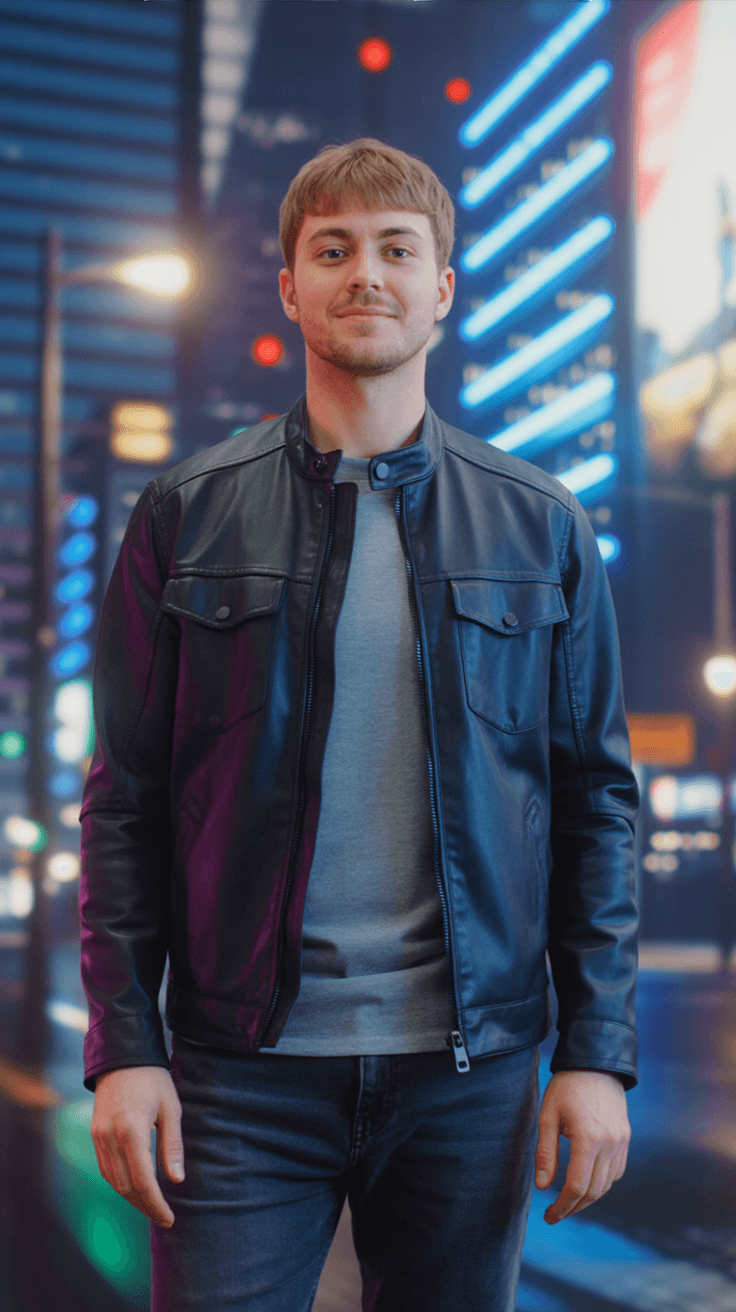
Consistent Character

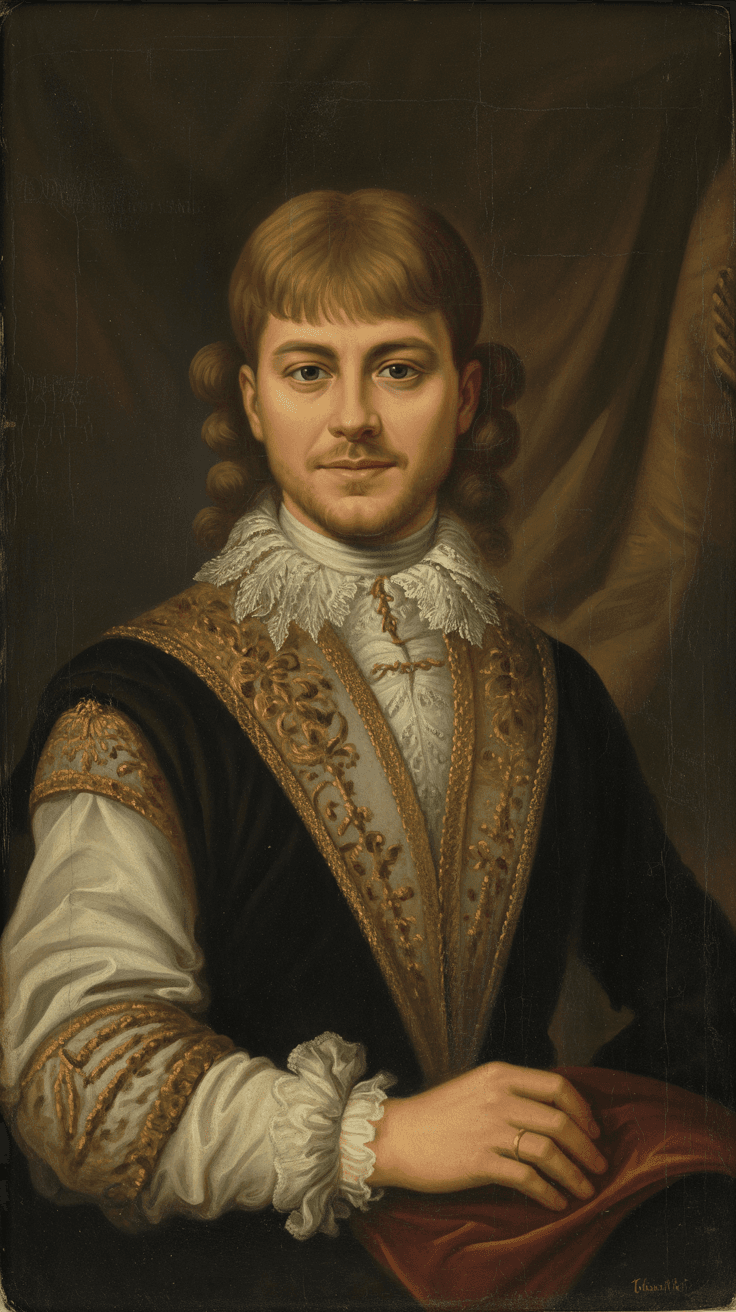
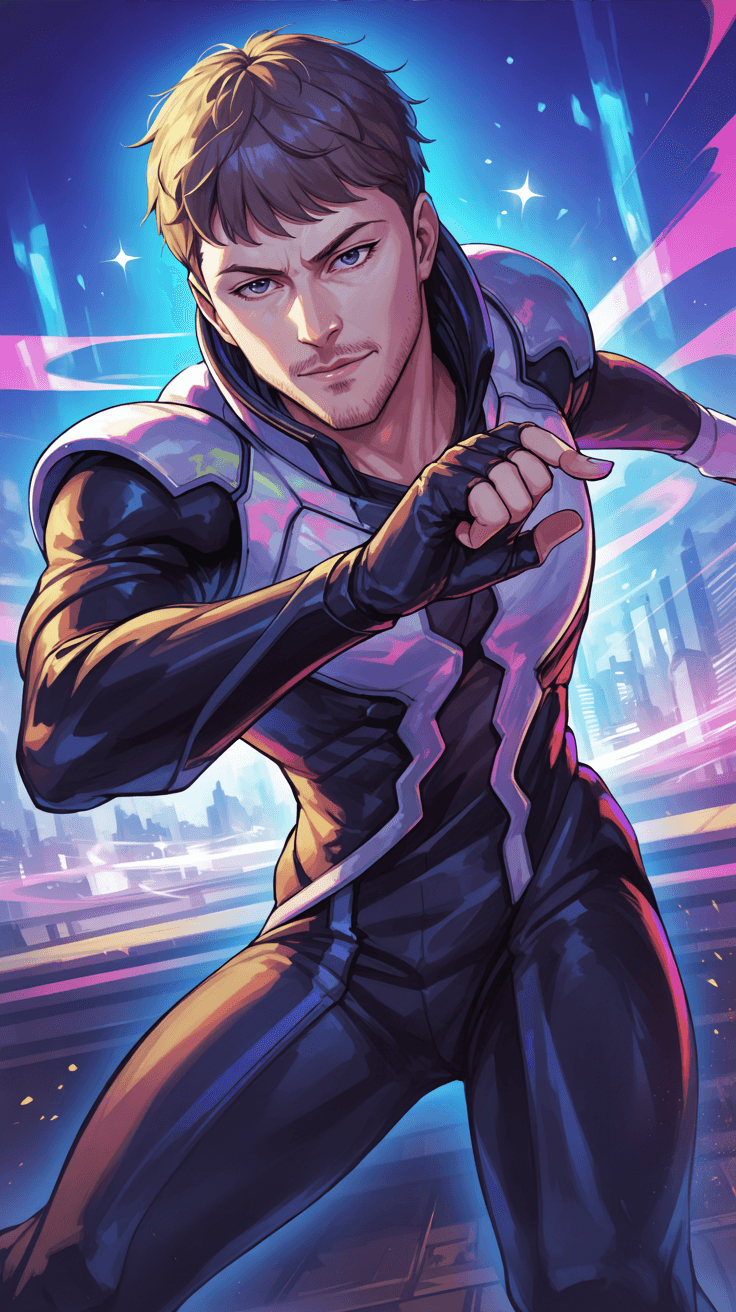
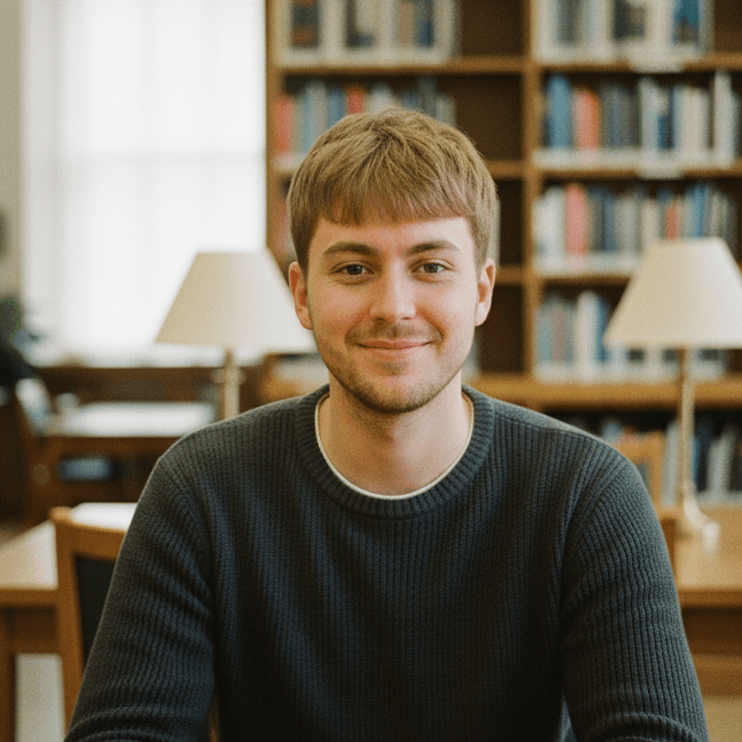
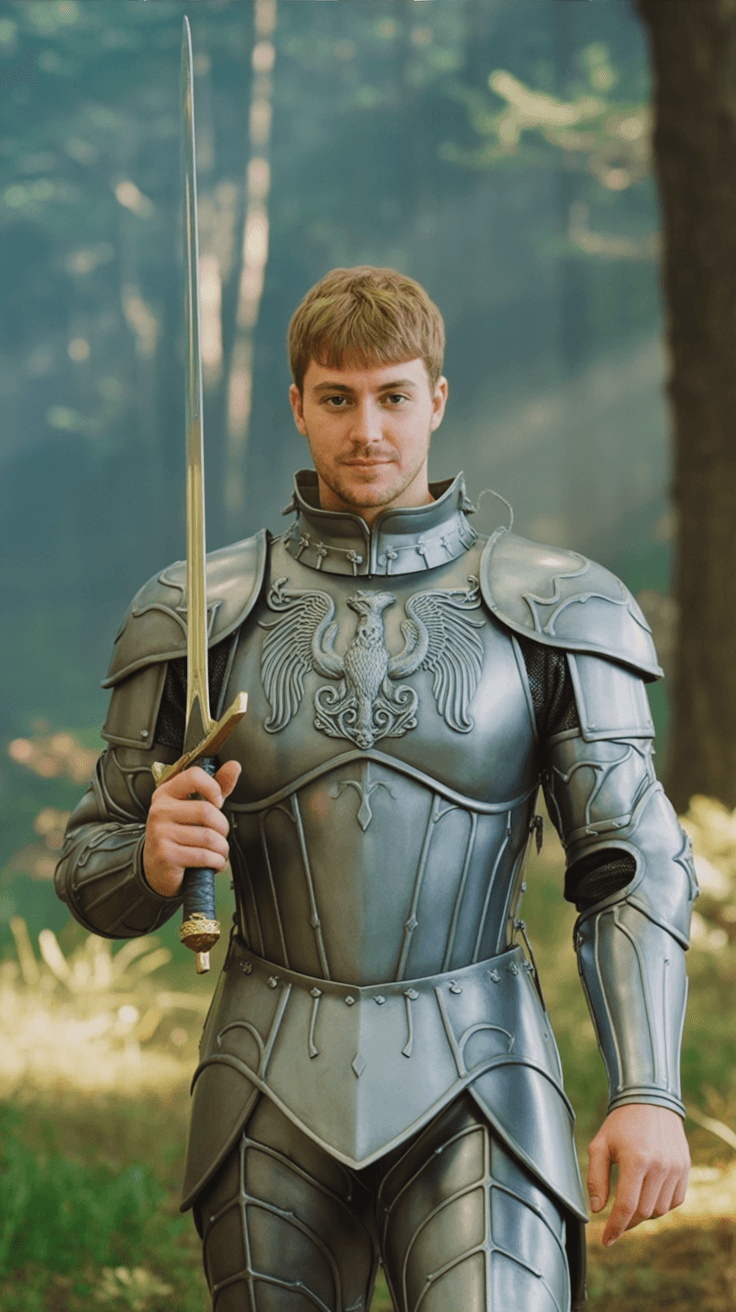
Place yourself or your character in any scene imaginable. Simply upload a photo and use a text prompt to change their clothing, setting, and style—while flawlessly preserving their unique facial features and identity. Find this tool as 'Photo Character' in the Wanoza platform.

  • Flawlessly preserves facial features and identity
  • Place your character in various scenes and poses
  • Perfect for storyboards, comics, and brand mascots
Photo Character

Character Consistency

Reference
Reference Identity

"Generate character: as a fantasy knight in an enchanted forest, detailed armor, cinematic lighting"
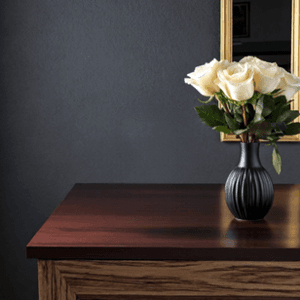
""
Ref
Reference
ResultResultResultResult
Generated Result

"Generate character: as a fantasy knight in an enchanted forest, detailed armor, cinematic lighting"
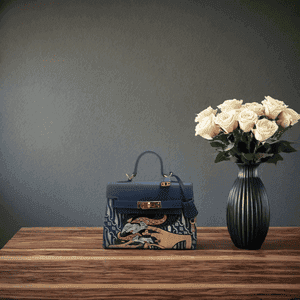
""
E-Commerce

Product Shot Generation

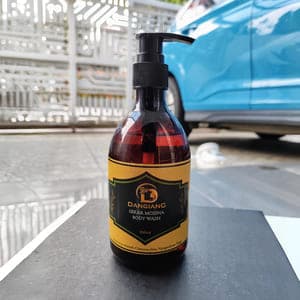
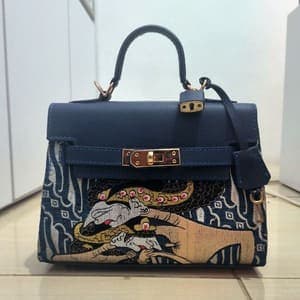
Stop paying for expensive photoshoots. Use an image reference or text descriptions to generate professional, studio-quality shots with your product seamlessly integrated.

  • Use text prompts to describe backgrounds, lighting, and props
  • Use a reference image for style transfer
  • Create unlimited variations for A/B testing
Product Photo

By Image Reference

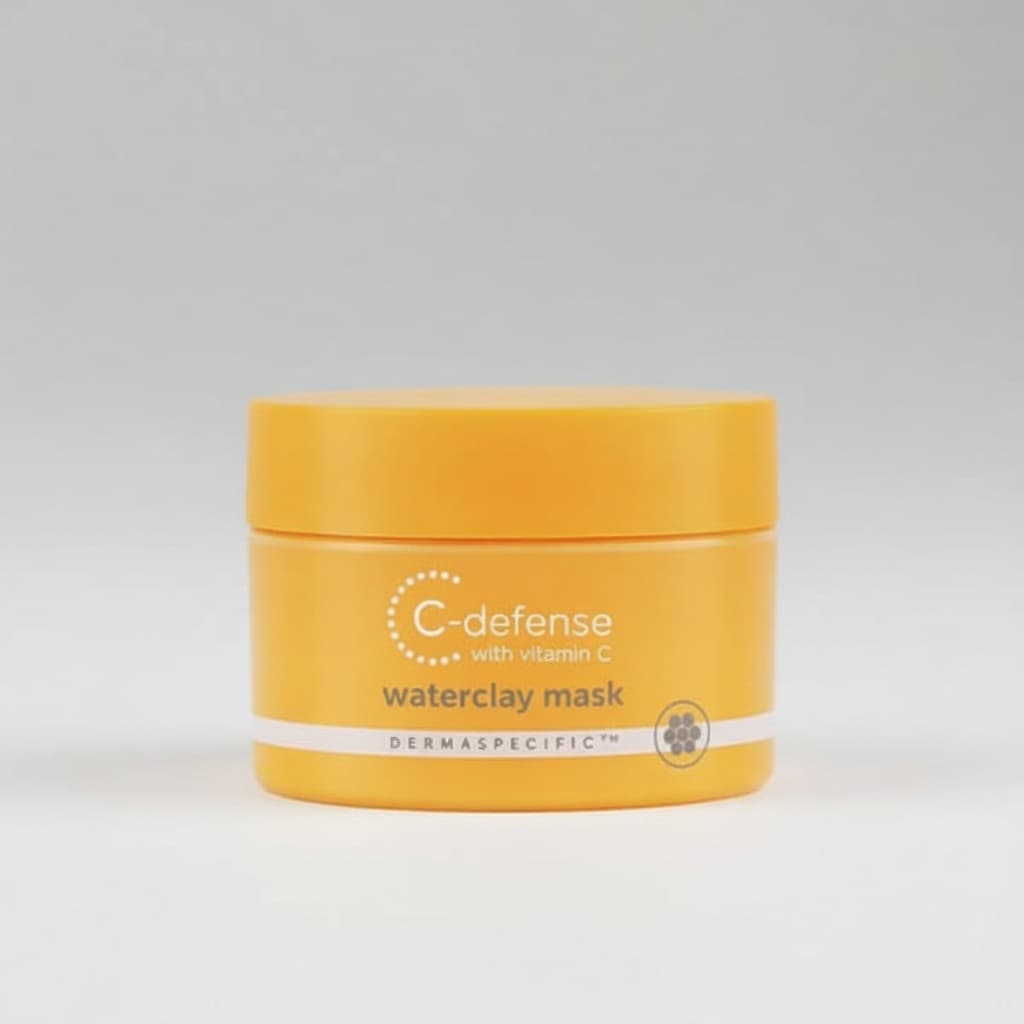
Product
Product
Reference
Style Ref
Uses reference for style & composition
Prod
Ref
Input
Result
Generated Shot
Uses reference for style & composition

By Text Prompt

Product
Product

Scene Prompt

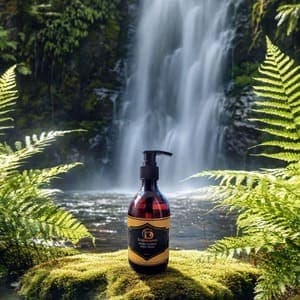
"On a flat, textured stone near a lush waterfall"
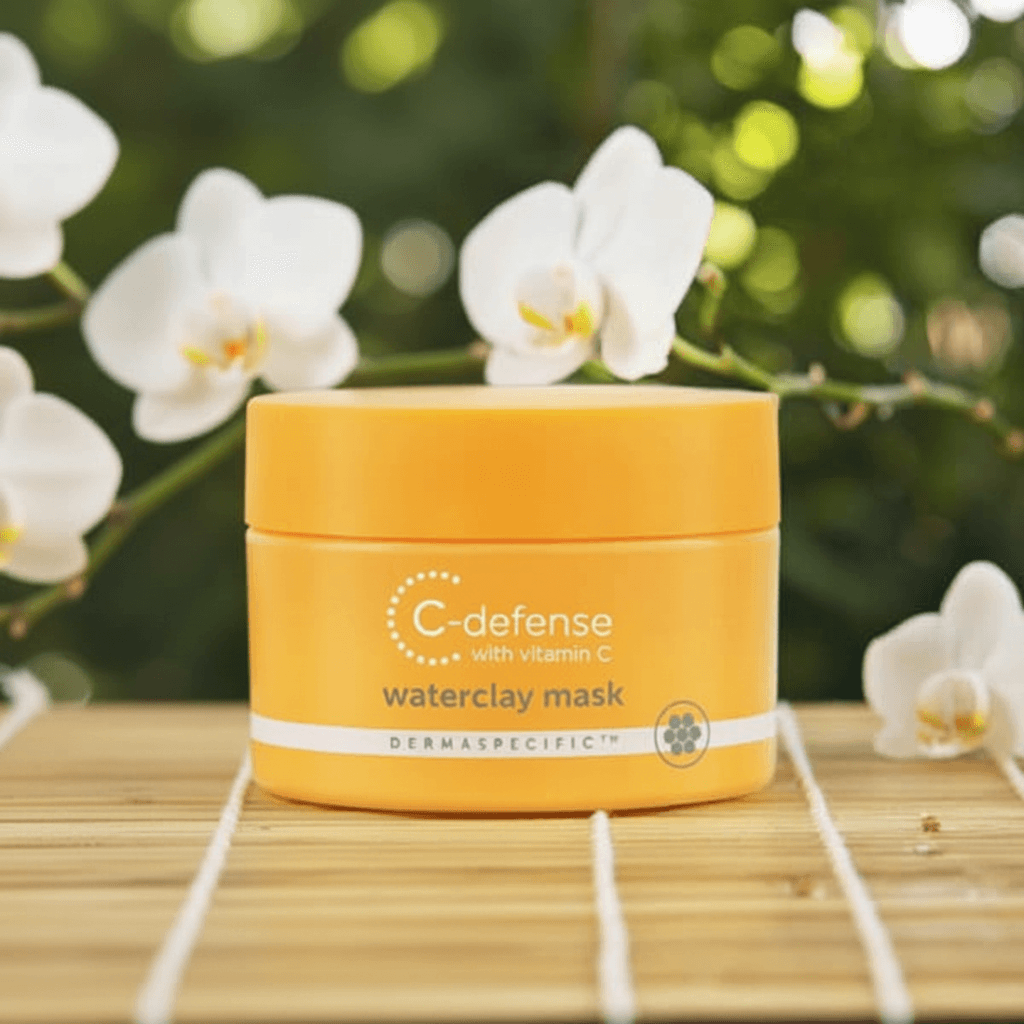
""
Product
Input
Result
Generated Shot

Scene Prompt

"On a flat, textured stone near a lush waterfall"
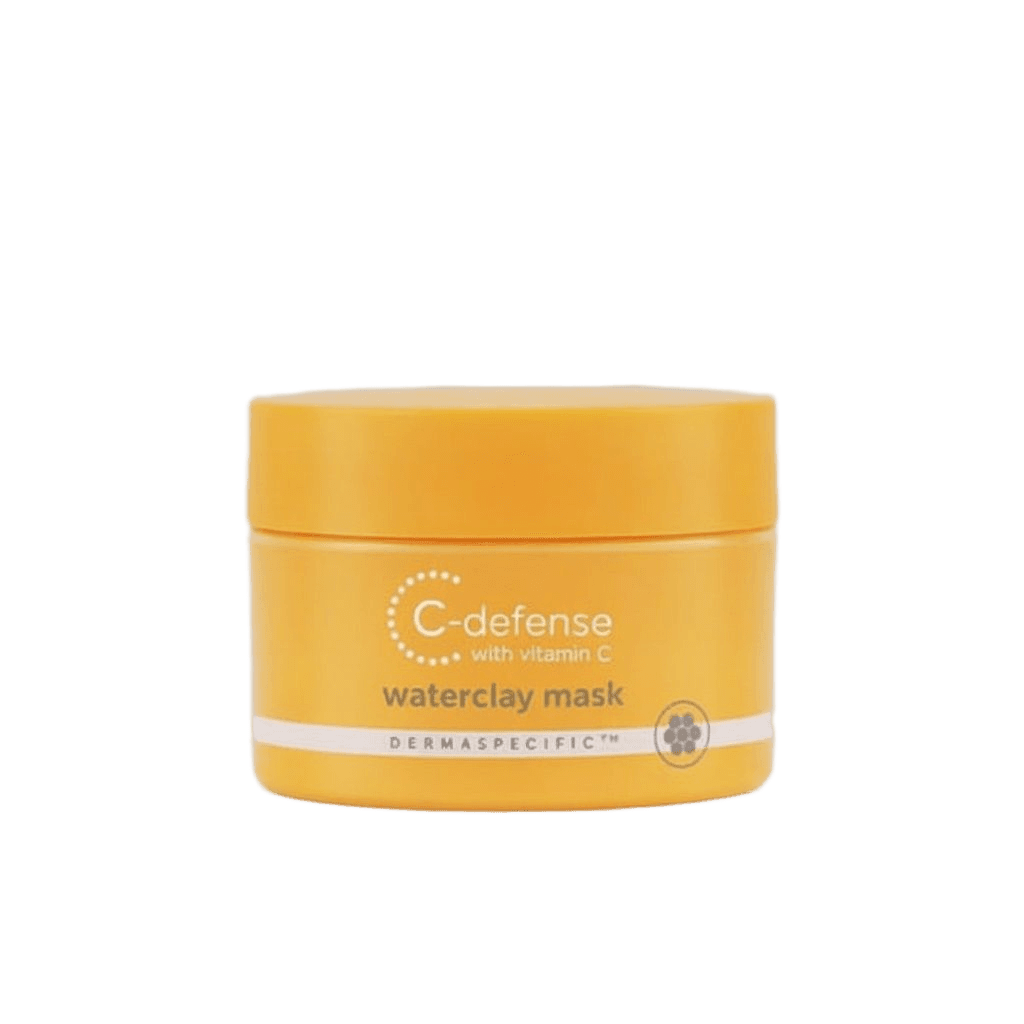
""
Tools

AI Photo Editing Suite

A full suite of AI-powered tools to enhance, correct, and perfect your images with just a few clicks, saving you hours of manual work.

Edit BackgroundIncrease ResolutionRemove Elements
AfterProduct
Before
Replace Background
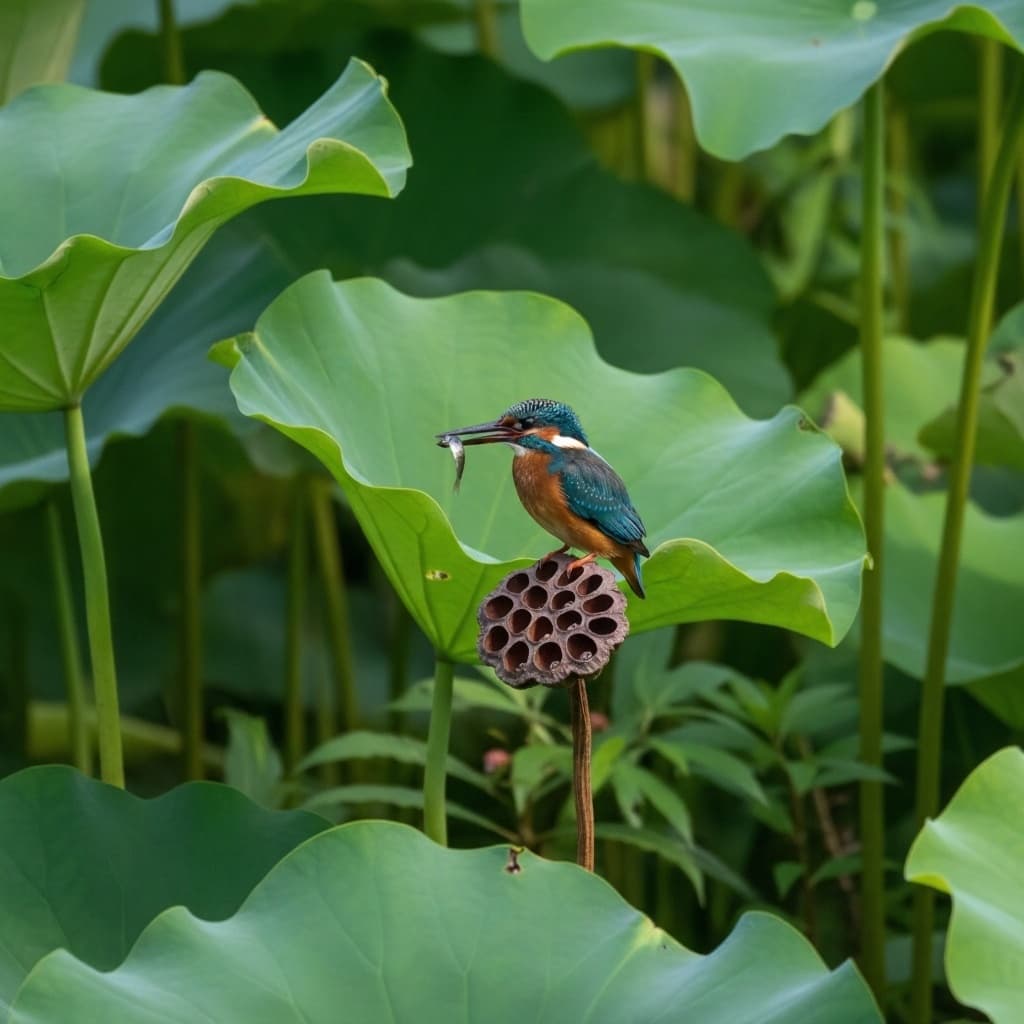
Before
After
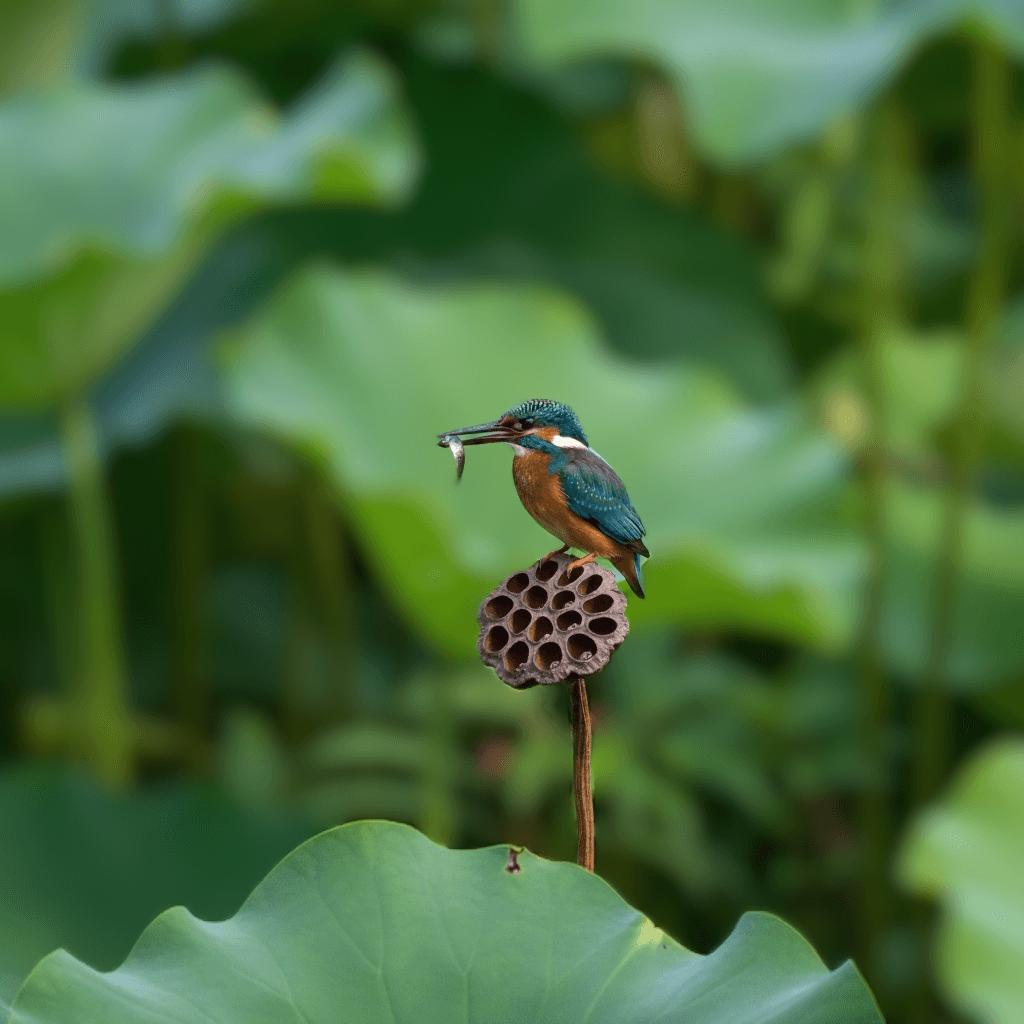
Blur Background
After
Before
Increase Resolution
Before
After
Erase Elements