Transform a single product photo into an endless library of marketing assets. Place your product in any setting, lighting condition, or style instantly. Perfect for e-commerce, ads, and social media content.
On Platform:Found under IMAGE GENERATOR > Photo Product by Text / Photo Product by Image.
Upload product images, Wanoza AI automatically creates cool photos according to the text (Description of the new scene) you want.
Choose a theme or upload your favorite background (Style Transfer, regenerate of the reference image), Wanoza AI is ready to make your photos more aesthetic.
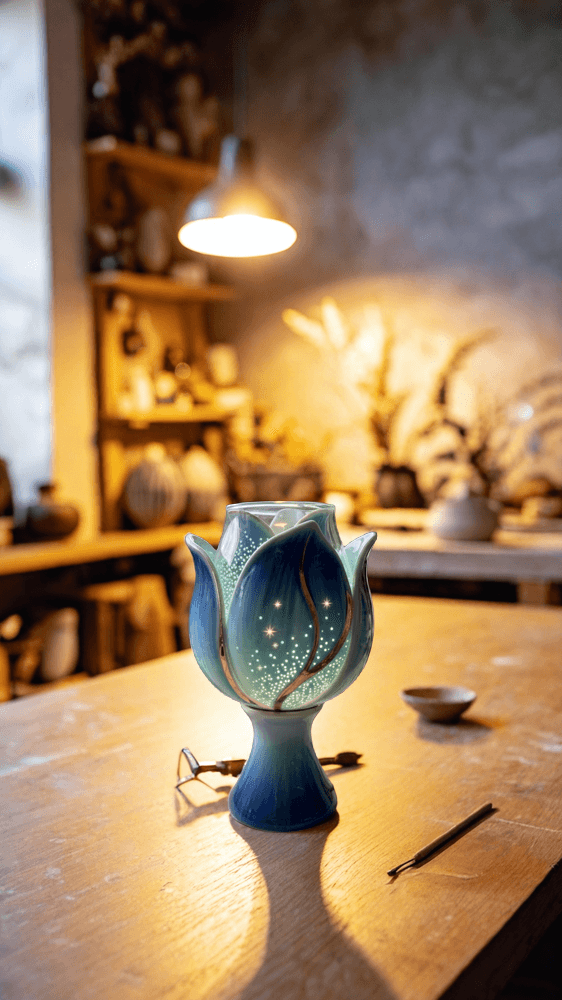
Three simple steps to professional results.
Upload your product image.
Describe the setting via text OR upload a reference style image.
Get professional photos with perfect reflections and lighting.
See how brands are replacing expensive photoshoots with AI-generated scenes that convert.
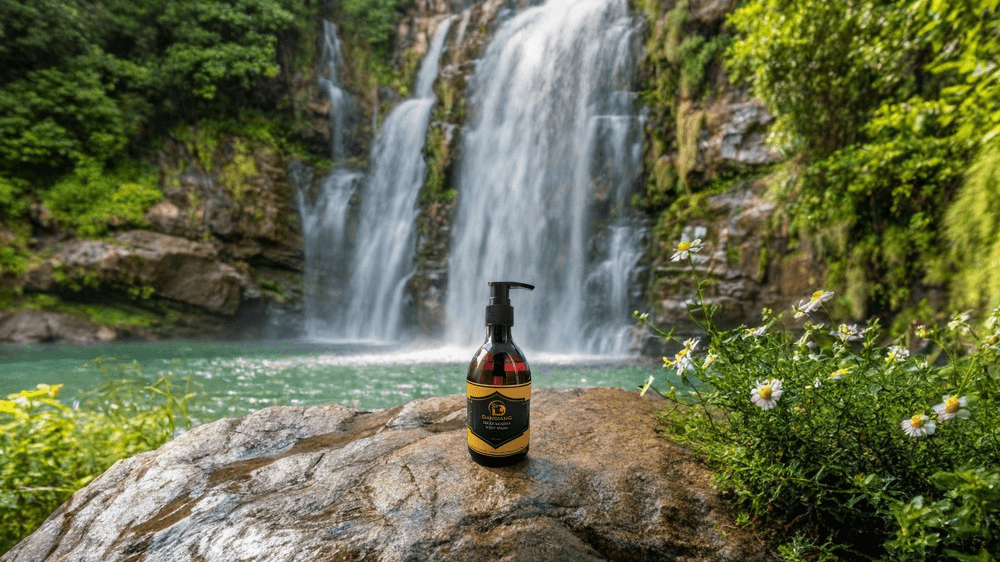
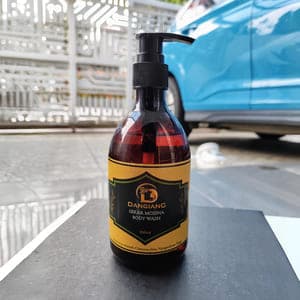
From a simple marble table to a waterfall in Iceland. Use text to place your product anywhere. The AI calculates reflections and lighting to make it look 100% real.
>On a flat, textured stone near a lush waterfall
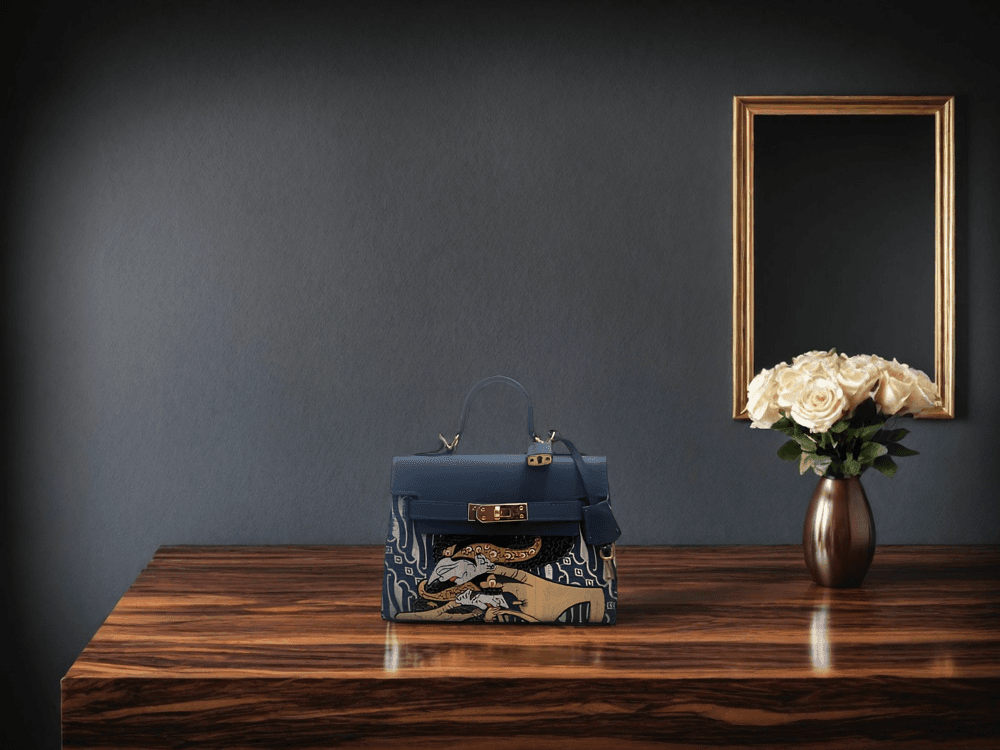
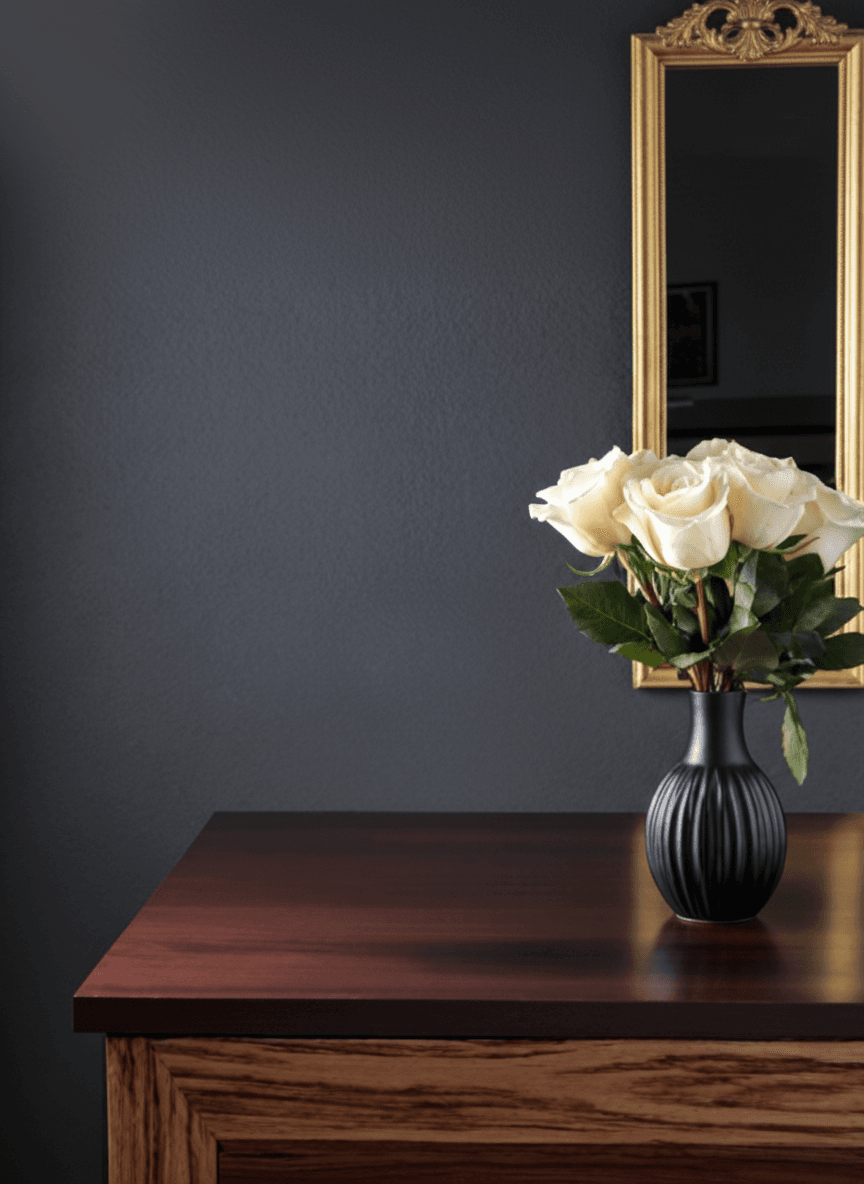
Have a mood board or a competitor's photo you love? Upload it as a reference, and the AI will replicate that specific lighting and composition for your product.
>Uses reference for style & composition
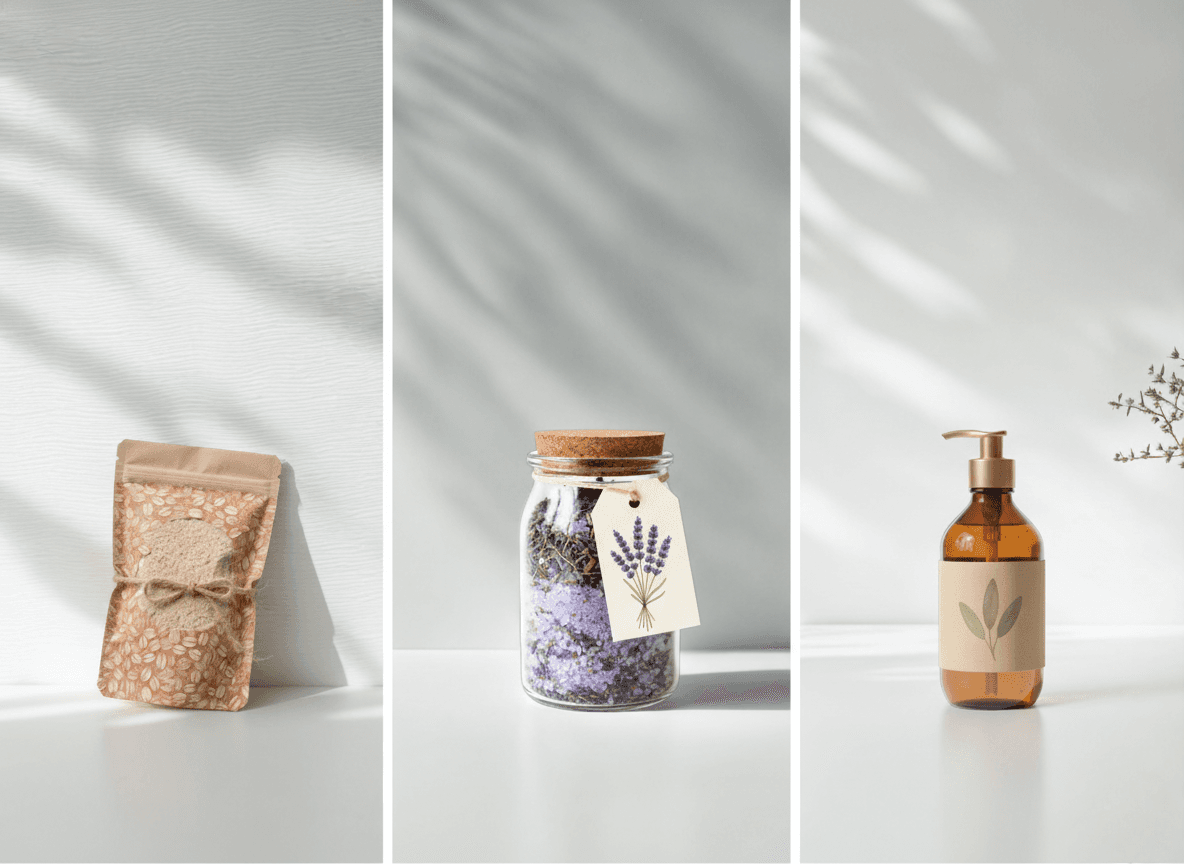
Create a clean, uniform aesthetic across your entire inventory. Generate hundreds of products with perfectly matched background styling without renting a studio.
>Minimalist white background with soft shadow

Don't reshoot for every holiday. Instantly place your existing products into Christmas, Halloween, or Summer settings to stay relevant year-round.
>Nestled in holly and snowflakes, warm twinkle lights.
Guides and tutorials to help you get professional results.
In the world of online sales, image quality equals trust. Wanoza's AI Product Photography tool allows you to take a basic photo of your product and transport it anywhere. Unlike simple background replacers, this tool actually simulates complex light interactions.
Powered by our specialized Wanoza Product Studio engine, the AI calculates how light should reflect off your product in the new environment. If you place a bottle in a sunset scene, the lighting on the glass warms up to match. This photorealism helps customers visualize your product in their lives, significantly increasing conversion rates.
Use By Text mode to conjure specific scenes ("on a marble countertop", "on a beach rock"). Use By Image mode to copy the style and vibe of a reference image you love, ensuring your brand aesthetic is always on point.

