Do you have old family photos gathering dust in albums or boxes? Those precious memories from decades past often suffer from fading, graininess, and loss of detail. But what if you could restore them to their former glory with just a few clicks? Thanks to breakthroughs in artificial intelligence, bringing old photos back to life has never been easier or more accessible.
In this comprehensive guide, we'll walk you through the process of restoring a vintage portrait using Wanoza.ai, an AI-powered restoration platform that leverages the cutting-edge Nano Banana Pro model to deliver professional results in minutes.
The Challenge: Faded Memories vs. Time
Old photographs face a relentless battle against the elements. A typical 1920s portrait, for example, often presents a "ghostly" appearance: the image is faded, the silver halide has oxidized into a grainy texture, and the fine details of the subject's face have softened into a blur.
Traditionally, repairing this level of decay required hiring a specialist for hundreds of dollars or mastering complex software like Adobe Photoshop. Today, AI bridges that gap by "understanding" the structural geometry of human faces and textiles, allowing it to rebuild what time has erased.
Meet Your Restoration Engine: Wanoza.ai
Wanoza.ai is a specialized AI platform designed for high-fidelity image reconstruction. Unlike standard filters that simply sharpen an image, Wanoza uses generative models to fill in missing data.
In 2026, the standout feature of this platform is the Nano Banana Pro model. This specific engine is optimized for high-end portraiture, focusing on maintaining "identity consistency"—ensuring the restored person still looks like your ancestor, not a generic AI-generated stranger.
The Step-by-Step Restoration Process
Follow this simple workflow to transform your historical archives:
Step 1: Digitizing and Uploading
The journey begins with a high-quality digital copy. For the best results, use a flatbed scanner at 600 DPI. Once you have your file:
- Navigate to the Wanoza.ai dashboard
- Click the "Add Image" icon inside the prompt box
- Select your photo from your device. You can use the built-in preview to confirm you've selected the correct file before proceeding
Step 2: Adding the Restoration Prompt
AI works best when it has context. Once your image thumbnail appears in the prompt area:
- Right-click inside the text field and select "Paste" to insert a detailed restoration prompt, or type your own instructions
"Restore this 1920s portrait, remove surface scratches, enhance eye clarity, and preserve the natural texture of the lace clothing."
Step 3: Configuring the High-Fidelity Settings
To achieve a "masterpiece" finish, you must select the right model and parameters:
- Select Model: Click the current model name and choose "Nano Banana Pro." This model is the industry standard for detailed skin and fabric reconstruction.
- Resolution: Set this to 1K (or higher if your plan allows) for optimal print quality.
- Aspect Ratio: This is a crucial step. Change the default 1:1 ratio to 2:3 (or the ratio that matches your original portrait) to prevent the AI from awkwardly cropping the subject.
- Image Count: Set this to 1 for a focused generation.
Step 4: Generation and Refinement
Click the orange "Generate" button. For the next 10–30 seconds, the AI performs millions of calculations: identifying scratches, de-noising the grain, and re-lighting the scene.
Video Tutorial: See It in Action
The Results: A Window into the Past
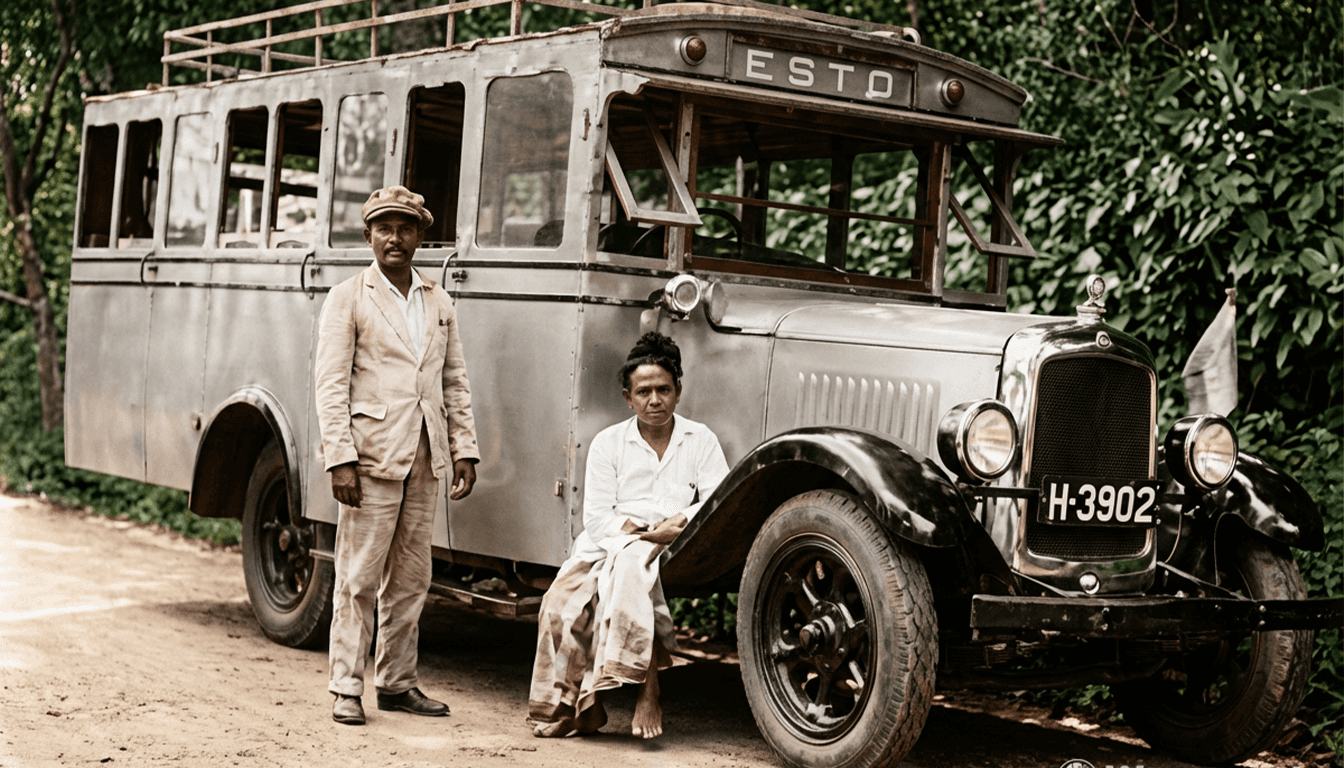
The transformation is often breathtaking. When viewing the side-by-side comparison, the "After" image typically reveals:
- Crystal Clarity: The AI recovers the "catchlights" (the tiny reflections of light) in the subject's eyes, instantly making the portrait feel alive.
- Anatomical Accuracy: Heavy grain on the forehead and cheeks is replaced by smooth, natural skin tones that respect the age of the subject.
- Textural Preservation: Intricate details, such as the weave of a suit or the delicate lace of a 1920s dress, are sharpened rather than blurred.
- Atmospheric Warmth: The AI corrects the "yellowing" of old paper, providing a balanced, neutral, or authentically warm tone.
Why AI Restoration is the Future of Genealogy
The AI doesn't just "smudge" away the damage; it intelligently reconstructs information based on patterns learned from millions of high-definition photographs. This is why it can "know" how a tear in a sleeve should be mended or how a faded ear should be shaped.
This technology is a game-changer for:
- Family Historians: Creating vivid, high-definition family trees
- Digital Archivists: Preserving historical records that are physically disintegrating
- Sentimental Gifting: Transforming a torn scrap of a photo into a framed centerpiece for a loved one
Your Turn to Restore History
Don't let your family's visual legacy fade away. The tools that were once exclusive to Hollywood studios are now sitting in your browser. Take a look through your old albums this weekend and identify one photo that deserves a second chance.
Ready to begin? Register today, select the Nano Banana Pro model, and watch as your history is reborn in high definition.
Have you successfully restored a family treasure? Share your before-and-after results with the community and help us keep the past alive!