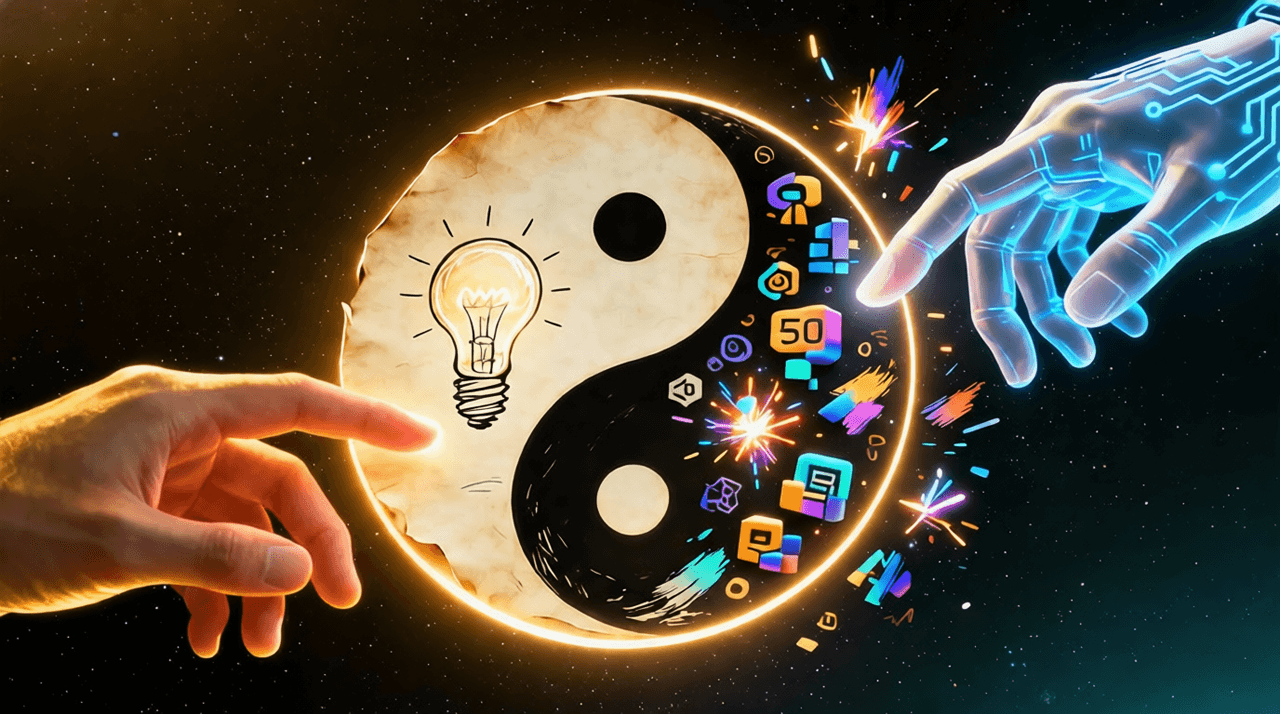
The debate about AI replacing human creativity misses the real opportunity. The most successful creators are not choosing between human or AI. They are building hybrid workflows where each partner plays to their strengths. Humans provide strategy, taste, and emotional intelligence. AI provides speed, scale, and tireless execution. Together, they create work that neither could produce alone. This guide shows you the exact four-step workflow that top creative professionals use to combine human insight with AI power.
Why Hybrid Workflows Beat Pure Approaches
Human-only workflows face real constraints: time, energy, and technical skill limitations. You might have brilliant ideas but lack hours to execute them all. AI-only workflows face different constraints: lack of strategic direction, emotional intelligence, and authentic taste. The AI can generate 100 variations but cannot tell you which one truly resonates with your audience.
The hybrid approach solves both problems. You focus on high-value creative thinking while AI handles repetitive execution. This partnership creates a virtuous cycle: faster iteration leads to better ideas, which lead to more refined execution, which reveals new creative possibilities.
Step 1: Strategy and Direction (Human Domain)
Strategy is fundamentally human work. AI cannot understand your brand's unique voice, your audience's unmet needs, or the emotional resonance you want to create. This phase requires human insight, experience, and intention.
Key strategic questions only humans can answer:
- Why are we creating this? What problem does it solve or what emotion does it evoke?
- Who is our audience? What do they care about, and what will make them feel understood?
- What is our unique perspective? How does this reflect our brand voice and values?
- What does success look like? How will we measure whether this work achieves its goal?
Practical strategy outputs:
- Creative brief: One-page document capturing goal, audience, key message, tone, and success metrics
- Brand guidelines: Specific direction on visual style, voice, and emotional approach
- Reference examples: 3-5 examples of work that captures the desired feeling (not to copy, but to inspire)
- Constraints and guardrails: What to avoid, what must be included, technical requirements
This strategic foundation guides all subsequent AI work. Without it, you are asking AI to guess your intentions—a recipe for generic, off-brand results.
Step 2: Exploration and Ideation (AI Domain)
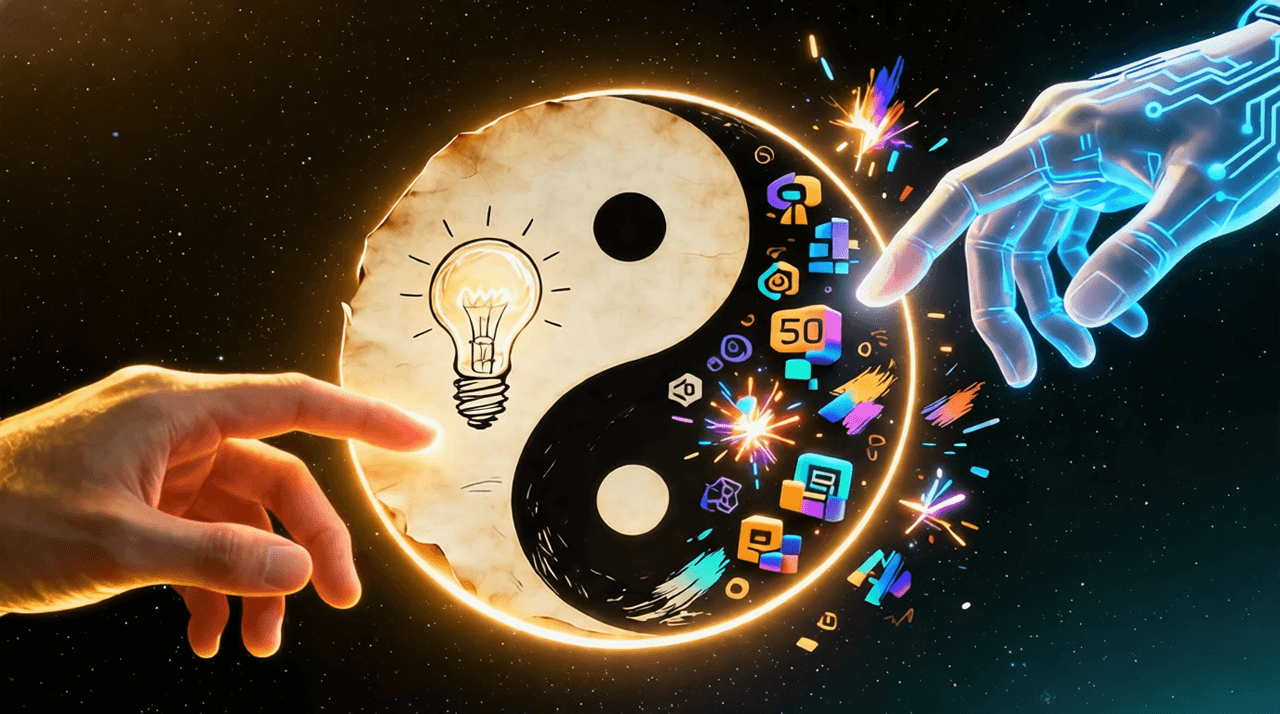
Once strategy is set, AI excels at rapid exploration. Humans are limited by time and energy—you might sketch 3-5 ideas before fatigue sets in. AI has no such constraints. It can generate 50 variations in the time it takes you to make coffee.
Exploration techniques that work:
- Style variations: Generate the same concept in different visual styles to see what resonates
- Composition options: Explore different layouts, cropping, and framing approaches
- Color palette testing: Create versions with different color schemes to test emotional impact
- Concept iterations: Generate multiple interpretations of the same core idea
- Mood board acceleration: Create dozens of visual references in minutes instead of hours
Example exploration workflow for a book cover:
- Generate 10 versions focusing on typography approaches
- Generate 10 versions emphasizing photographic imagery
- Generate 10 versions using illustrated elements
- Generate 10 versions with abstract, conceptual treatments
- Generate 10 versions combining multiple approaches
This exploration phase reveals possibilities you would never have time to discover manually. It also helps you recognize what you do and do not like—often the fastest path to a breakthrough idea.
Step 3: Curation and Refinement (Human Domain)
This is where human taste and judgment become irreplaceable. AI can generate options, but only you can select the one that truly aligns with your strategy and resonates emotionally. Curation is not passive selection—it is active refinement.
The curation process:
- Initial filtering: Quickly eliminate options that miss the strategic mark (50% reduction)
- Comparative analysis: Place remaining options side-by-side to see relative strengths
- Intuitive selection: Trust your gut reaction—which one feels right?
- Critical evaluation: Does it meet all strategic requirements? Will it resonate with the audience?
- Refinement direction: Identify specific changes needed (not just "I don't like it")
Effective refinement feedback:
- Instead of: "Make it better"
- Try: "Increase contrast between foreground and background elements"
- Instead of: "I don't like the colors"
- Try: "Shift color palette toward warmer tones to match brand guidelines"
- Instead of: "The composition feels off"
- Try: "Reposition subject to follow rule of thirds, create more negative space on right"
Specific, actionable feedback enables AI to iterate effectively. Vague dissatisfaction leads to endless, frustrating revisions.
"Curation is where human taste transforms AI output from generic to exceptional. The AI generates possibilities; you provide the judgment that makes them meaningful."
Step 4: Technical Polish and Production (AI Domain)
Once creative direction is locked, AI excels at tedious technical tasks that drain human energy without adding creative value. This is the true productivity multiplier.
Technical tasks perfect for AI:
- Image upscaling: Increase resolution for print or large-format display
- Format adaptation: Resize for different platforms (Instagram square, TikTok vertical, YouTube thumbnail)
- Background removal: Isolate subjects for compositing or product catalogs
- Color correction: Adjust brightness, contrast, saturation for consistency
- Batch processing: Apply the same edits to dozens or hundreds of images
- File optimization: Compress for web delivery without quality loss
Real productivity impact: Tasks that took hours manually now take minutes. A designer who spent 2 hours resizing 20 images for different social platforms can now complete the same work in 15 minutes, freeing up 1 hour 45 minutes for higher-value creative thinking.
Advanced Hybrid Techniques
The Iterative Loop
The most powerful hybrid workflows are not linear but cyclical. After Step 4, return to Step 2 with refined direction:
- Human evaluates polished output
- Identifies new opportunities or adjustments
- AI generates refined variations based on feedback
- Human curates again
- Repeat until perfect
This iterative approach combines human insight with AI's tireless capacity for revision, creating work that improves with each cycle.
Parallel Processing
While AI handles technical polish on one project, you can work on strategy for the next. This parallel processing maximizes productivity:
- AI task: Batch resize 50 product images for e-commerce site
- Human task: Develop creative brief for upcoming campaign
- Result: Two projects advance simultaneously instead of sequentially
Collaborative Teams
Hybrid workflows scale beautifully across teams. Different team members focus on their strengths while AI handles execution:
- Creative director: Sets strategy and provides final curation
- Designer: Guides AI exploration and refinement
- AI system: Executes variations and technical polish
- Result: Team produces 3x more work without hiring additional staff
Measuring Hybrid Workflow Success
Track these metrics to evaluate your hybrid workflow effectiveness:
- Time to completion: How much faster do projects finish compared to human-only workflows?
- Idea quantity: How many more concepts can you explore before committing?
- Quality consistency: Does work maintain brand standards across all outputs?
- Creative satisfaction: Do team members feel more fulfilled focusing on high-value work?
- Output volume: How much more content can you produce with same resources?
Common Hybrid Workflow Mistakes
- Skip the strategy phase: Jumping straight to AI generation without clear direction leads to generic results
- Over-rely on AI curation: Letting AI select "best" options without human judgment sacrifices taste
- Under-specify feedback: Vague direction leads to endless revision cycles
- Neglect human polish: Some details still require human touch (typography fine-tuning, emotional nuance)
- Fail to iterate: Settling for first AI output instead of refining through multiple cycles
Getting Started with Hybrid Workflows
Implement this approach gradually:
- Start with one project: Choose a low-stakes project to test the workflow
- Document your process: Note what works and what does not at each step
- Refine your prompts: Build a library of effective prompts for your specific needs
- Train your team: Share successful workflows and learnings across your organization
- Scale systematically: Expand to more projects and team members as confidence grows
The goal is not to replace human creativity but to amplify it. When AI handles execution, humans can focus on what they do best: strategy, taste, and emotional connection. This partnership creates work that is both more efficient and more meaningful.
Ready to build your hybrid creative workflow? Start combining human insight with AI power today.