Wanoza gives you access to dozens of AI models. But having choices only helps if you know which tool solves your specific problem. There is no single best model. There is only the right model for your current task. This guide cuts through the noise with practical, model-by-model recommendations based on real usage patterns.
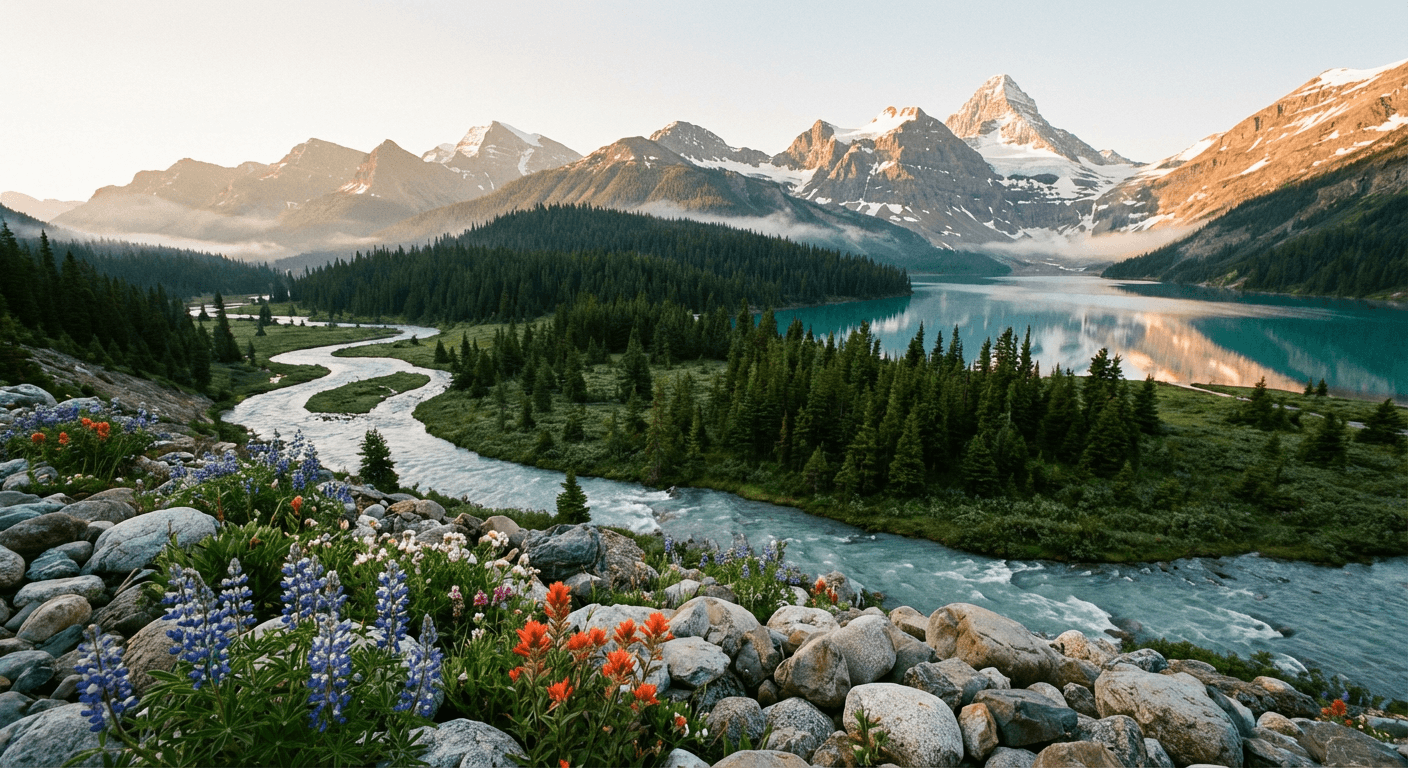
Photorealistic Images: When Every Detail Matters
Choose these when you need images that could pass for photographs:
- Imagen4: Google's flagship for photorealism. Excels at accurate lighting, natural skin tones, and following complex multi-part prompts. Ideal for product shots, lifestyle scenes, and architectural visualization.
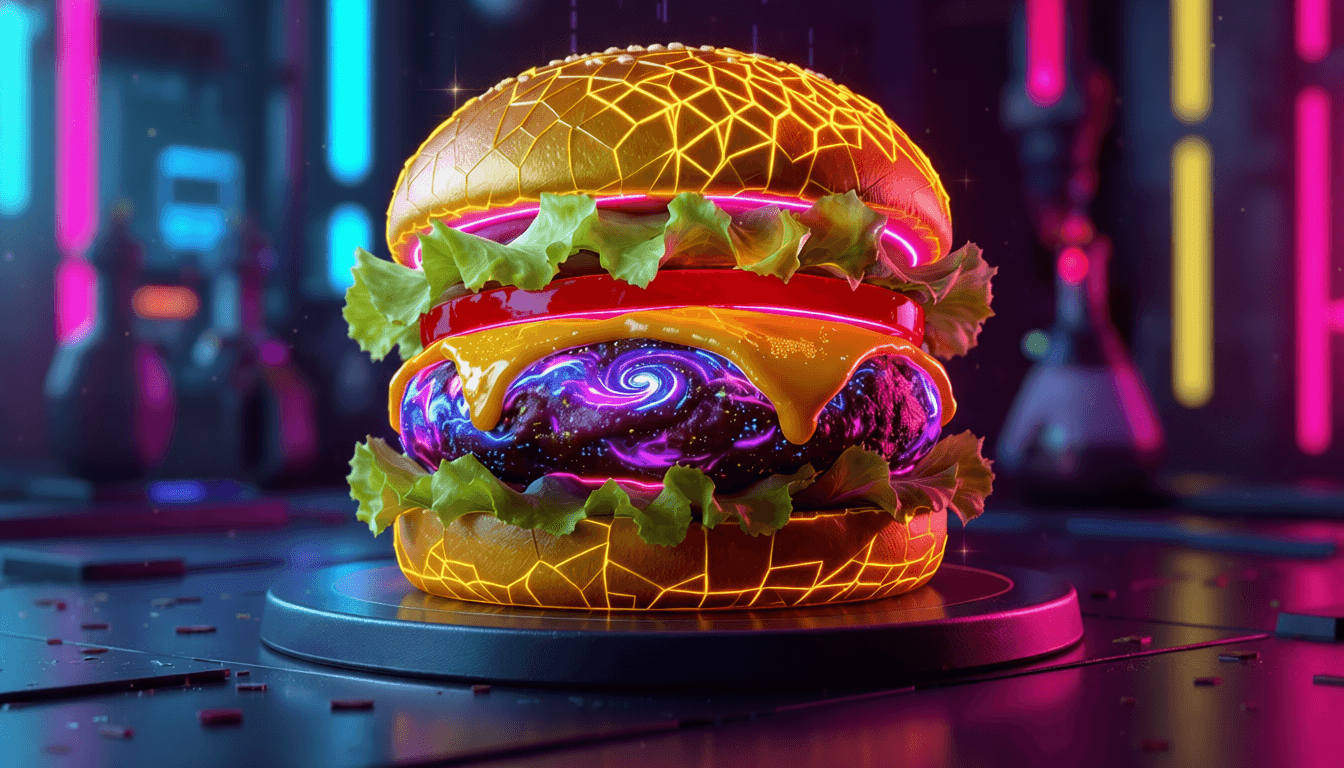
- Flux Pro V1.1: Superior texture rendering. Makes food look edible, fabrics feel touchable, and surfaces physically believable. Use when material accuracy is critical.
- Flux 2 Pro / Flex: Latest physics-aware architecture. Best for scenes requiring accurate object interaction, fluid dynamics, or realistic material behavior.
Text, Logos, and Typography
Most image models fail at legible text. These do not:
- Ideogram V3: Industry standard for text integration. Generates accurate spelling, proper kerning, and readable fonts on posters, t-shirts, and signage.
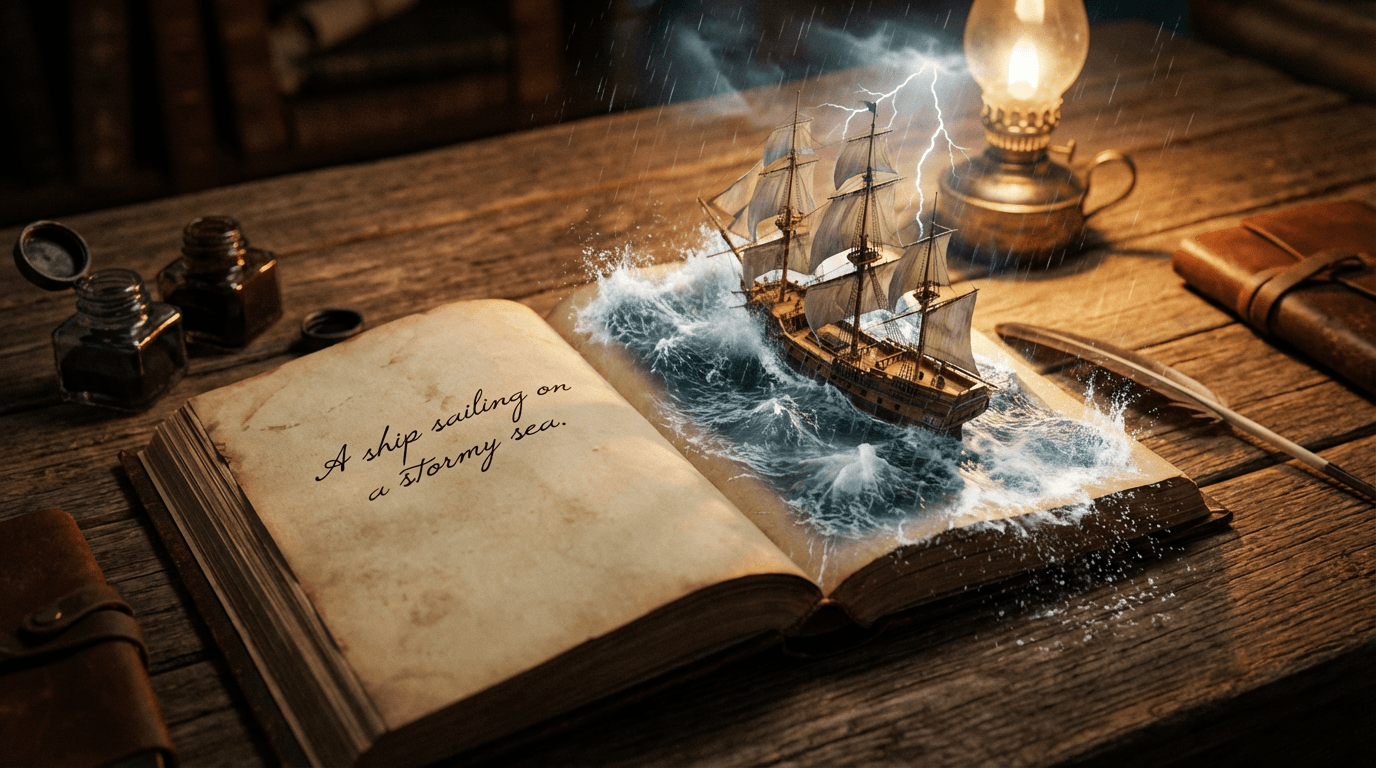
- Flux Pro Kontext: Handles complex narratives with embedded text. Use for book covers, magazine layouts, or scenes requiring multiple text elements with contextual accuracy.
- Reve: Combines ultra-realistic imagery with precise typography and conversational editing capabilities.
"Ideogram V3 is the only model you need when words must be spelled correctly. Everything else is a compromise."
Creative and Concept Art
When realism takes a back seat to imagination:
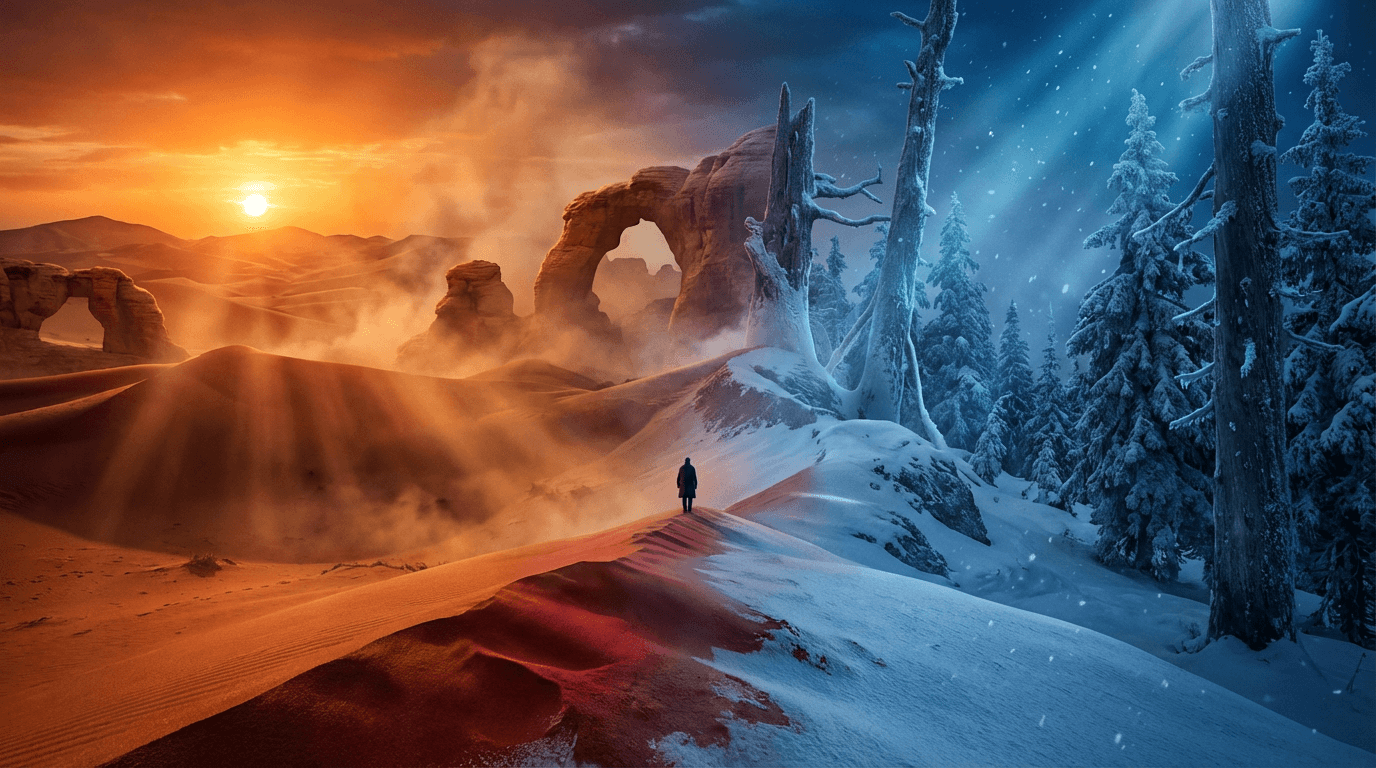
- Seedream 4.0 / 4.5: ByteDance's vibrant style engine. Perfect for character concepts, fantasy environments, and stylized illustrations with bold color palettes.
- Dreamina: Focuses on aesthetic cohesion and artistic detail. Ideal for book covers, album art, and mood-driven visuals where emotional impact outweighs photorealism.
- PixVerse v5: Specialized for stylized video clips with painterly or animated aesthetics.
Fast Editing and Iteration
When you already have an image and need quick changes:
- Nano Banana: Google's speed-optimized model. Best for rapid prototyping, color swaps, object removal, and background edits where speed matters more than pixel-perfect results.
- Nano Banana Pro: Same speed with higher resolution outputs (1K, 2K, 4K). Use when you need fast edits at print or display quality.
- Qwen Image: Advanced multilingual understanding. Choose when your edit requires precise cultural or linguistic context, especially for non-English text integration.
Video Generation: Matching Model to Motion Type
Video models specialize in different motion qualities. Match your need to the right tool:
- Cinematic Quality: Google Veo 3.1 and Sora 2 Pro deliver maximum visual fidelity and temporal coherence. Use for professional commercials, film pre-vis, or any project where flicker or object instability would break immersion.
- Human Motion: Seedance 1.0 Pro specializes in natural human movement for virtual influencers, dance sequences, and character performance. Seedance Lite offers faster previews when perfect motion isn't critical yet.
- Speed and Value: Google Veo 3.1 Fast, Kling 2.5 Turbo Pro, and Hailuo 2.3 Standard generate social-ready clips in seconds. Ideal for TikTok, Reels, and rapid content iteration.
- Atmospheric Mood: Hailuo series (Standard and Pro) excels at consistent atmospheric rendering—fog, rain, golden hour—with stable object persistence across frames.
- Narrative Control: Wan 2.2 and Wan 2.5 offer precise cinematic direction and, in Wan 2.5's case, integrated audio generation for complete scene creation.
Pro Workflow Tip: Combine Models Strategically
Professional creators rarely use just one model per project. Try these workflows:
- Generate base image with Imagen4 → refine text elements with Ideogram V3 → edit specific areas with Nano Banana
- Create concept art with Seedream → upscale and add photorealistic details with Flux Pro V1.1
- Generate video with Seedance Pro for character motion → composite into Veo 3.1 environment for background coherence
This layered approach leverages each model's strength while avoiding its weaknesses.
Common Mistakes to Avoid
- Using photorealistic models for text-heavy designs: You will get garbled letters. Start with Ideogram V3 or Flux Pro Kontext instead.
- Expecting perfect human motion from general video models: Veo and Sora handle environments beautifully but struggle with complex dance. Use Seedance for human-centric motion.
- Ignoring resolution tiers: Nano Banana Pro exists for a reason. Don't waste credits generating 4K outputs on the standard Nano Banana if you need print quality.
- Skipping the fast variants: Veo 3.1 Fast and Seedance Pro Fast exist for iteration. Use them for drafts, then switch to premium models only for finals.
How to Test Models Without Wasting Credits
Wanoza's interface lets you compare models side by side. For any project:
- Start with the fastest/cheapest model that matches your primary need (e.g., Nano Banana for quick edits)
- Generate 2-3 variations
- If results lack quality, switch to the premium tier of that category (e.g., Nano Banana Pro or Imagen4)
- Only move to specialized models (Ideogram for text, Seedance for motion) when the general models fail at that specific task
This tiered approach saves time and credits while teaching you each model's true capabilities.
Model capabilities evolve monthly. Bookmark our full model directory for the latest benchmarks and comparison galleries. Start with the right tool, and you will spend less time regenerating and more time creating.