AI image generators have studied millions of artworks across centuries and cultures. But if you ask for "a cat," you get a generic digital photograph of a cat. The AI defaults to its most common interpretation, which often looks bland and uninspired. To create something memorable, you must tell the AI what artistic style to use.
This guide breaks down proven art styles you can use in your prompts, with specific terminology that actually works. Whether you want traditional painting techniques, historical art movements, or modern digital aesthetics, these style keywords will transform your AI art from ordinary to extraordinary.
Why Style Keywords Matter
Style keywords act as creative constraints. They tell the AI which visual language to speak. Without them, the AI has too many options and defaults to safe, generic outputs. With them, you get distinctive artwork with character and intention.
Think of it like ordering food. "Something to eat" gets you a basic sandwich. "Spicy Thai basil chicken with jasmine rice" gets you a specific, flavorful dish. The same principle applies to AI art prompts.
Traditional Painting and Drawing Styles
These styles mimic physical art media and techniques. They add texture, imperfection, and human touch that digital art often lacks.
- Impasto Oil Painting: Thick, visible brush strokes with textured paint application. Creates a tactile, three-dimensional quality. Perfect for landscapes, portraits, and expressive subjects.
- Watercolor Wash: Soft, translucent layers with bleeding edges and paper texture visible. Evokes lightness, dreaminess, and spontaneity.
- Alcohol Ink: Flowing, organic patterns with vibrant colors and unpredictable blending. Great for abstract backgrounds and fluid compositions.
- Charcoal Sketch: Dark, gritty lines with smudging and high contrast. Captures raw energy and dramatic lighting.
- Pencil Drawing: Fine, precise lines with subtle shading. Ideal for technical illustrations and detailed studies.
- Pastel Drawing: Soft, chalky textures with blended colors and gentle edges. Creates nostalgic, delicate moods.
Historical Art Movements
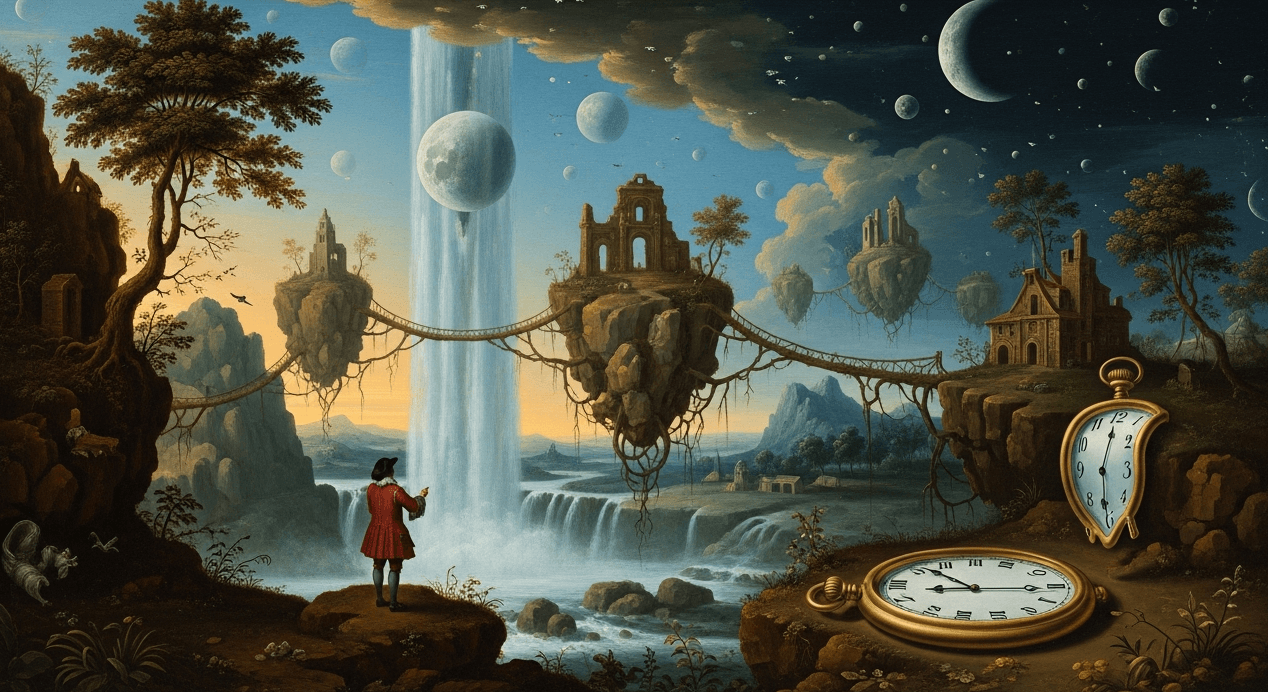
These styles reference specific periods and movements in art history. They carry strong visual signatures and cultural associations.
- Art Nouveau: Flowing organic lines, floral motifs, elegant figures, and decorative borders. Inspired by Alphonse Mucha's posters and architectural details. Use for elegant, feminine compositions.
- Art Deco: Geometric patterns, sunburst motifs, streamlined forms, and luxurious materials. Evokes 1920s glamour and sophistication.
- Ukiyo-e: Japanese woodblock print style with flat colors, bold outlines, and asymmetrical compositions. Features waves, Mount Fuji, geisha, and kabuki actors.
- Baroque: Dramatic lighting (chiaroscuro), rich colors, dynamic movement, and emotional intensity. Think Caravaggio and Rembrandt.
- Impressionism: Loose brushwork, visible strokes, emphasis on light effects, and everyday subjects. Captures fleeting moments and atmospheric conditions.
- Bauhaus: Minimal geometric forms, primary colors, functional design, and abstraction. Clean, modern, and architectural.
Modern and Digital Art Styles
These styles reflect contemporary aesthetics and digital art techniques. They range from retro nostalgia to futuristic visions.
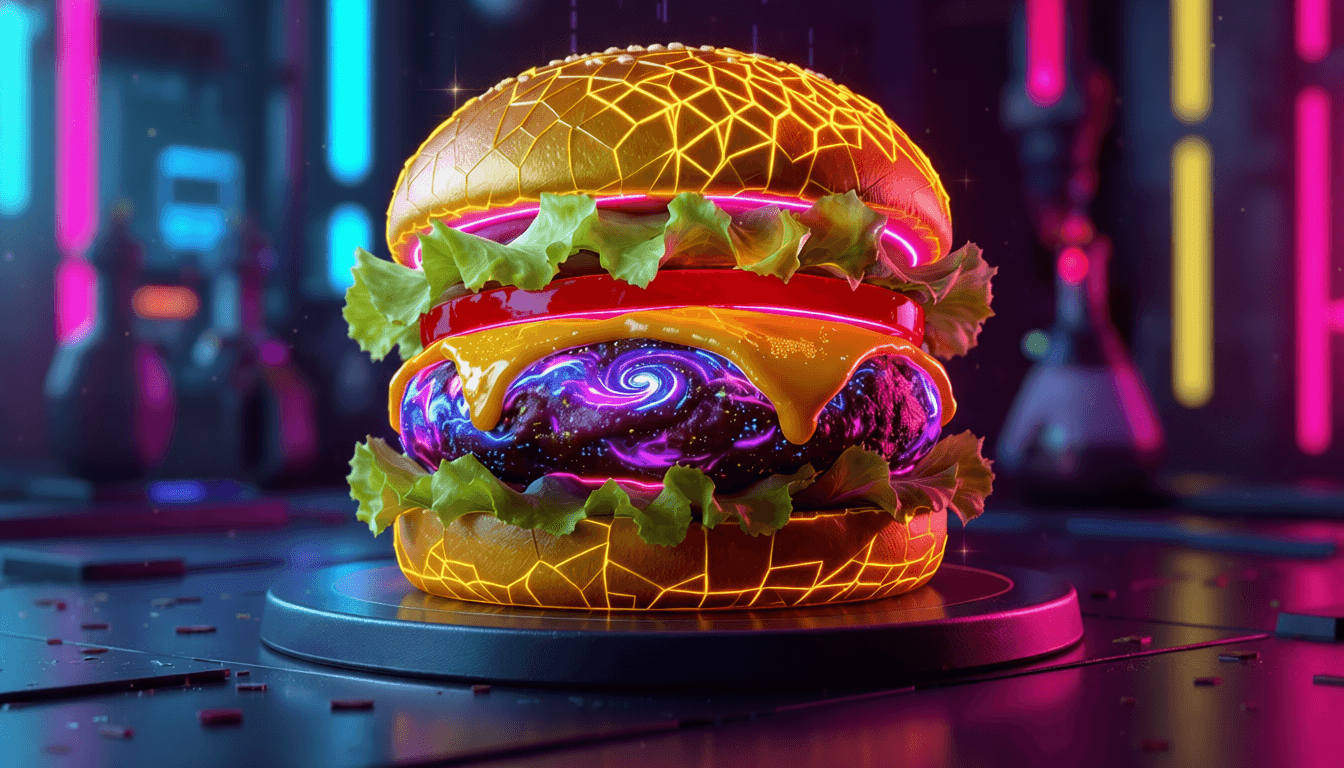
"Cyberpunk creates neon-drenched urban scenes with rain-slicked streets, holographic advertisements, and high-tech low-life aesthetics. Vaporwave evokes 1980s nostalgia with pastel pinks and purples, marble statues, palm trees, and glitch art effects. They are distinct moods, not interchangeable terms."
- Cyberpunk: Neon lighting, dystopian cityscapes, rain effects, holograms, and technological grit. Dark, moody, and futuristic.
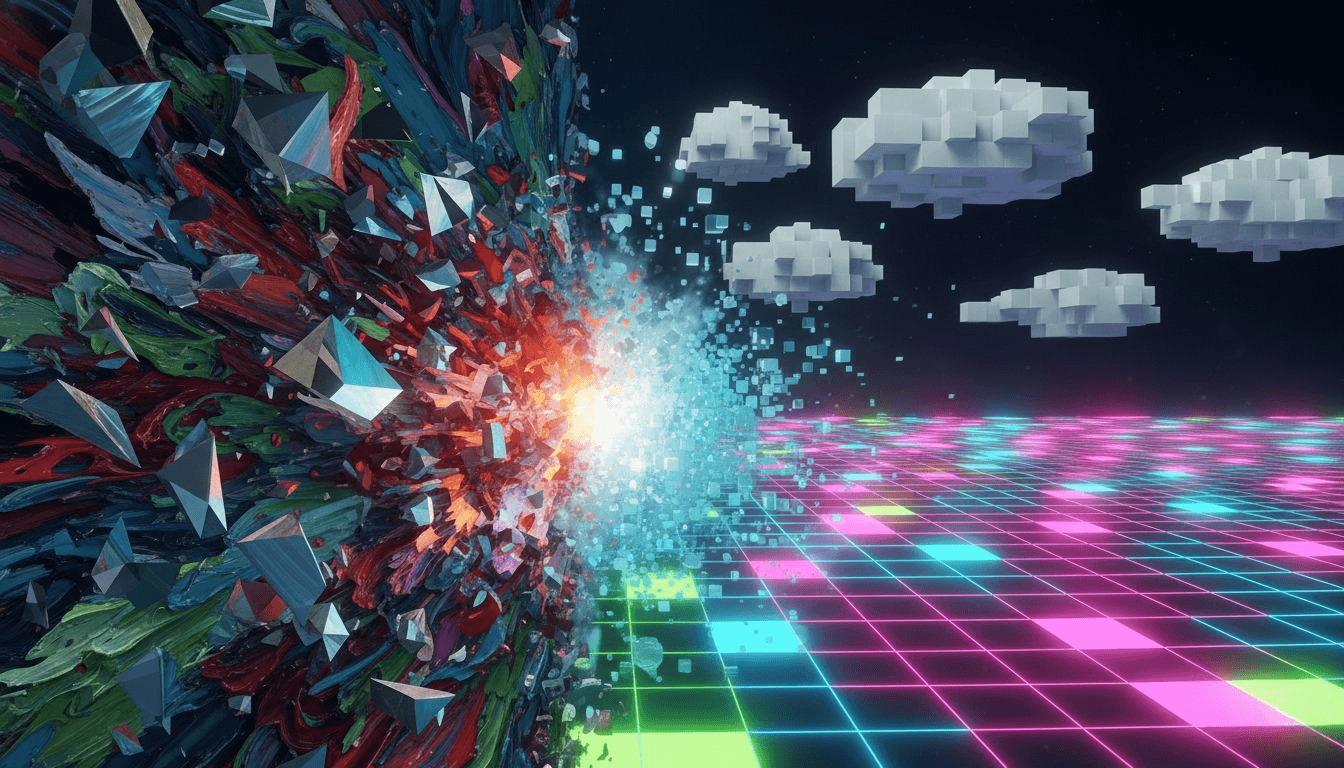
- Vaporwave: Pastel color palettes, classical sculpture, palm trees, VHS glitch effects, and retro-futurism. Dreamy, nostalgic, and surreal.
- Synthwave: Similar to vaporwave but more energetic. Sunset gradients, sports cars, grid lines, and 1980s action movie aesthetics.
- Low Poly: Simplified geometric shapes with flat shading. Resembles early 3D video games and minimalist design.
- Pixel Art: Blocky, retro video game aesthetic with limited color palettes. Perfect for 8-bit and 16-bit nostalgia.
- 3D Render (Octane/Cycles): Photorealistic computer-generated imagery with perfect lighting, reflections, and material accuracy. Used in product visualization and animation.
- Isometric Illustration: Technical drawing style with 30-degree angles and no perspective distortion. Popular for infographics and game design.
Photographic and Film Styles
These styles mimic specific camera techniques, film stocks, and photographic genres.
- Kodak Portra 400: Warm, natural skin tones with soft contrast. The gold standard for portrait photography.
- Fujifilm Superia: Vibrant colors, slightly cooler tones, and fine grain. Great for street photography and everyday scenes.
- Polaroid SX-70: Vintage instant film look with color shifts, soft focus, and white borders.
- Black and White Film: High contrast, grain texture, and timeless aesthetic. Specify films like "Ilford HP5" or "Kodak Tri-X" for specific looks.
- Cinematic (ARRI Alexa): Film-grade color grading, shallow depth of field, and dramatic lighting. Looks like a movie still.
How to Combine Styles Effectively
The most interesting AI art often blends multiple styles. Here is how to do it without confusing the AI:
Structure your prompt like this:
[Subject] in the style of [Primary Style] with [Secondary Style] elements, [Photography/Film Reference]
Effective combinations:
- "A cyberpunk cityscape painted in Van Gogh's impasto style with neon lighting"
- "A portrait of a woman in Art Nouveau style with vaporwave color palette"
- "A forest landscape in Ukiyo-e woodblock style rendered as a 3D low poly model"
- "A cat sleeping on a windowsill, watercolor painting with Kodak Portra lighting"
Pro tip: Start with one strong style. Once you get consistent results, experiment with combinations. Too many conflicting styles in one prompt can create muddy, confused outputs.
Common Style Mistakes to Avoid
- Being too vague: "Artistic" or "creative" do not communicate specific visual direction. Use concrete style names.
- Overloading the prompt: Five different styles competing creates visual chaos. Stick to 1-2 primary styles max.
- Ignoring style compatibility: Baroque drama and minimalist Bauhaus do not blend well. Choose styles with complementary aesthetics.
- Forgetting lighting and mood: Style alone is not enough. Add lighting terms like "golden hour," "dramatic chiaroscuro," or "soft window light" for complete control.
Practical Workflow: From Generic to Stylish
Follow this process to consistently create styled AI art:
- Identify your subject: What do you want to create? (e.g., "mountain landscape")
- Choose your primary style: What artistic approach? (e.g., "Japanese ink wash painting")
- Add technical details: Lighting, composition, mood (e.g., "misty morning, minimalist composition")
- Write your prompt: "Mountain landscape in Japanese ink wash painting style, misty morning, minimalist composition, sumi-e brushwork"
- Generate and evaluate: Does the style come through clearly? Adjust if needed.
- Refine: Add secondary style elements or adjust lighting for better results.
Style Keywords That Actually Work
Tested terminology for reliable style activation:
- Painting: "impasto," "alla prima," "glazing," "palette knife," "watercolor wash"
- Drawing: "cross-hatching," "contour lines," "gestural drawing," "stippling"
- Printmaking: "woodcut," "linocut," "screen print," "etching"
- Digital: "cel shading," "vector art," "matte painting," "concept art"
The difference between generic AI art and memorable artwork is intention. Style keywords give your creations personality, context, and visual interest. Start with one style that resonates with you. Master it. Then expand your vocabulary. Your AI art will transform from forgettable to distinctive.
Ready to move beyond generic outputs? Start creating styled AI art today.