If you sell products online, you already know that photos make or break sales. But traditional product photography creates real barriers: coordinating schedules, shipping physical products to studios, waiting weeks for edits, and repeating the entire process whenever you need a new angle or setting. For small businesses and solo entrepreneurs, these hurdles often mean settling for mediocre phone photos or skipping product visuals altogether.
AI product photography removes those barriers completely. With Wanoza's Product Shot Generator, you can create studio-quality images in minutes without leaving your desk. Upload a simple product photo, describe the scene you want, and get professional results that integrate realistic lighting, shadows, and context—no studio required.
How AI Product Photography Actually Works
The process respects how real photography works while eliminating its logistical headaches:
- Upload your product photo
Start with a clean image of your product against a plain background. A smartphone photo on a white sheet works fine. The key is good lighting and focus—not professional equipment.
- Describe your desired scene
Write a prompt describing where you want the product placed and how you want it lit. Be specific about setting, mood, and styling elements.
- Let the AI handle integration
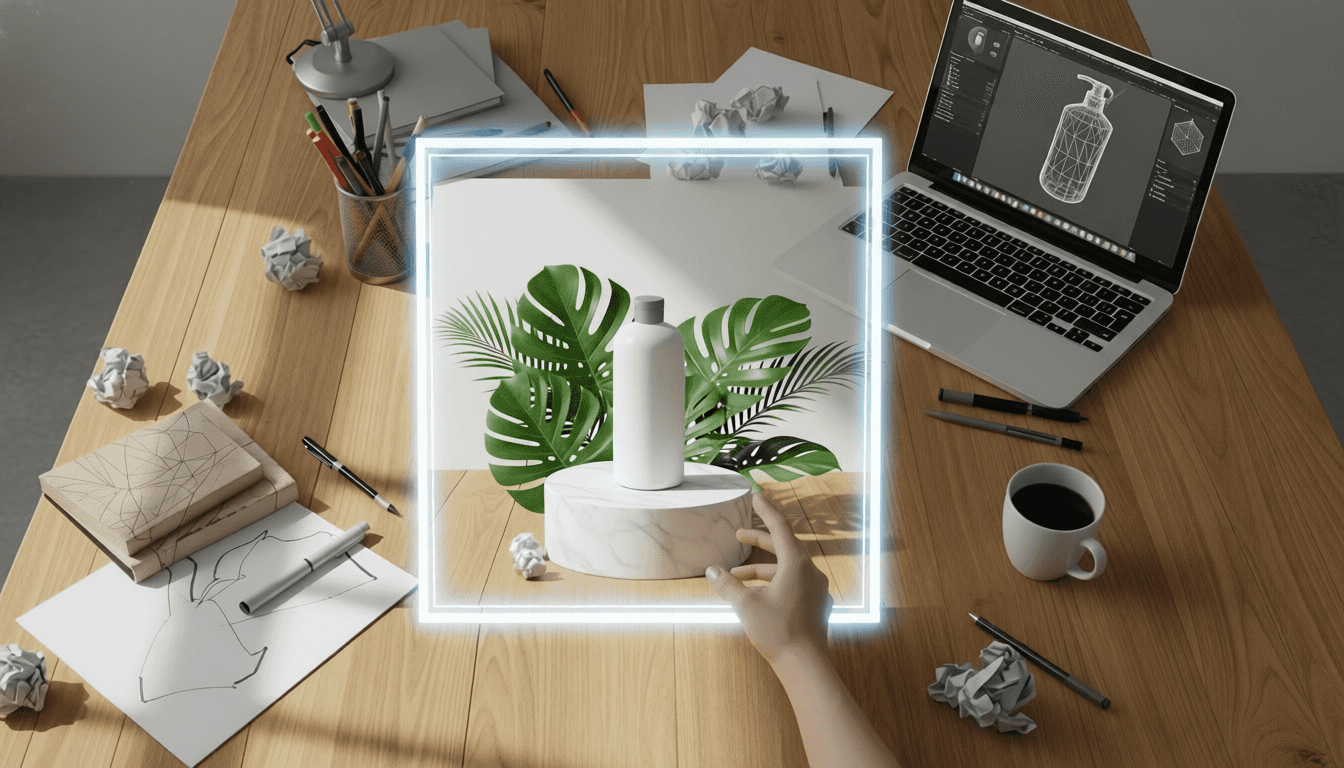
The AI analyzes your product's shape, material, and color, then intelligently places it into the described scene. It calculates realistic shadows, reflections, and perspective so the product looks like it belongs there—not pasted on top.
- Review and refine
Generate multiple variations if needed. Small adjustments to your prompt can produce noticeably better integration or mood.
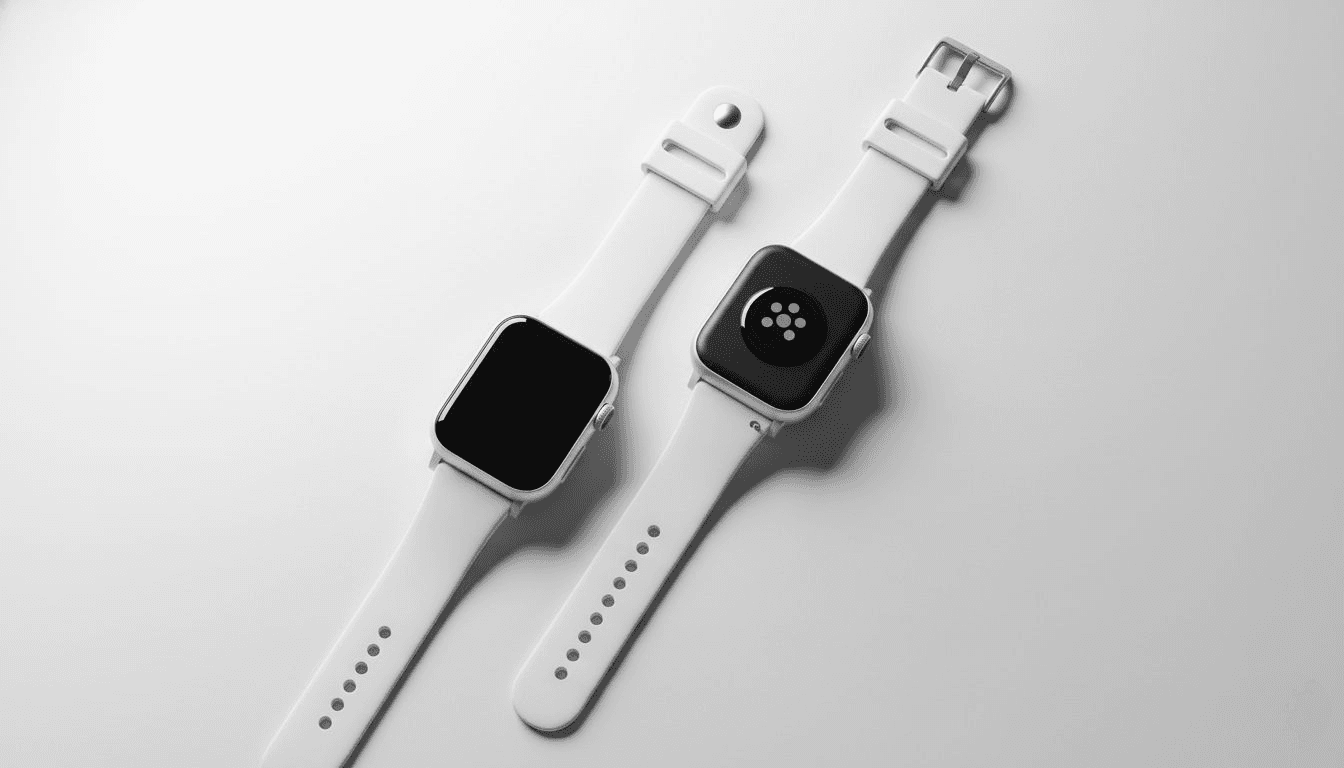
Step-by-Step: Creating Your First AI Product Shot
Step 1: Prepare your product image
Take a photo against a plain surface with even lighting. Natural window light works well. Ensure the product fills most of the frame and is in sharp focus. PNG format with transparent background gives best results, but a clean white background works too.
Step 2: Choose your scene type
Decide what story you want to tell:
- Studio shot: Clean background, professional lighting, product as hero
- Lifestyle shot: Product in use, showing context and emotional benefit
- Environmental shot: Product in a setting that reflects your brand values
- Detail shot: Close-up highlighting texture, craftsmanship, or unique features
Step 3: Write your scene prompt
Be specific about lighting and atmosphere. Examples that work consistently:
- "Minimalist studio shot, soft shadow beneath product, clean white background"
- "Ceramic mug on light oak table, morning sunlight from window left, steam rising gently"
- "Running shoes on forest trail at dawn, dew on laces, misty atmosphere"
- "Glass perfume bottle on dark marble surface, dramatic side lighting, luxury aesthetic"
Step 4: Generate and evaluate
Check that the product integrates naturally:
- Shadows fall in the direction of the described light source
- Reflections match the surface material (wood grain, marble, fabric)
- Perspective feels correct—no floating or awkward placement
- Product remains the clear focal point of the image
Real Advantages Beyond Cost Savings
Speed That Matches Business Reality
Traditional photoshoots move at calendar speed—you wait weeks for availability, shoot day, and editing turnaround. AI moves at business speed. Need product shots for a flash sale launching tomorrow? Generate them tonight. Adding a new product to your catalog? Create five lifestyle variations before lunch. This agility matters when opportunities are time-sensitive.
Creative Flexibility Without Re-shoots
With traditional photography, changing the setting means booking a new shoot. With AI, changing context takes seconds. Show your coffee mug on a rustic farmhouse table for your earthy brand line, then on a sleek marble surface for your premium collection—all from the same source photo. Test whether your skincare product looks more luxurious on velvet or more natural on linen. Iterate based on what actually resonates with customers, not what was cheapest to shoot.
"Prompt: 'Hand-thrown ceramic mug on weathered oak table, soft morning light from window, small succulent plant nearby, steam rising from mug, cozy minimalist aesthetic'"
Consistency Across Your Entire Catalog
Professional stores have visual cohesion—every product shot shares lighting style, mood, and composition language. Achieving this traditionally requires shooting everything in one session with the same photographer and lighting setup. With AI, you save your best prompts and apply them across your entire product line. Your candle, soap, and diffuser all share the same warm, spa-like atmosphere because they were generated with the same descriptive language—not because you coordinated a massive photoshoot.
Accessibility for Small Businesses
You don't need a production budget to look professional. Solo makers, small batch producers, and new brands can create visuals that compete with established players. This levels the playing field in a meaningful way: your product's quality matters more than your marketing budget.
Best Practices for Professional Results
- Start with the best source photo you can manage: Clean product, even lighting, minimal shadows on the background
- Be specific about light direction: "morning light from left window" creates more realistic shadows than just "good lighting"
- Limit props to 2-3 intentional items: A plant and coffee beans add context; ten random objects create visual chaos
- Match scene to product story: Hiking boots belong on trails, not marble countertops—unless you're making an intentional artistic statement
- Generate 3-5 variations: Small differences in AI interpretation can yield one noticeably stronger result
- Review at actual display size: Most shoppers view product images on phones—check that your product remains clear and compelling at small sizes
When Traditional Photography Still Wins
AI product photography excels for most e-commerce needs, but know its limits:
- Extreme material accuracy: If customers must see exact fabric weave or metal finish for purchase decisions, photograph the actual item
- Legal/compliance requirements: Some industries require photographs of the actual product being sold
- Hero campaigns for flagship products: Your best-selling item might still warrant a premium photoshoot for major campaigns
For everything else—catalog shots, lifestyle context, seasonal variations, A/B testing visuals—AI delivers professional results with unprecedented speed and flexibility.
Getting Started Today
You already have what you need to begin:
- A smartphone with a decent camera
- A plain surface and natural light from a window
- Ten minutes to generate your first professional product shot
The goal isn't to replace all photography. It's to remove the barriers that keep good products from being presented well. When visuals stop being a bottleneck, you can focus on what matters: creating products people love and telling their story effectively.
Ready to create your first professional product shot? Start with AI product photography today.