Text prompts are powerful for describing what something looks like, but they are terrible at describing where things should go. You can type "a building on the left and a tree on the right," but the AI often ignores your spatial instructions. This limitation makes creating specific compositions, character placements, or architectural layouts incredibly frustrating.
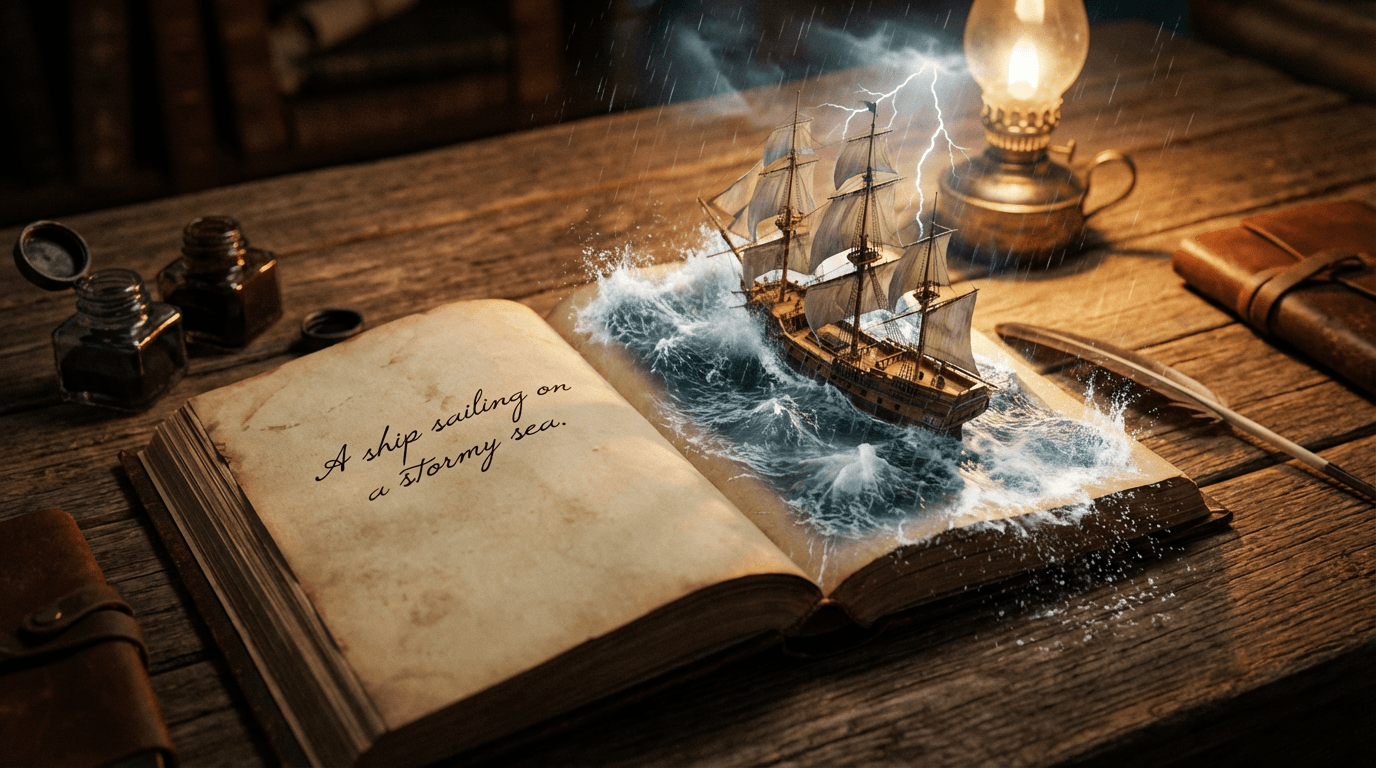
Image-to-Image (Img2Img) solves this problem completely. Instead of describing layout in words, you show it visually. Upload a sketch, photograph, or rough composition, and the AI uses it as a structural guide while applying your text prompt for style, details, and refinement. This gives you unprecedented control over composition without sacrificing AI's creative capabilities.
Why Text Prompts Fail at Layout Control
AI image generators interpret text prompts as collections of visual concepts, not precise spatial instructions. When you describe a scene, the AI prioritizes individual elements (building, tree, person) over their exact placement. This is why you might get:
- The right objects in the wrong positions
- Missing elements you specifically mentioned
- Unwanted elements appearing randomly
- Inconsistent perspective or scale
Image-to-Image bypasses this limitation by providing visual structure. The AI still interprets your text prompt for style and details, but it respects the underlying composition you provide.
How Image-to-Image Actually Works
The Image-to-Image process involves three key components:
1. Source Image: Your uploaded sketch, photo, or existing artwork. This provides the structural foundation, composition, and spatial relationships.
2. Text Prompt: Your description of style, details, lighting, and mood. This tells the AI how to transform the source image.
3. Strength/Denoising Parameter: A slider (usually 0.0 to 1.0) that controls how much the AI changes the source image:
- Low (0.1-0.3): Minimal changes. Preserves original structure, adds subtle refinements
- Medium (0.4-0.6): Balanced transformation. Keeps composition but significantly alters style and details
- High (0.7-0.9): Major reinterpretation. Uses source as inspiration, creates new interpretation
- Maximum (1.0): Ignores source completely. Functions like standard text-to-image
Try this workflow in Wanoza's Image Generator tool to see the difference firsthand.
Practical Use Cases for Image-to-Image
1. The Napkin Sketch Method
Draw a quick composition on paper or digitally. Simple shapes and lines are enough. Upload a photo of your sketch and let the AI transform it into a finished piece.
Workflow:
- Sketch basic shapes: rectangles for buildings, circles for trees, stick figures for people
- Take a clear photo or scan of your sketch
- Upload to Image-to-Image tool
- Prompt: "Modern glass skyscraper, photorealistic, sunset lighting"
- Set strength to 0.5-0.7 for significant transformation
- Generate and refine
Result: Your exact composition with professional rendering and details you could not have drawn manually.
2. Style Transfer and Transformation
Take an existing photograph or artwork and transform it into a completely different style while preserving the underlying composition and subject.
Examples:
- Selfie to oil painting portrait
- Product photo to 3D render
- Architecture photo to watercolor illustration
- Portrait to marble statue or bronze sculpture
Pro tip: Use lower strength (0.3-0.5) when you want to preserve facial features or specific details from the original image.
3. Iterative Refinement
Instead of starting from scratch each time, use your best result as the source for the next iteration. This allows gradual improvement and experimentation.
Example workflow:
- Generate initial image from text prompt
- Upload that image back into Image-to-Image
- Adjust prompt: "same composition, better lighting, sharper details"
- Set strength to 0.4-0.6
- Generate improved version
- Repeat until satisfied
4. Time of Day and Weather Changes
Transform existing scenes by changing environmental conditions without losing composition.
- Day to night: "same scene, nighttime, city lights, starry sky"
- Sunny to rainy: "same composition, rain, wet surfaces, overcast sky"
- Summer to winter: "same landscape, snow covered, frozen lake, winter atmosphere"
This is dramatically faster than regenerating from scratch and ensures consistency across a series.
5. Character and Object Repositioning
When you need a character in an exact position or pose, sketch it first. The AI will respect your placement while adding realistic details and proper anatomy.
Use cases:
- Comic book panels with specific character positioning
- Product mockups with items in exact locations
- Architectural visualizations with furniture placement
- Social media graphics with text and image positioning
"The strength slider is your most important control. Start at 0.5 as a baseline. If the result looks too similar to your source, increase strength. If it loses your intended composition, decrease strength. Small adjustments (0.1 increments) make big differences."
Step-by-Step: Complete Image-to-Image Workflow
- Prepare your source image
Use high contrast sketches, clean line art, or well-composed photographs. Avoid blurry or low-resolution images. Minimum 512x512 pixels recommended.
- Upload to Image-to-Image tool
Find the image upload option in your AI generation interface. Some tools call this "img2img," "sketch to image," or "reference image."
- Write your transformation prompt
Focus on style, details, and mood. Do not re-describe the composition unless you want to change it. Example: "Cyberpunk cityscape, neon lighting, rain-slicked streets, cinematic"
- Set the strength parameter
Start with 0.5 for balanced results. Adjust based on your needs:
- 0.2-0.4: Subtle refinement, preserves most original details
- 0.5-0.7: Significant transformation, keeps composition
- 0.8-0.9: Creative reinterpretation, only inspiration remains
- Generate multiple variations
Create 3-5 versions at your chosen strength. AI has slight randomness even with the same settings.
- Review and select
Check that composition is preserved while style transformation is effective. Look for artifacts or unintended changes.
- Iterate if needed
Upload your best result and refine further with adjusted prompts or strength settings.
Common Mistakes to Avoid
- Using blurry or low-contrast source images: The AI needs clear structural information to work with
- Setting strength too high on first attempt: Start moderate (0.5) and adjust based on results
- Over-describing the composition in your prompt: Let the image provide layout; use text for style and details
- Expecting perfect preservation of fine details: Some details will change, especially at higher strength settings
- Skipping the iteration step: Rarely is the first result perfect. Use it as a foundation for improvement
Pro Tips for Better Results
- Use grayscale sketches for style transfer: Color in your source can influence the AI. Grayscale gives your prompt more control over final colors.
- Draw with high contrast: Black lines on white paper scan better than light pencil sketches.
- Keep sketches simple: Focus on major shapes and composition. The AI will add details.
- Save your source images: Build a library of proven compositions for future projects.
- Combine with negative prompts: Use negative prompts to exclude unwanted elements that keep appearing.
- Experiment with strength increments: Try 0.4, 0.5, 0.6 on the same source to see how strength affects output.
Real-World Example: From Sketch to Final Art
Project: Book cover illustration
Step 1: Author draws rough composition on paper showing character placement, horizon line, and key elements
Step 2: Scan sketch at 300 DPI, upload to Image-to-Image
Step 3: Prompt: "Fantasy landscape, mystical forest, ethereal lighting, book cover illustration style"
Step 4: Set strength to 0.6, generate 5 variations
Step 5: Select best composition, upload again with refined prompt: "same composition, more dramatic lighting, richer colors"
Step 6: Final result matches author's vision exactly, with professional rendering impossible to achieve manually
Image-to-Image transforms AI from a random generator into a precision design tool. You provide the structure and vision. The AI provides the rendering skill and creative interpretation. This partnership gives you control that text prompts alone can never deliver.
Ready to move beyond hoping for the right composition? Start creating with Image-to-Image today.