Think of your prompt like an order at a busy coffee shop. If you ask for "coffee," you get whatever is in the pot. If you want a "large oat milk latte with extra foam," you have to say that. AI image generators work exactly the same way. Mastering this simple shift—from vague requests to precise descriptions—is the foundation of prompt engineering. And the best part? You don't need technical expertise. You just need to communicate clearly.
In today's AI landscape, tools like Midjourney, DALL-E 3, and Stable Diffusion have democratized image creation. But without clear prompts, you'll spend more time regenerating images than creating. This guide cuts through the noise. We'll give you actionable, field-tested techniques used by professional AI artists—translated into plain English. No jargon. No guesswork. Just results.
1. Be Specific (Without Technical Myths)
Vague requests get vague results. The AI has no memory of your previous attempts and no intuition about your unstated preferences. Every detail must live in the prompt. Focus on concrete visual elements: subject, setting, colors, composition.
- Avoid: "A dog." (Too generic—breed? age? setting? action?)
- Effective: "Photorealistic Golden Retriever puppy sitting in a sunlit lavender field at golden hour, shallow depth of field, looking curiously at the camera"
💡 Note: Resolution terms like "8K" or "4K" don't affect output quality in most consumer AI tools. These models generate at fixed resolutions. Instead, use descriptive terms like "highly detailed," "sharp focus," or "intricate textures" to influence perceived quality.
Pro Tip: Order matters. Place the most important elements first. Many models weigh earlier words more heavily. Start with the core subject, then setting, then style modifiers.
2. Define Style Explicitly
AI models are trained on millions of images across art history. If you don't specify a style, the AI defaults to its most common interpretation—which often looks generic. Naming a style anchors the output.
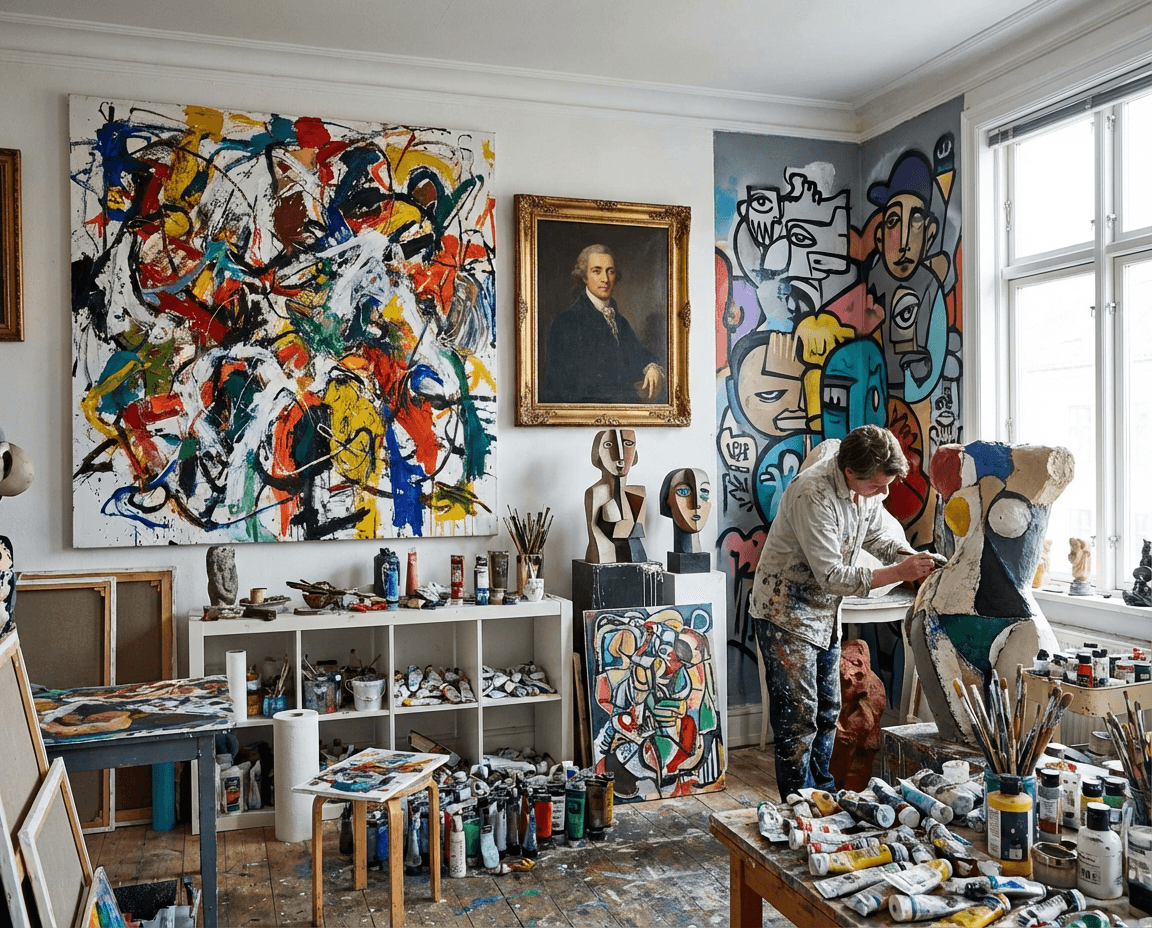
Effective style triggers (verified across major platforms):
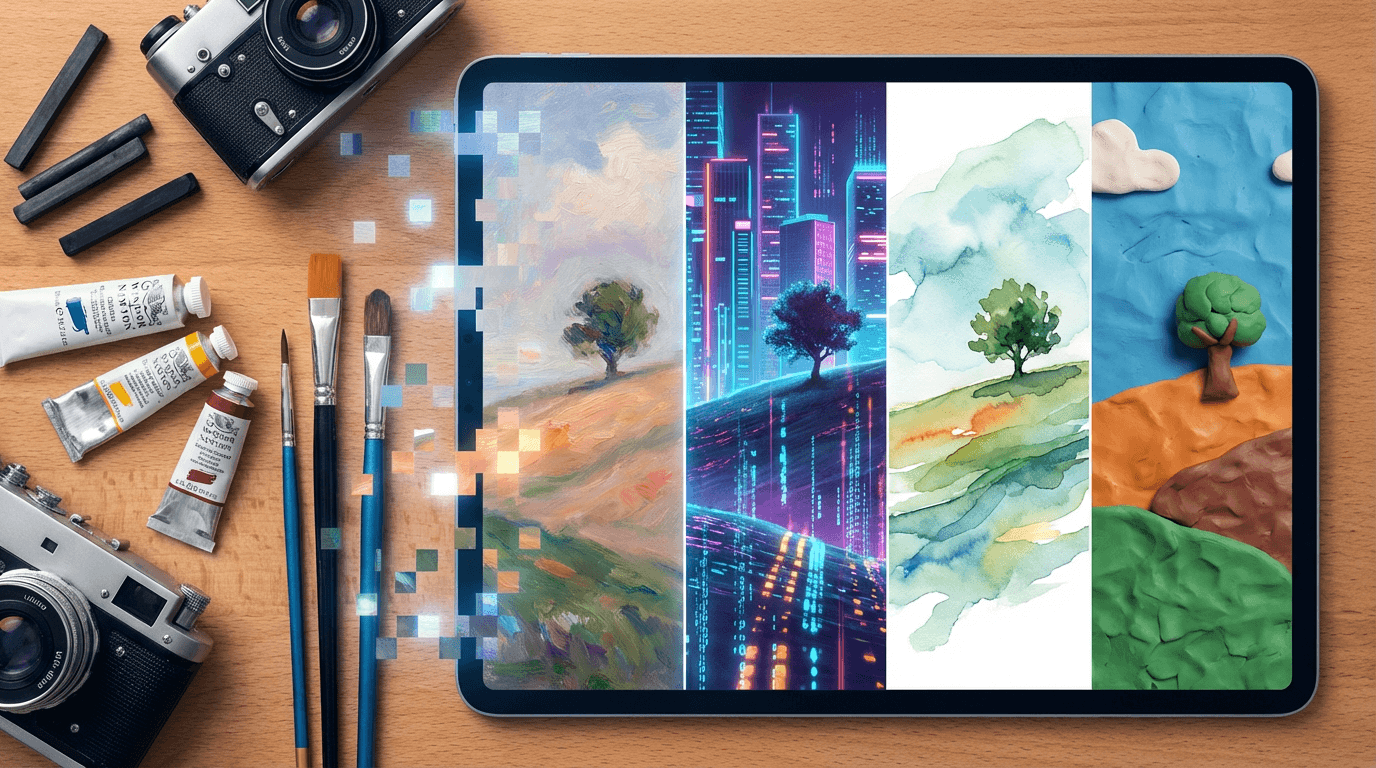
- Art Movements: "Studio Ghibli," "Van Gogh impasto," "Bauhaus," "Ukiyo-e woodblock print"
- Mediums: "Matte painting," "linocut print," "Kodak Portra film photograph," "claymation"
- Artist References (use cautiously): "in the style of Hayao Miyazaki" (Note: Some platforms restrict living artist names—check your tool's policy)
Combine styles for unique results: "Watercolor illustration with ink cross-hatching" or "Cyberpunk cityscape rendered as a stained glass window."
3. Use Photographer Vocabulary
Camera terminology creates consistent visual language because these terms are well-represented in training data. They control perspective, focus, and texture.
"Terms like macro shot (extreme close-up), drone perspective (top-down aerial view), or bokeh background (soft blurred background) reliably influence composition and focus across Midjourney, DALL-E 3, and Stable Diffusion."
Essential photography terms to try:
- Lens Types: "wide-angle lens," "telephoto lens," "fisheye"
- Lighting Setups: "Rembrandt lighting," "rim light," "softbox illumination"
- Film References: "shot on 35mm film," "Polaroid SX-70," "grainy 16mm"
These terms work because they describe visual outcomes—not technical specs the AI can't execute.
4. Control Mood Through Lighting and Atmosphere
Lighting is the fastest way to set emotional tone. A single subject can feel joyful, mysterious, or ominous based solely on light description.
- Warm & Inviting: "golden hour sunlight," "candlelit," "soft window light"
- Dramatic & Moody: "chiaroscuro," "neon-noir," "stormy twilight"
- Ethereal & Dreamy: "volumetric fog," "dappled light through leaves," "bioluminescent glow"
Combine lighting with weather or time of day: "misty dawn," "rain-slicked streets at night," "dust motes in sunbeams." These compound descriptors create rich atmospheres.
5. Iterate and Refine: Your Secret Weapon
Prompt engineering is rarely "one and done." Treat your first result as a draft. Compare it to your vision:
- Too dark? Add "brightly lit" or specify light source: "sunlit from upper left"
- Wrong composition? Adjust perspective: "eye-level view" vs. "bird's-eye view"
- Missing details? Add specificity: "wearing a red scarf" or "with intricate floral patterns"
Most tools let you regenerate with variations. Keep a log of prompts that worked—this builds your personal prompt library. Small tweaks (changing "sunset" to "blue hour") yield dramatically different results.
6. Common Mistakes to Avoid
Even experienced users fall into these traps. Stay clear of:
- Neglecting negative prompts: If your tool supports it (like Stable Diffusion), use negative prompts: "avoid blurry faces, distorted hands." This explicitly removes unwanted elements.
- Overloading the prompt: Extremely long prompts can dilute focus. Prioritize 3-5 key elements. Add details only if initial results miss them.
- Ignoring aspect ratio: Specify "--ar 16:9" (Midjourney) or "widescreen" if composition matters. Default squares may crop critical elements.
- Assuming universal understanding: Test ambiguous terms. "Vintage" might mean 1920s to one model and 1970s to another. Be era-specific: "1950s diner aesthetic."
Mastery comes through practice, not perfection. These techniques work across leading platforms because they speak the AI's visual language. Ready to create with confidence? Start generating for free today—no credit card required. Your perfect image is one precise prompt away.