You captured the perfect moment—but the background is cluttered, the lighting is flat, or the resolution won't print well. You shouldn't need a Photoshop certification to fix it. Inside Wanoza's AI Photo Editing Suite, six specialized capabilities handle complex edits automatically. No layers. No masks. Just results.
1. Remove Background: Instant Subject Isolation
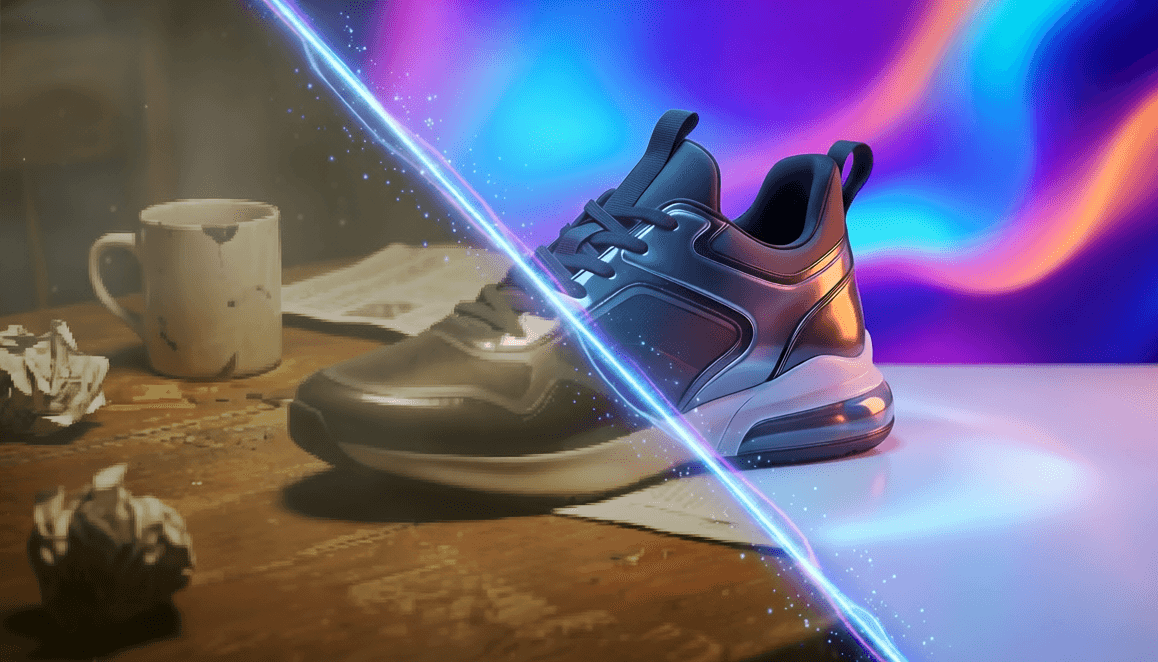
Background removal separates your subject from its surroundings with precision that rivals hours of manual masking. Our AI analyzes every pixel to distinguish foreground from background—even in challenging scenarios:
- Fine hair and fur: Strands are preserved without jagged edges or halos
- Transparent objects: Glass, water droplets, and sheer fabrics retain natural refraction
- Complex edges: Subjects against similarly colored backgrounds are cleanly extracted
Unlike traditional selection tools that require feathering, refining edges, and manual cleanup, our one-click remover delivers production-ready cutouts instantly. E-commerce sellers use it for product catalogs; creators use it for social media assets; photographers use it to prep portraits for compositing—all without touching a pen tool.

2. Replace Background: New Scenes in Seconds
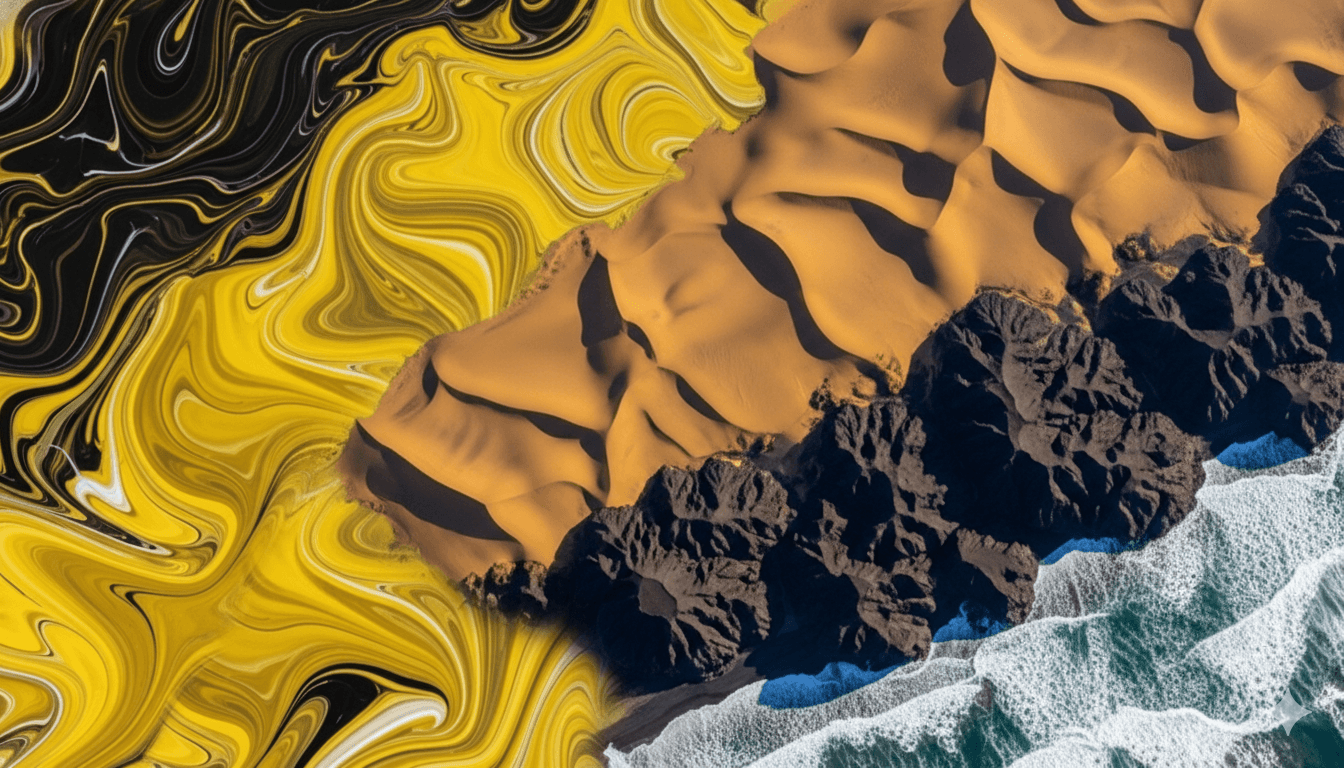
Want to place your subject in a studio setting, on a tropical beach, or against a branded backdrop? Our Replace Background tool removes the original background and seamlessly composites your subject onto any new image you provide.
The AI intelligently matches lighting direction, shadow placement, and color temperature between your subject and the new background. The result looks like it was shot in the new location—not pasted in. Perfect for:
- Product photography without expensive studio setups
- Professional headshots with consistent branded backgrounds
- Creative composites for social media and marketing
3. Blur Background: Instant Depth of Field
Blur Background simulates the shallow depth-of-field effect of professional portrait lenses. Select your subject, and our AI applies natural-looking bokeh to everything behind them—emphasizing focus exactly where you want it.
Adjustable intensity lets you control how much blur is applied, from subtle background softening to dramatic subject isolation. This tool is ideal for:
- Enhancing smartphone portraits that lack optical bokeh
- Directing viewer attention in product or food photography
- Creating professional-looking headshots from casual snapshots
4. Erase Elements: Remove Anything, Seamlessly
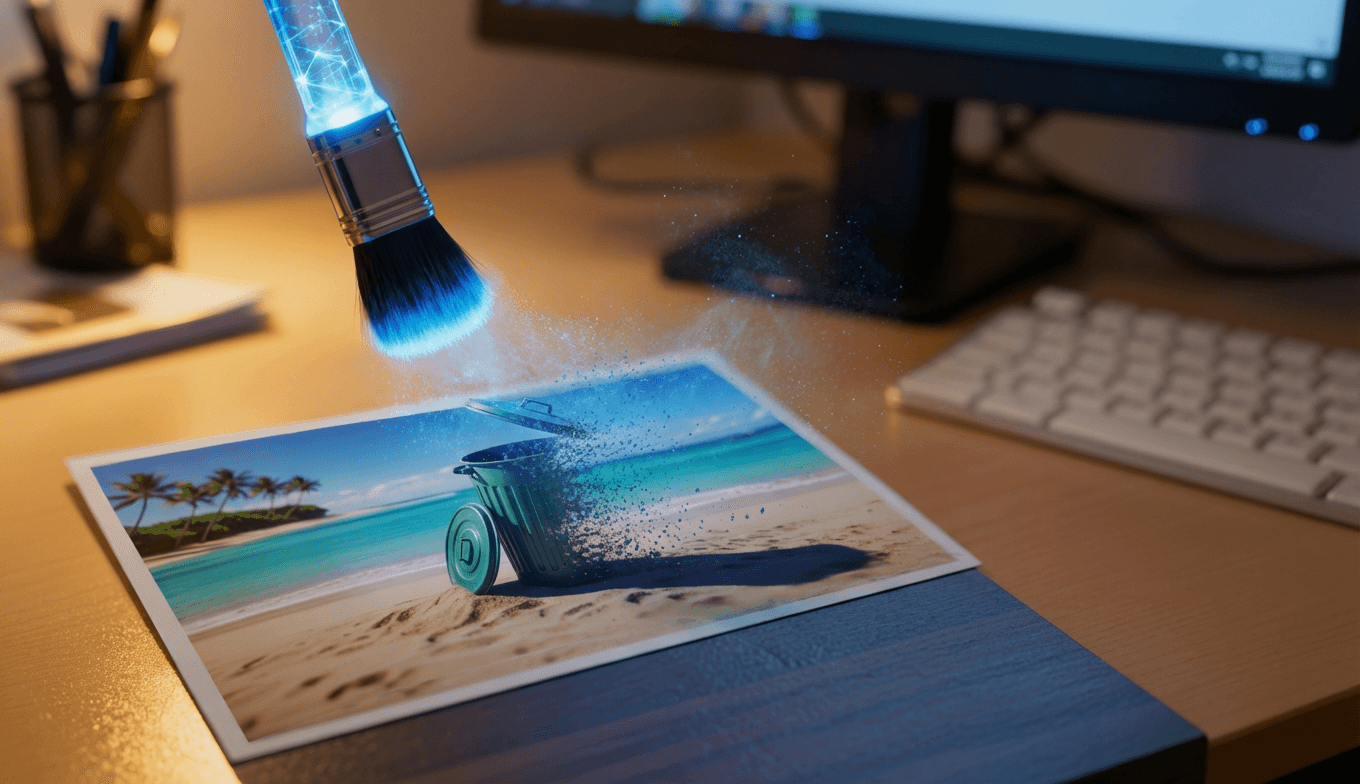
Someone walked into your shot? Power lines crisscross your landscape? The Erase Elements tool doesn't just delete pixels—it intelligently reconstructs what belongs behind the removed object.
Traditional tools like Photoshop's clone stamp force you to manually sample nearby areas and paint over imperfections. Our AI goes further: it analyzes texture, lighting direction, perspective, and color gradients across the entire image to generate contextually accurate fills. Remove a photobomber from a group photo, eliminate a trash can from a street scene, or clean up sensor dust—all with a brush stroke and a click.
The result? Edits that look like they were never there—no repeating patterns, no mismatched shadows, no telltale cloning artifacts.
5. Increase Resolution: Enlarge Without Blurriness
Upscaling with traditional software stretches pixels, creating soft, blurry enlargements. AI upscaling works differently: it recognizes patterns in your image (brick textures, fabric weaves, skin pores) and reconstructs detail at higher resolutions.
Our upscaler analyzes millions of image pairs during training to understand how fine details should appear at different scales. When you enlarge a 500px image to 2000px, the AI doesn't just interpolate—it generates plausible high-frequency detail that matches the original content. Textures stay crisp. Edges remain sharp. Noise doesn't amplify.
Ideal for:
- Printing small screenshots or social media images at poster size
- Restoring old digital photos captured at low resolution
- Preparing AI-generated images (often output at modest sizes) for large-format use
Supports significant enlargement while preserving natural appearance—no plastic-looking "over-sharpened" artifacts.
6. Magic Edit: Transform Images with Text
Magic Edit lets you modify any part of an image using natural language prompts. Highlight an area and describe what you want to appear there. The AI generates contextually appropriate content that blends seamlessly with the original image.
Unlike basic content-aware fill that repeats nearby textures, our generative edit model understands scene geometry and lighting. Change a subject's outfit while preserving body shape and shadows. Swap a coffee cup for a wine glass with accurate reflections. Replace a bland wall with bookshelves that recede realistically into space.
This isn't just object replacement—it's intelligent scene editing that maintains visual coherence across the entire image. Use it to:
- Experiment with different product variations without reshoots
- Fix small imperfections (scratches, stains, blemishes)
- Transform environments for creative or marketing purposes
Why AI Editing Feels Different
Traditional editors put tools in your hands but leave decisions to you. AI editors understand intent. When you select an object to remove, the AI doesn't just delete pixels—it asks: "What should be here based on surrounding context?" When you upscale, it doesn't just stretch—it asks: "What details would naturally exist at this resolution?"
This shift—from manual execution to guided intention—frees you to focus on creative choices rather than technical execution. You describe what you want. The AI handles how to achieve it.
All-in-One Workflow
Unlike fragmented AI tool ecosystems where you need one subscription for generation (Midjourney), another for video (Runway), and a third for editing (Photoshop AI), Wanoza consolidates everything into a single platform. Generate images, edit them with our suite, create videos, or build consistent characters—all without switching apps or managing multiple accounts.
Ready to edit faster? Try the Wanoza Editing Suite for free—no credit card required. remove distractions, and transform images with professional quality, zero learning curve.