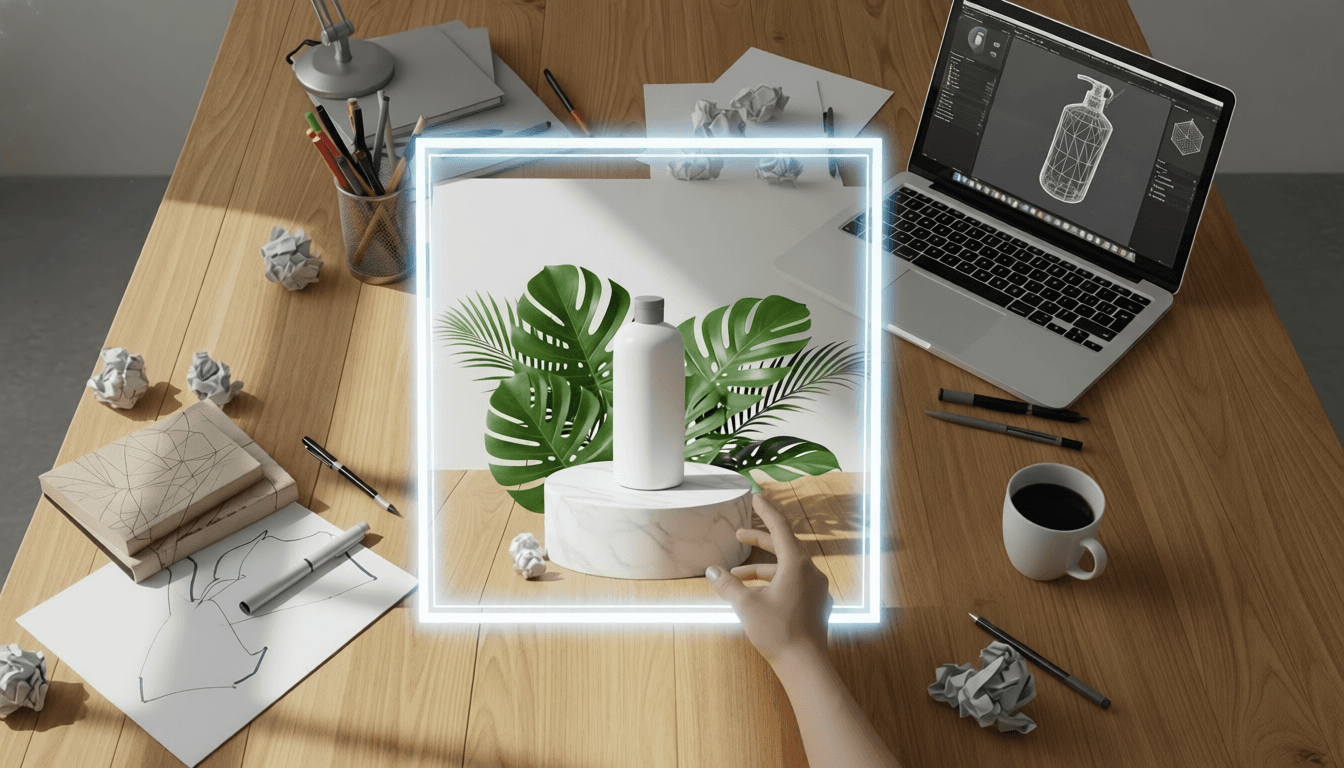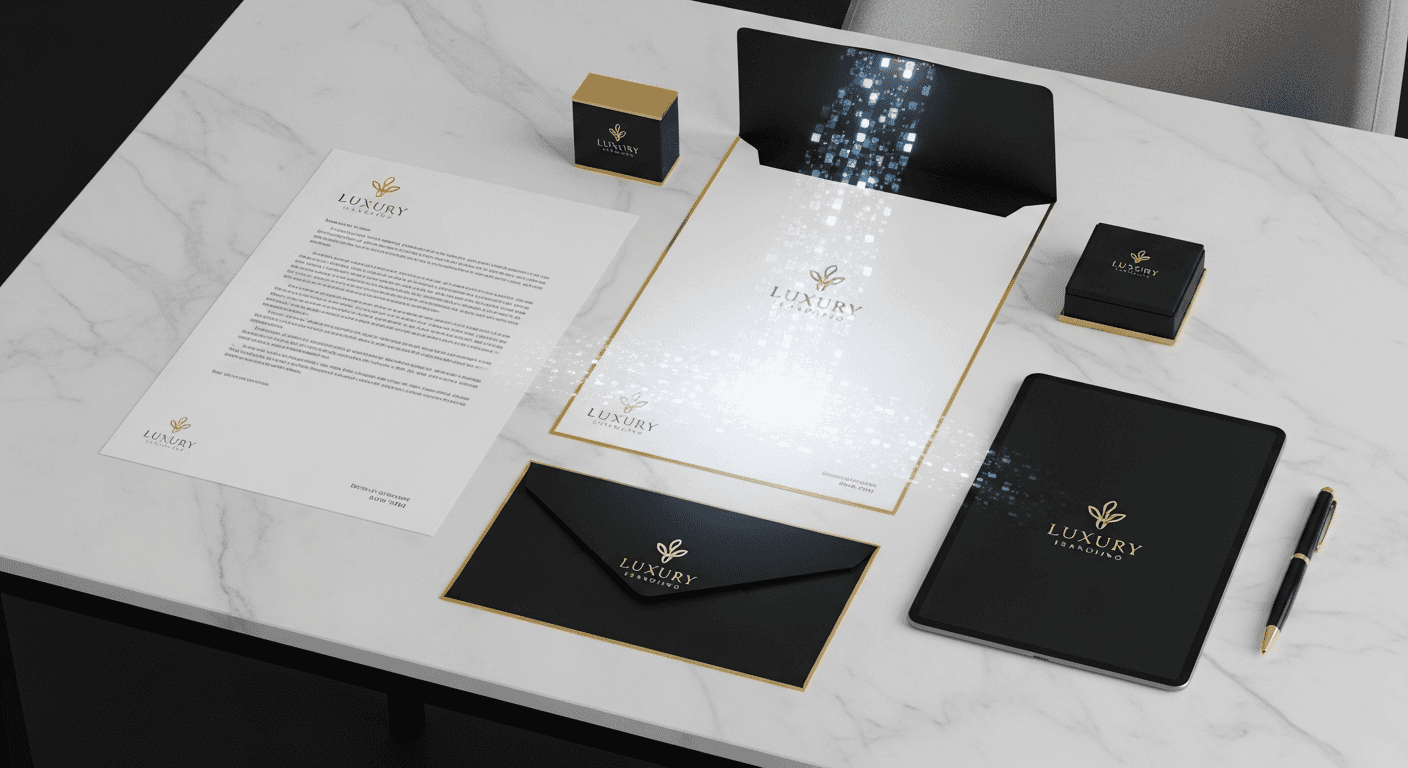
A cohesive brand builds trust and recognition. When your website, social media, marketing materials, and product packaging all share a consistent visual language, customers know exactly what to expect from your business. Inconsistent branding creates confusion and undermines credibility. Traditionally, maintaining visual consistency required expensive brand guidelines and dedicated design teams. AI changes this equation completely.
With strategic AI prompting, you can create a consistent visual identity across all touchpoints without hiring a design agency. This guide shows you how to develop and implement a "Style Prompt" system that ensures every AI-generated asset—from logos to social posts to website graphics—feels unmistakably like your brand.
Why Brand Consistency Matters
Visual consistency is not just about looking professional. It directly impacts business metrics:
- Brand recognition: Consistent visuals increase recognition by up to 80 percent
- Customer trust: Professional, cohesive branding builds credibility
- Marketing efficiency: Reusable templates and styles save time and money
- Competitive advantage: Strong visual identity differentiates you from competitors
- Customer loyalty: Familiar visual language creates emotional connection
AI makes achieving this consistency accessible to businesses of all sizes. You no longer need a $50,000 brand identity project to look professional. You need a clear style system and the right AI tools.
The Style Prompt System
Traditional brand guidelines are lengthy documents filled with rules about colors, fonts, spacing, and imagery. AI brand guidelines are simpler: they are a set of descriptive words you add to every prompt to ensure consistent output.
What is a Style Prompt?
A Style Prompt is a standardized set of descriptive terms that defines your brand's visual aesthetic. You append this prompt to every AI generation request, ensuring that all outputs share the same visual DNA regardless of the specific subject matter.
Components of an effective Style Prompt:
- Art style: "minimalist vector art," "hand-drawn illustration," "photorealistic"
- Color palette: "navy blue and coral," "earthy tones," "monochromatic"
- Composition style: "lots of white space," "centered layout," "asymmetrical"
- Typography approach: "clean sans-serif," "handwritten script," "bold display"
- Mood/atmosphere: "warm and inviting," "professional and serious," "playful and energetic"
"Example Style Prompt: minimalist vector art, flat design aesthetic, navy blue and coral color palette, generous white space, clean typography, professional and modern mood"
How to use your Style Prompt:
Every time you generate an image with AI, append your Style Prompt to the end of your descriptive prompt:
- Without Style Prompt: "A coffee mug on a table"
- With Style Prompt: "A coffee mug on a table, minimalist vector art, flat design aesthetic, navy blue and coral color palette, generous white space"
This simple addition ensures that your coffee mug image shares the same visual language as your logo, your social posts, and your website graphics.
Building Your Brand Asset Library
Once you have your Style Prompt defined, use it to create a comprehensive library of brand assets:
Logos and Icons
Use AI models like Ideogram to brainstorm logo concepts and icon designs that match your Style Prompt. Generate multiple variations, then refine your favorites with human design input.
Logo prompt example: "Minimalist logo mark for coffee brand, abstract coffee bean shape, navy blue and coral colors, flat design, scalable vector style"
Background Patterns and Textures
Create custom background patterns using your brand colors and style. These can be used for:
- Website backgrounds
- Slide deck templates
- Social media post backgrounds
- Zoom virtual backgrounds
- Print material backgrounds
Pattern prompt example: "Subtle geometric pattern, navy blue and coral colors, minimalist design, seamless repeat, flat vector style"
Social Media Templates
Generate template designs for different types of social content:
- Quote graphics
- Product announcements
- Behind-the-scenes content
- Educational content
- Promotional posts
Template prompt example: "Social media template for quote graphic, minimalist layout, navy blue accent bar left side, coral text area, generous white space, modern typography"
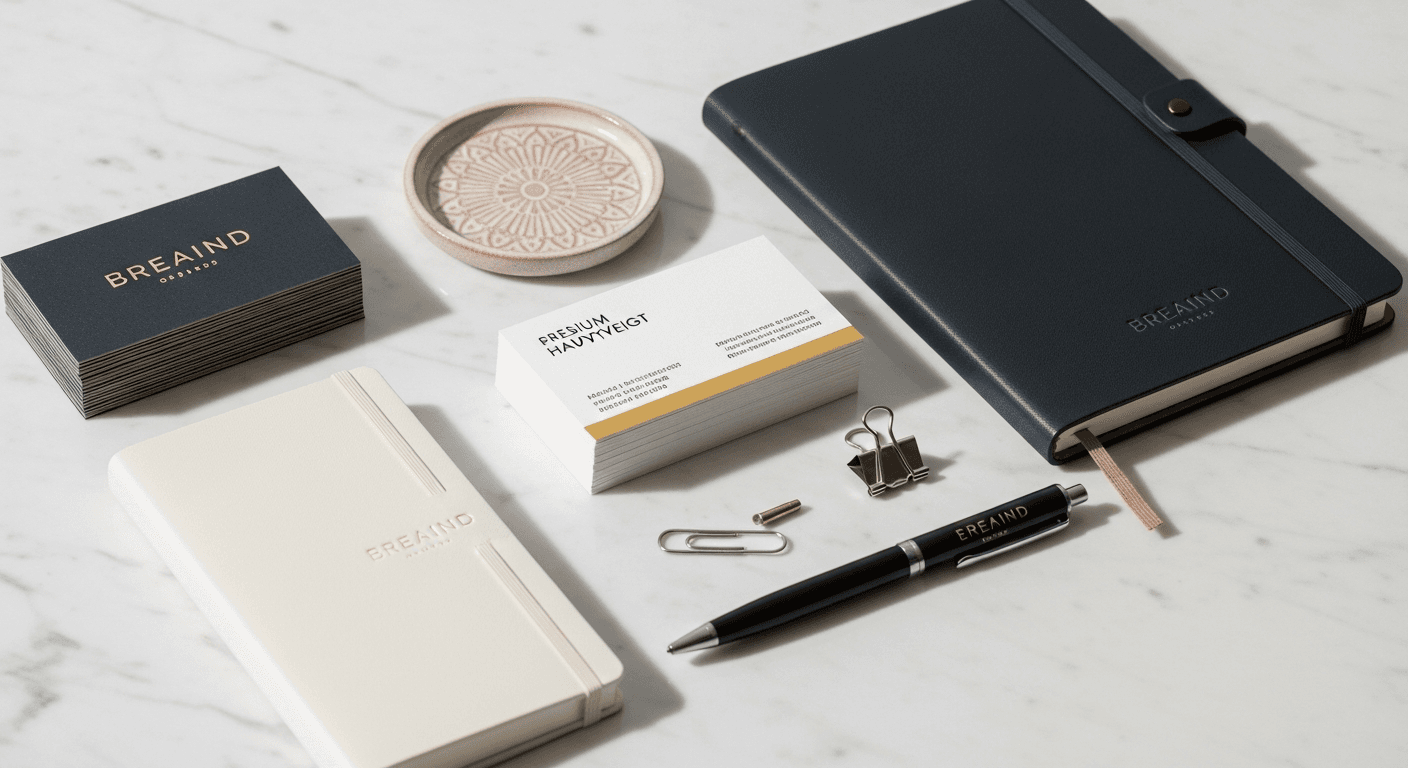
Photography Style References
Even when using actual photography, your Style Prompt can guide editing and filtering decisions. Create reference images that show your desired photography style:
- Lighting preferences (bright and airy vs. moody and dramatic)
- Color grading approach
- Composition style
- Subject treatment
Creating a Brand Mascot
People connect with faces. A consistent brand mascot or avatar builds recognition and creates an emotional connection with your audience. Use Wanoza's Photo Character tool to create a digital character that represents your brand.
Benefits of a brand mascot:
- Instant recognition: Your character becomes a visual shorthand for your brand
- Emotional connection: People relate to characters more than abstract logos
- Content flexibility: Place your mascot in different scenarios to tell stories
- Consistency across platforms: Same character appears everywhere
- Brand personality: Character embodies your brand values and tone
How to create and use your brand mascot:
- Define character traits: What personality does your mascot have? (friendly, professional, quirky, etc.)
- Generate character reference: Create a clear, neutral pose with good lighting
- Save character reference: Use this for consistent generation across all content
- Place in scenarios: Show your mascot working, celebrating, explaining concepts
- Use across platforms: Website, social media, email, presentations
Mascot usage examples:
- Website hero section: Mascot welcoming visitors
- Blog featured images: Mascot illustrating article topics
- Instagram carousels: Mascot explaining concepts across slides
- Email newsletters: Mascot introducing content sections
- Product tutorials: Mascot demonstrating features
Cleaning Up Your Social Media Feed
Instagram and other visual platforms reward cohesive feeds. When your grid looks like a curated collection rather than a random assortment of images, engagement increases and your brand appears more professional.
How to create a cohesive social media grid:
- Plan your grid layout: Decide on a posting pattern (all same style, alternating styles, etc.)
- Use consistent Style Prompt: Apply your brand style to every image
- Maintain color consistency: Stick to your brand palette across all posts
- Standardize composition: Use similar framing and layout approaches
- Preview before posting: Use grid planning tools to visualize your feed
Grid planning strategies:
- Uniform style: Every post uses identical visual treatment
- Color blocking: Group posts by color for visual impact
- Checkerboard: Alternate between two distinct but complementary styles
- Row themes: Each row of three posts shares a common theme
Developing Your Style Prompt: Step-by-Step
If you do not have a defined visual style yet, follow this process to create your Style Prompt:
- Collect inspiration: Save 20-30 images that resonate with your brand vision
- Identify patterns: What colors, styles, and moods appear consistently?
- Define your palette: Choose 2-3 primary colors and 1-2 accent colors
- Choose your art style: Minimalist, hand-drawn, photorealistic, etc.
- Determine composition approach: Centered, asymmetrical, grid-based, etc.
- Write your Style Prompt: Combine all elements into one concise statement
- Test and refine: Generate sample images, adjust prompt based on results
Example Style Prompt development:
- Inspiration: Clean tech websites, minimalist product photography, modern architecture
- Colors: Charcoal gray, electric blue, white
- Style: Minimalist, geometric, modern
- Composition: Asymmetrical, generous negative space
- Final Style Prompt: "Minimalist geometric design, charcoal gray and electric blue color palette, asymmetrical composition, generous negative space, modern and clean aesthetic"
Common Mistakes to Avoid
- Overcomplicating your Style Prompt: Keep it concise and focused on key elements
- Changing style frequently: Consistency requires commitment to one visual direction
- Ignoring platform differences: Adapt your style for each platform while maintaining core identity
- Forgetting human review: Always review AI outputs for quality and appropriateness
- Neglecting accessibility: Ensure your color choices work for colorblind users
Measuring Brand Consistency Success
Track these metrics to evaluate the effectiveness of your AI brand identity system:
- Brand recognition: Can customers identify your content without seeing your logo?
- Engagement rates: Are consistent visuals driving higher engagement?
- Professional perception: Do customers describe your brand as professional?
- Content creation efficiency: Are you creating assets faster with AI?
- Brand recall: Do customers remember your visual style after seeing it once?
Getting Started Today
You can begin building your AI-powered brand identity system right now:
- Define your Style Prompt: Follow the development process above
- Generate 5-10 sample assets: Test your prompt across different content types
- Refine based on results: Adjust your prompt for better consistency
- Build your asset library: Create templates and reusable elements
- Implement across platforms: Apply your style to all new content
Brand consistency is not about perfection. It is about creating a recognizable visual language that builds trust and connection with your audience. AI tools make this achievable for businesses of any size, without the traditional cost and complexity of professional brand identity development.
Ready to build a cohesive brand identity with AI? Start creating your brand asset library today.